Grub Wise
Designing the UI and system behind clear, confident compliance workflows
Compliance Wise | Amsterdam 2025
Context
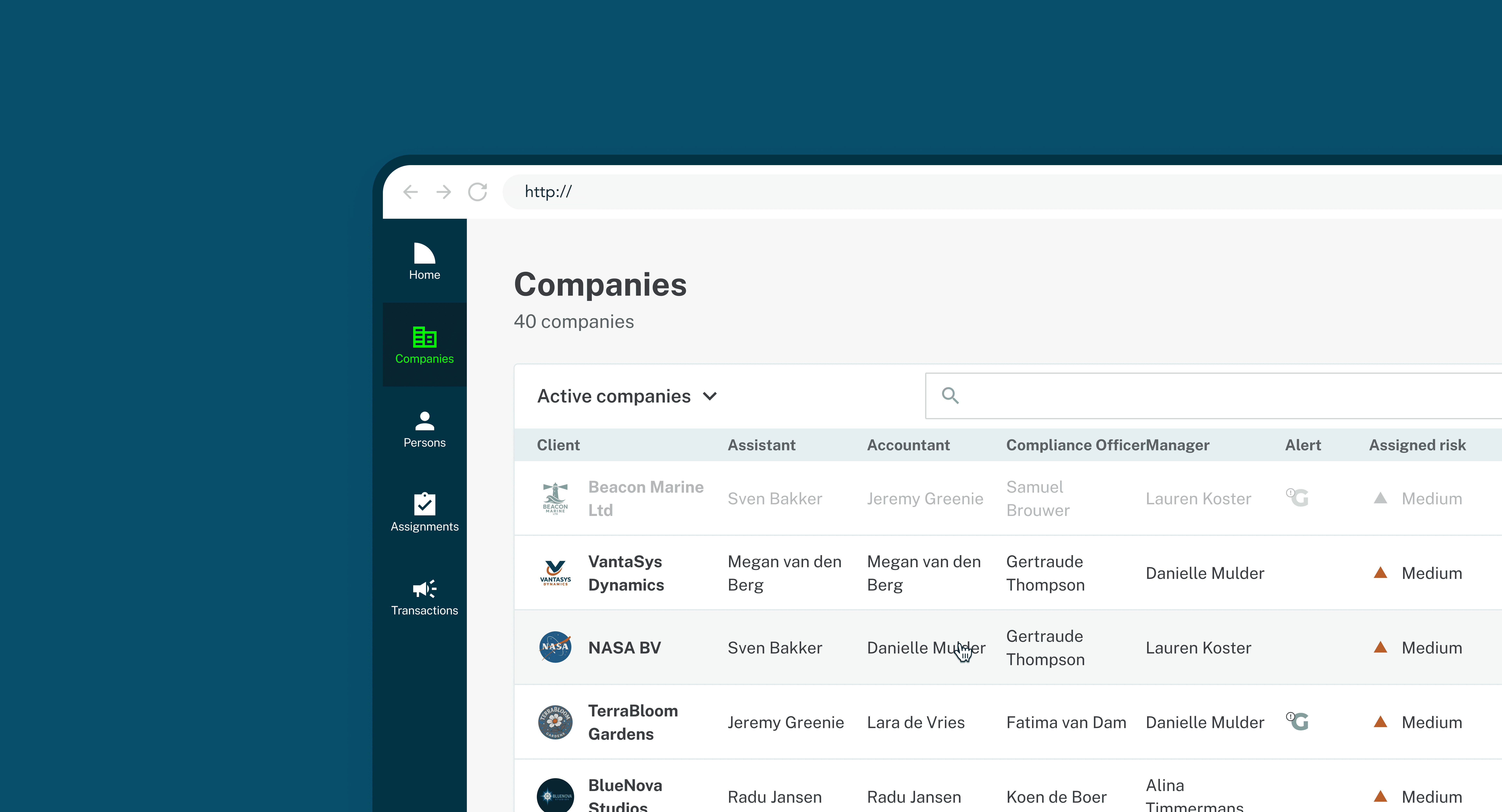
ComplianceWise is a Dutch compliance company building software for accountants and advisors. Their flagship product, Grub, helps teams manage complex regulatory workflows, with AI playing an increasing role in guiding and automating day to day tasks.
My role
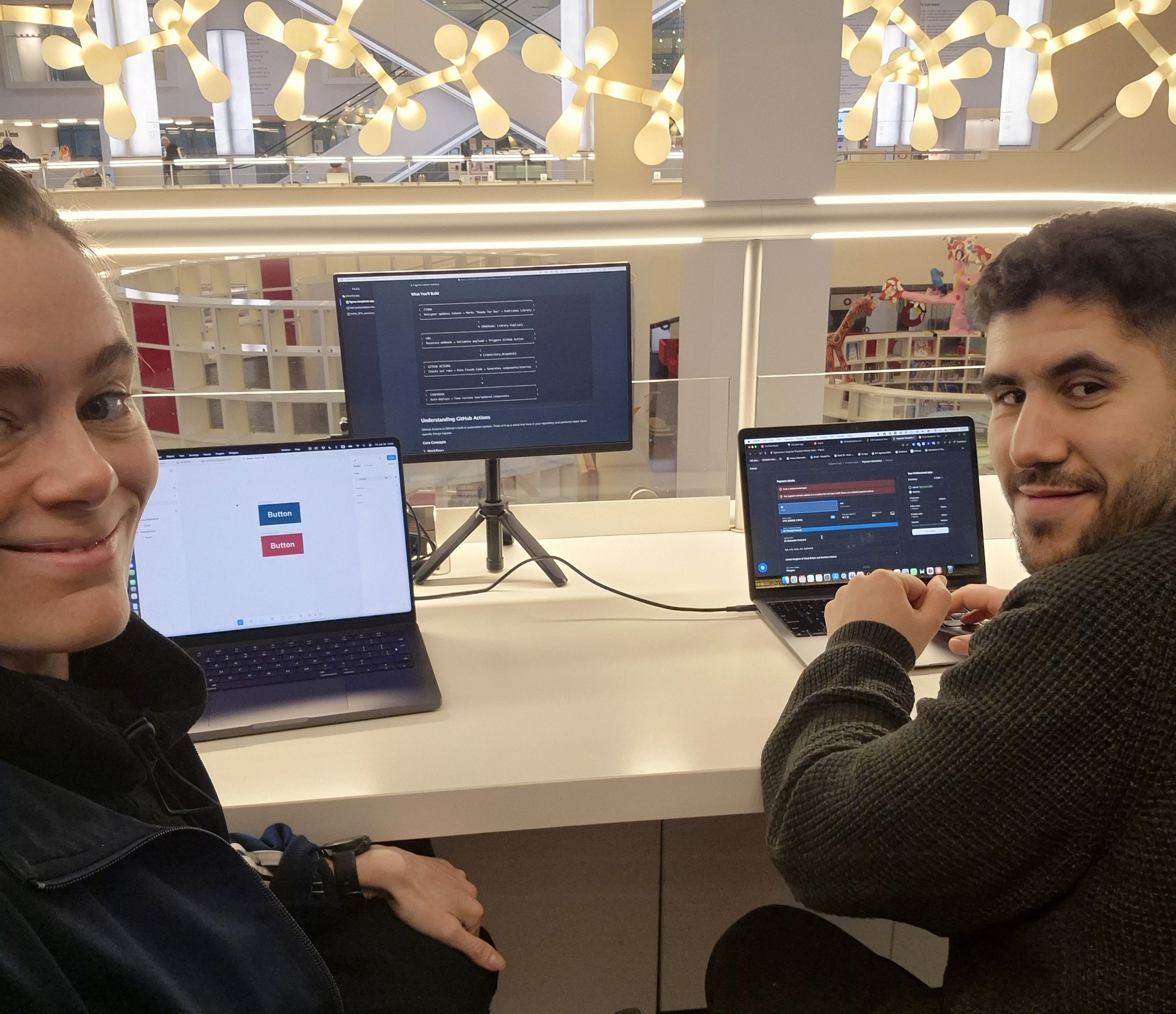
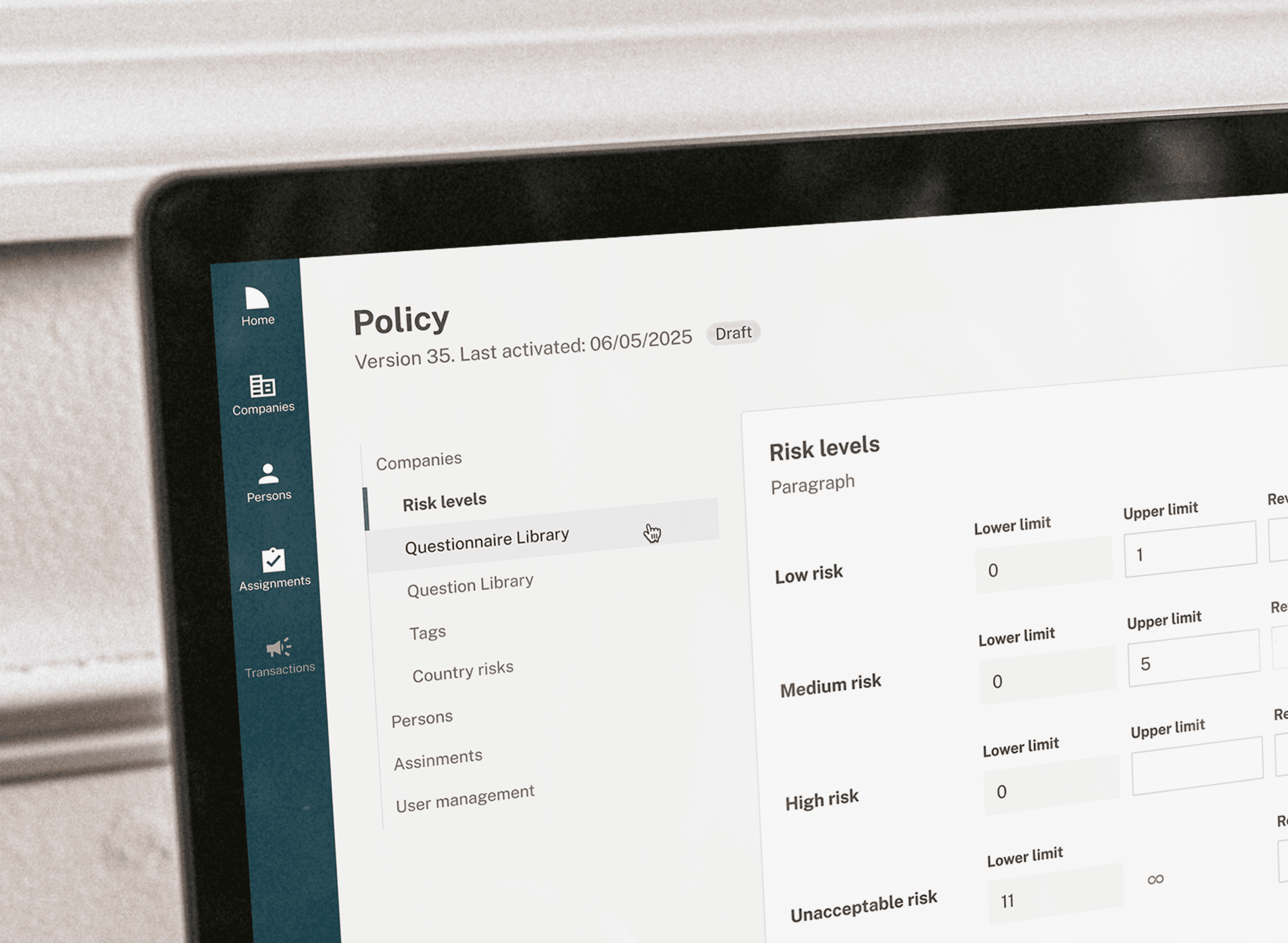
I joined as the first designer, working across feature design and improving the existing UI. Alongside hands on product work, I introduced a system that defined shared patterns and brought the brand into the product. The focus was on reducing ambiguity in feedback and states, and making complex compliance tasks easier to follow.
Starting off
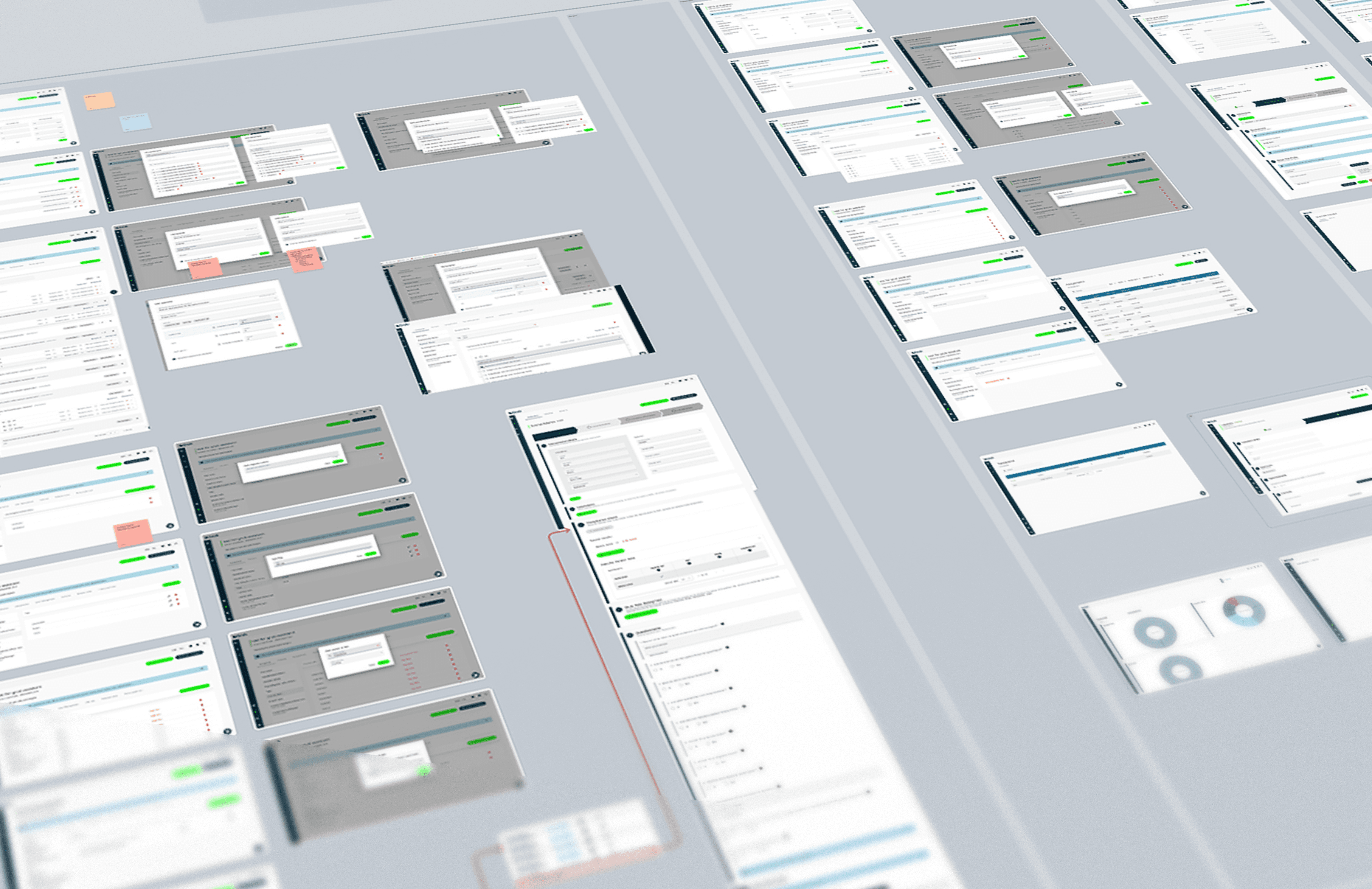
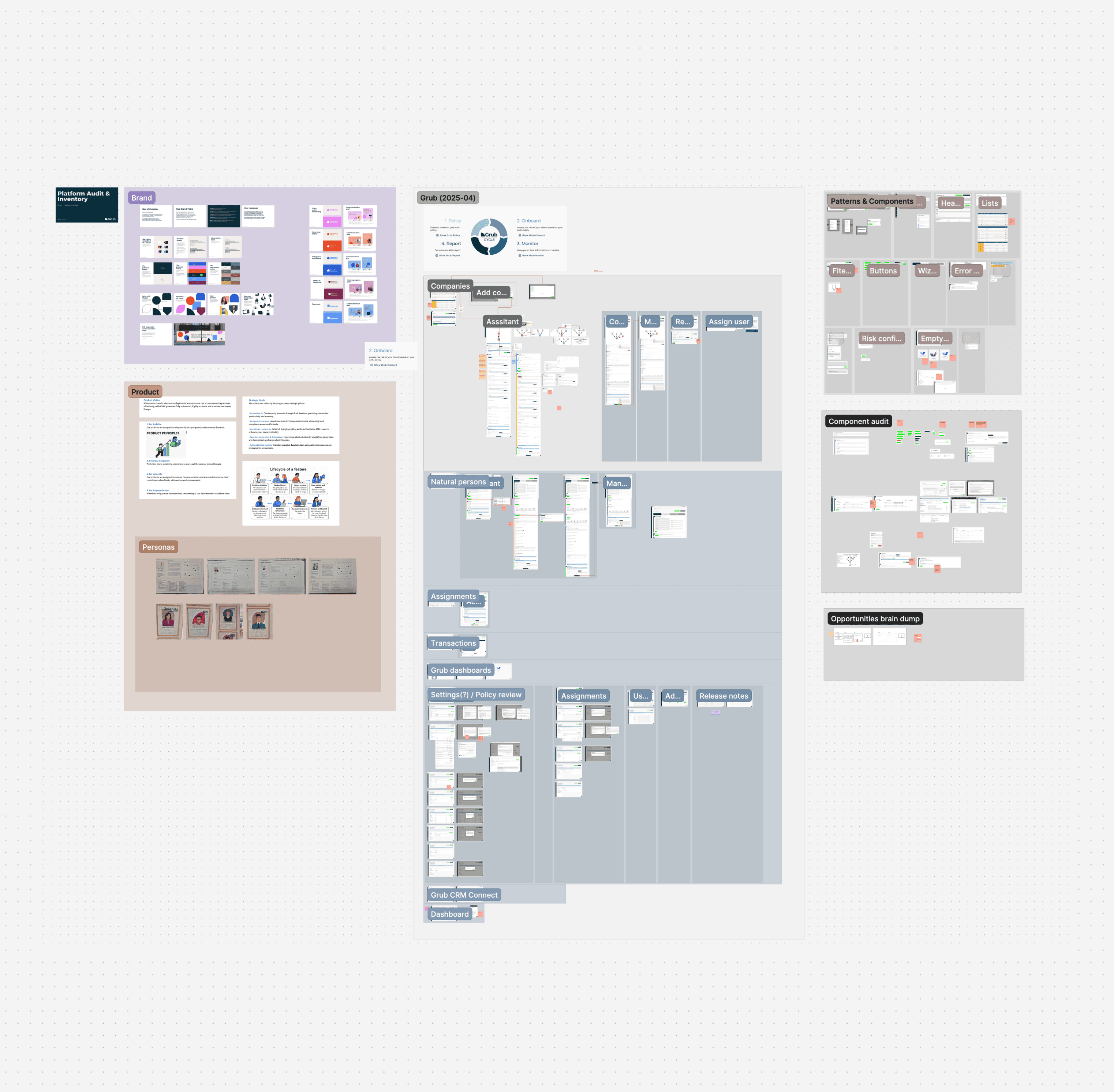
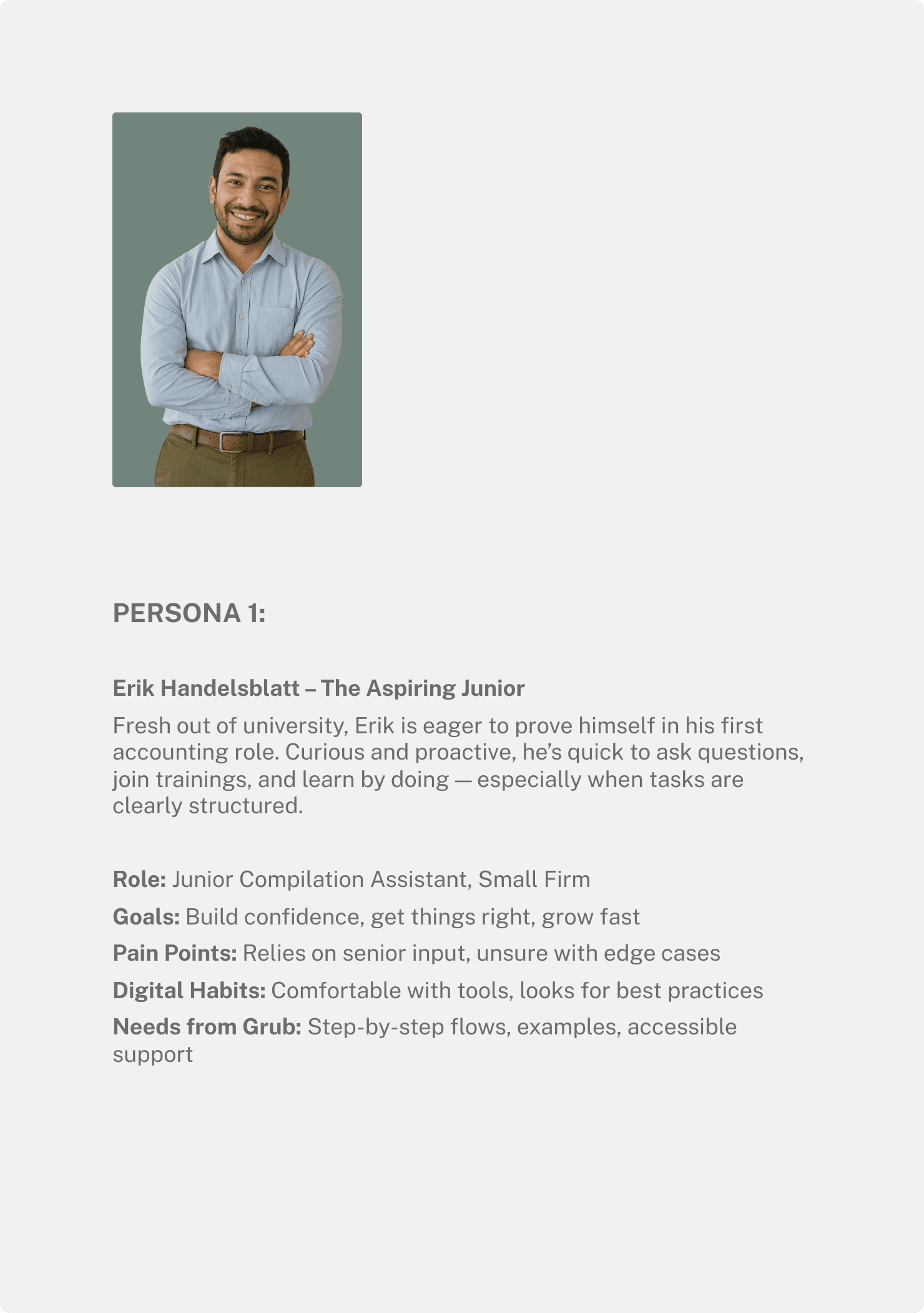
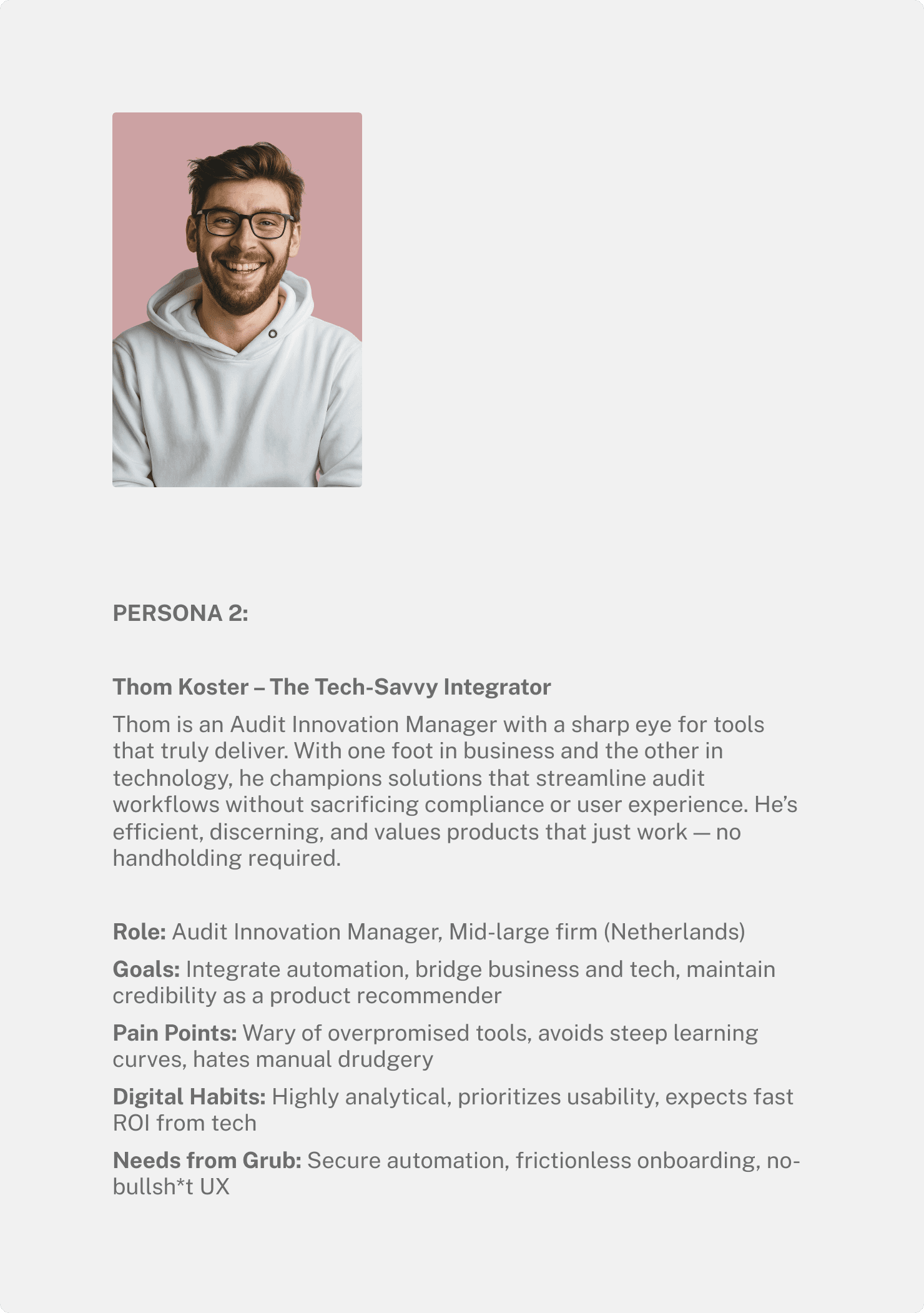
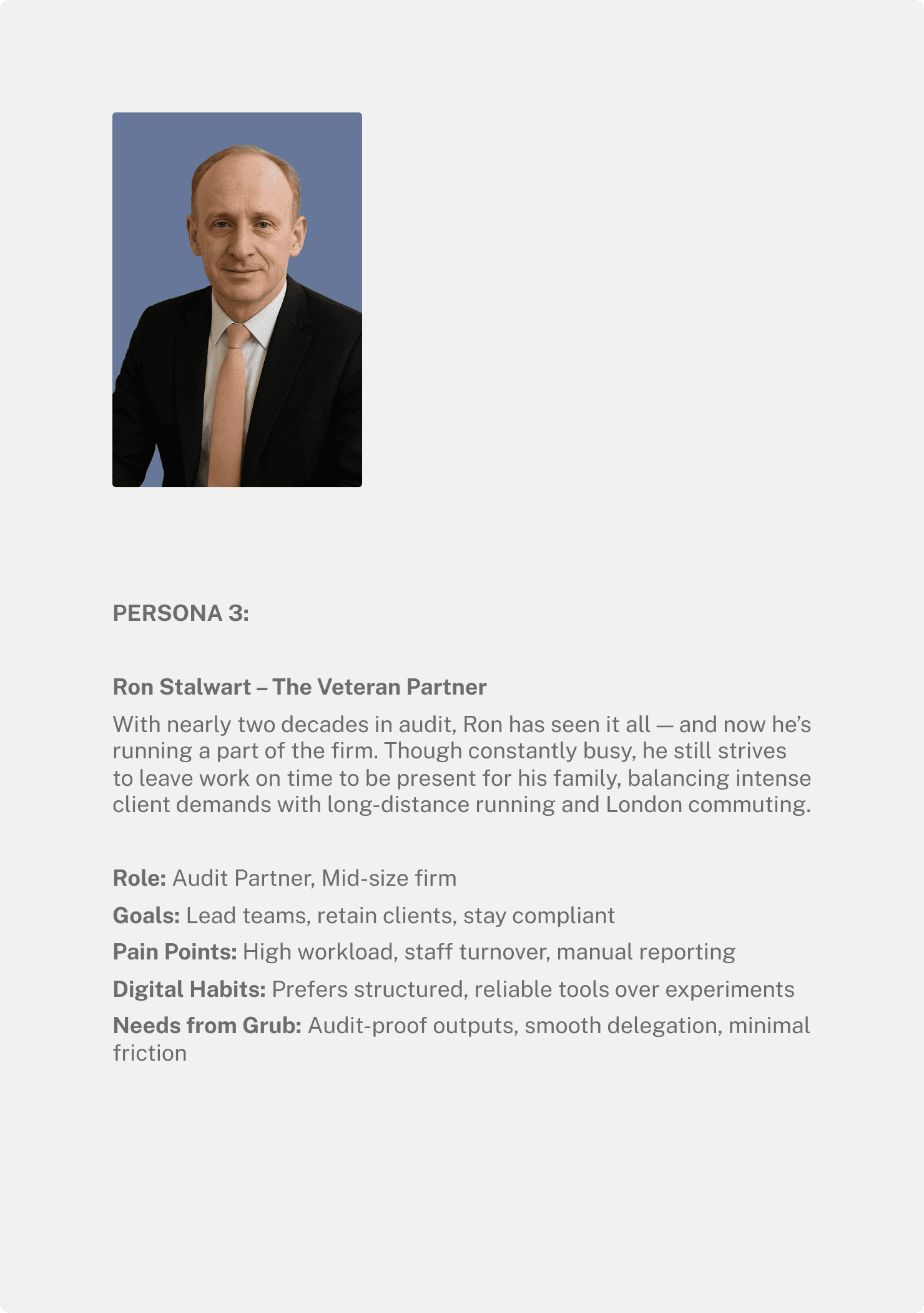
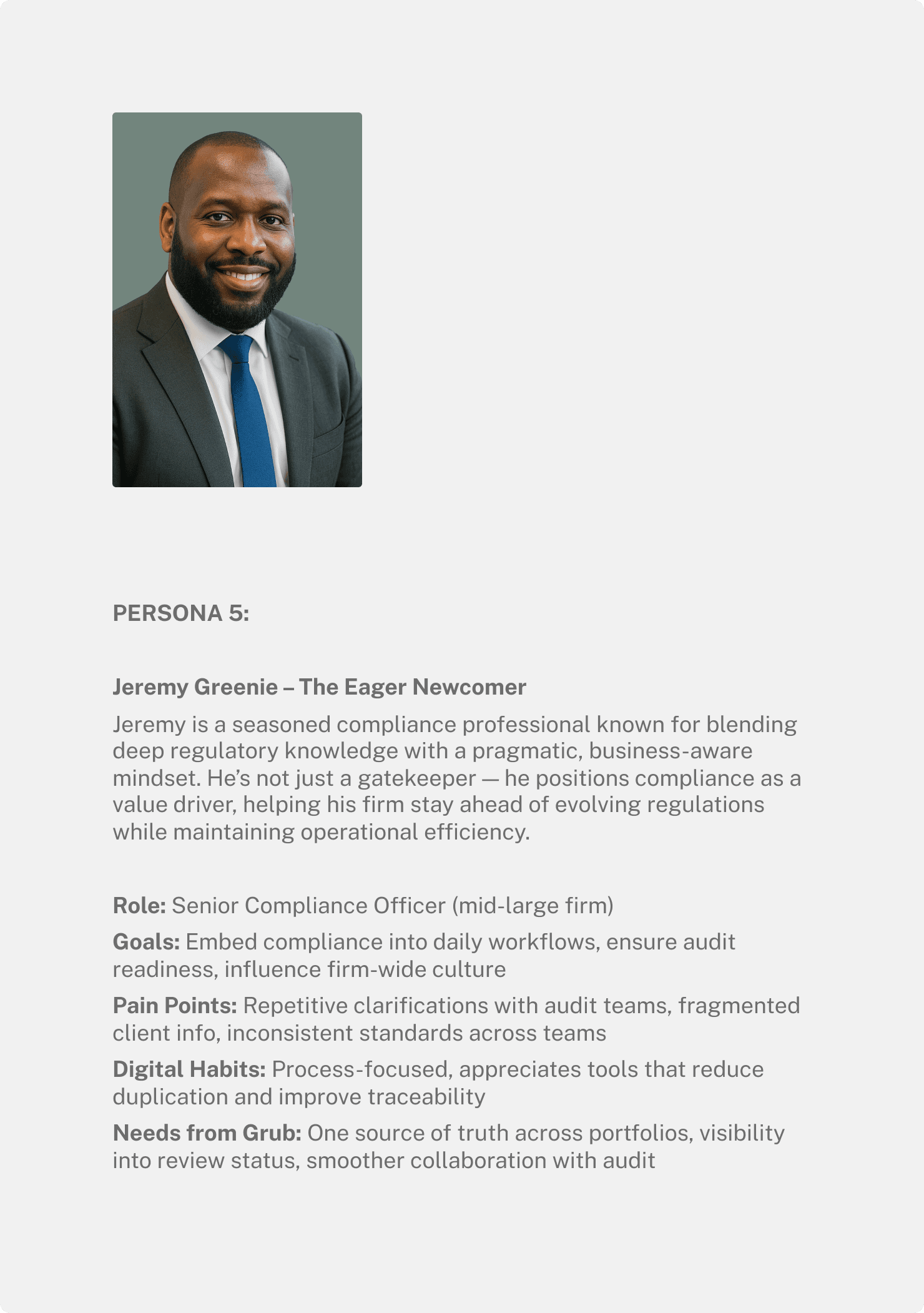
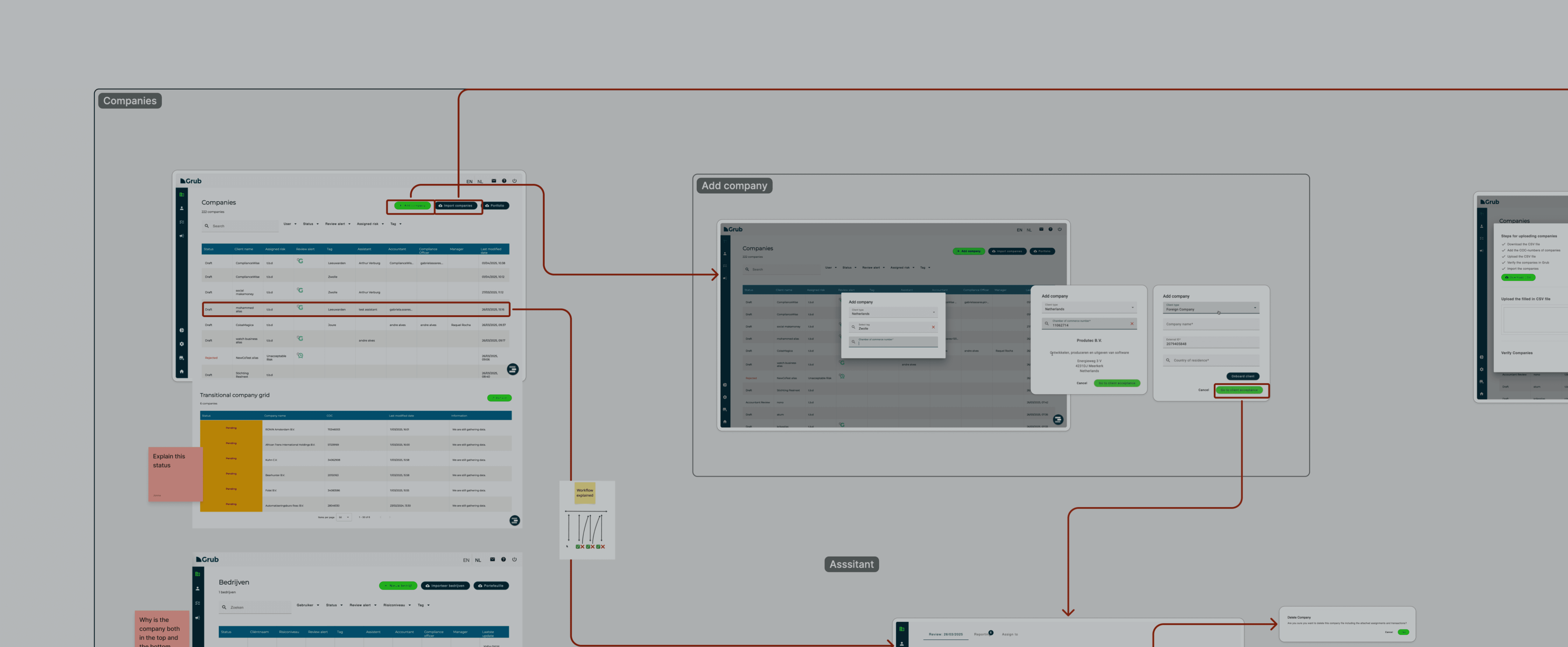
Before designing anything new, I stepped back. I mapped the product, audited patterns and components, and spoke with users and internal CX to understand how the system was really used. This made it clear where the UI helped and where it quietly got in the way.
What we learned
Users liked the product and what it could do. The friction came from the interface.
Pain points
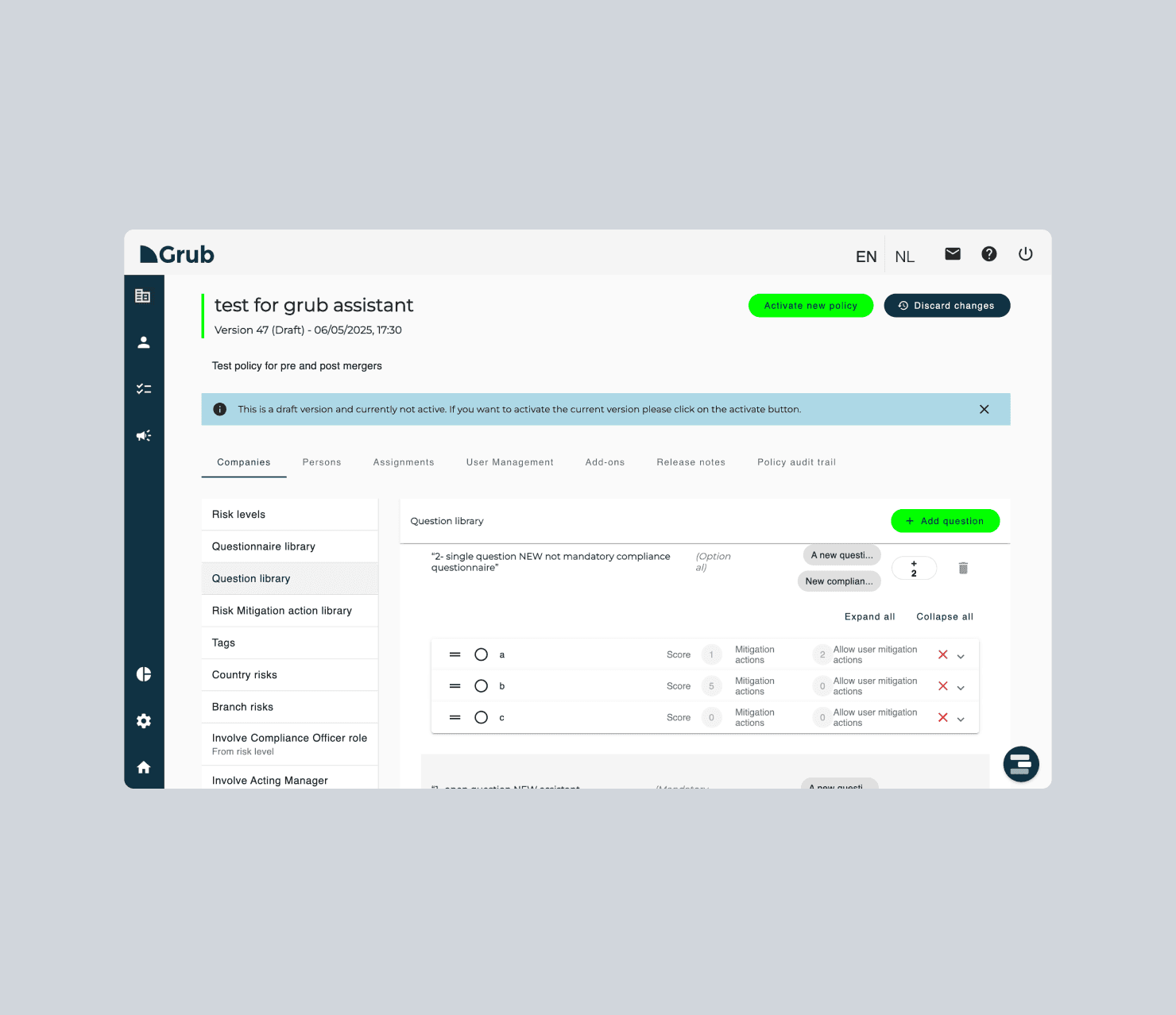
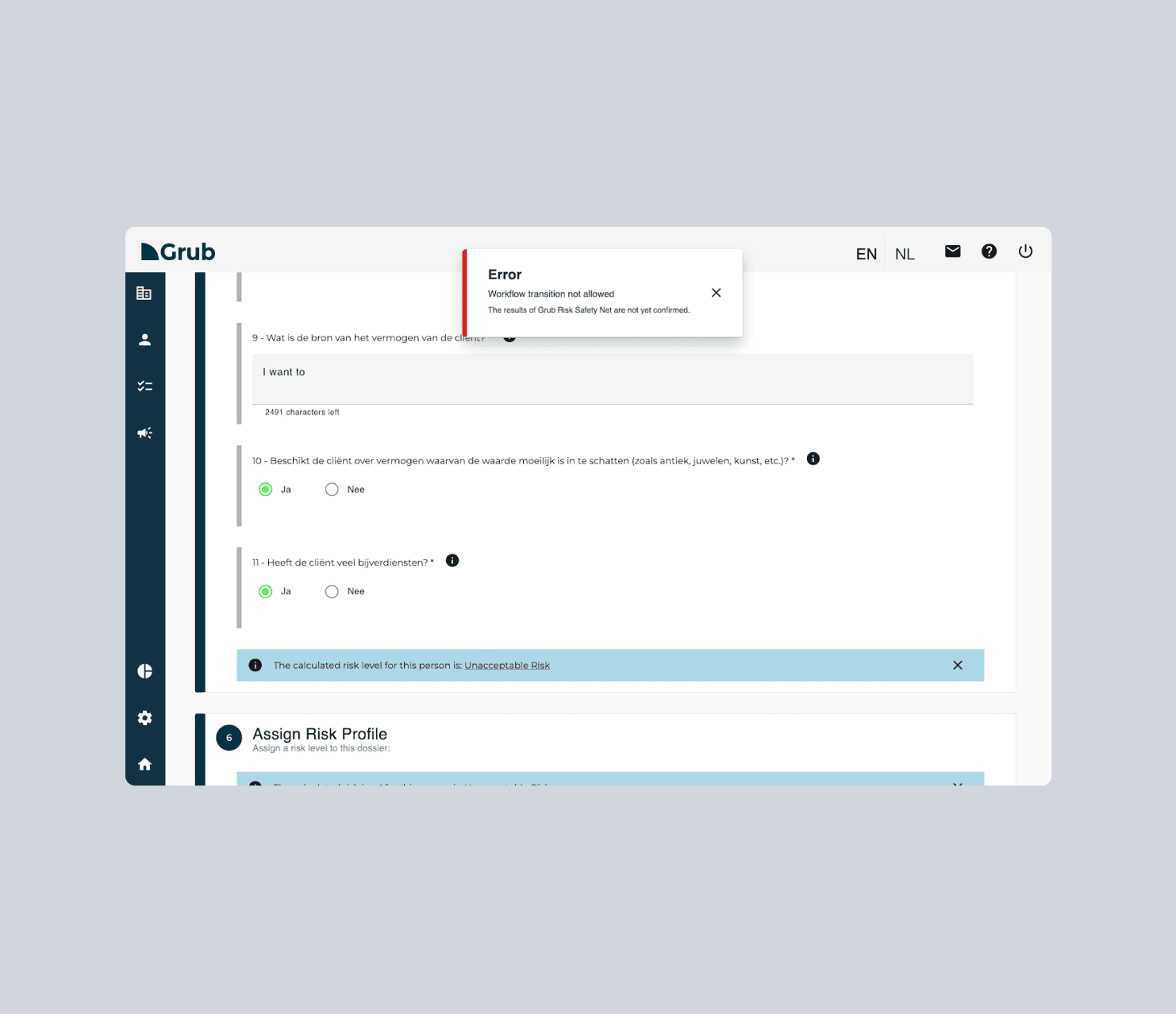
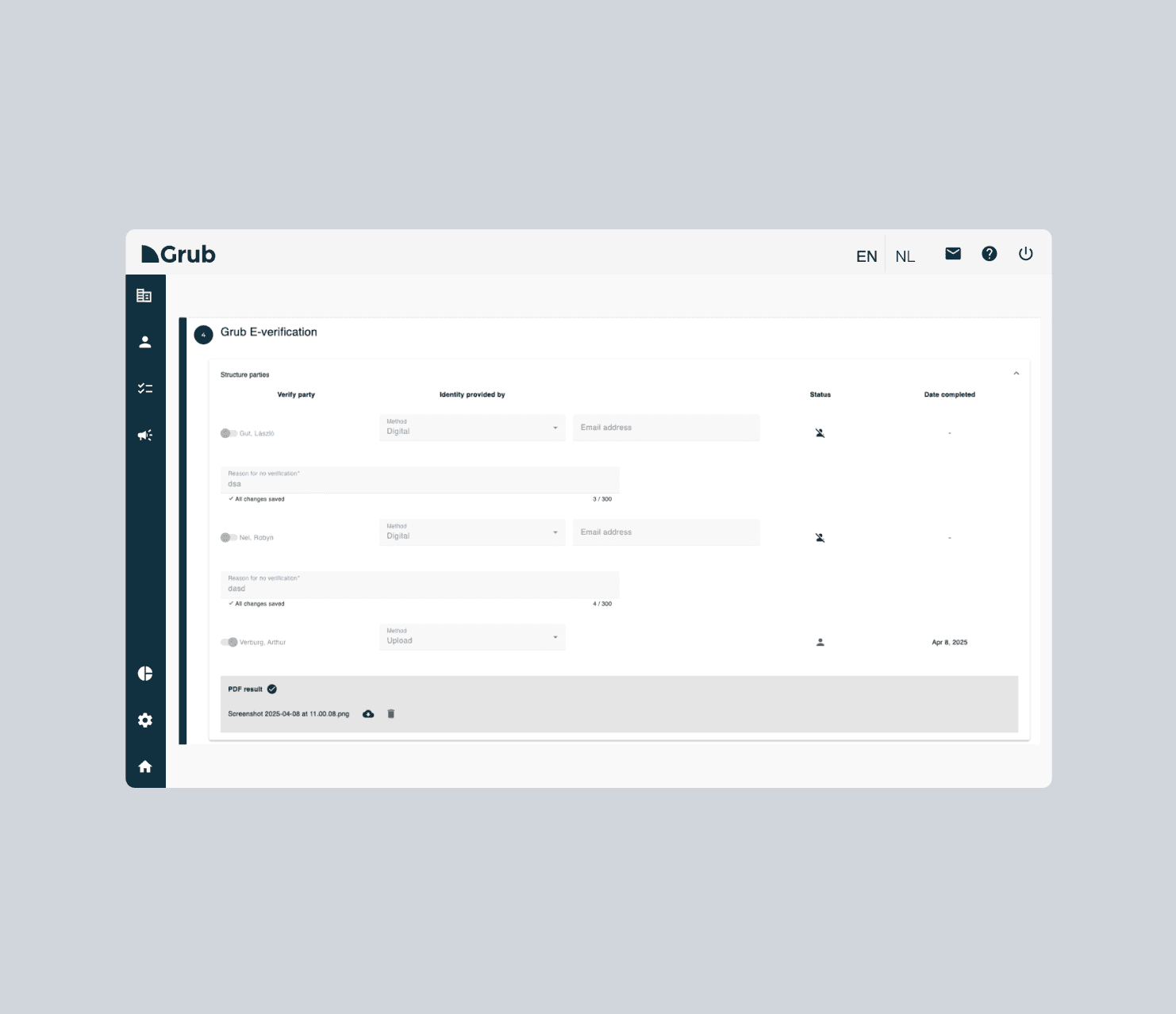
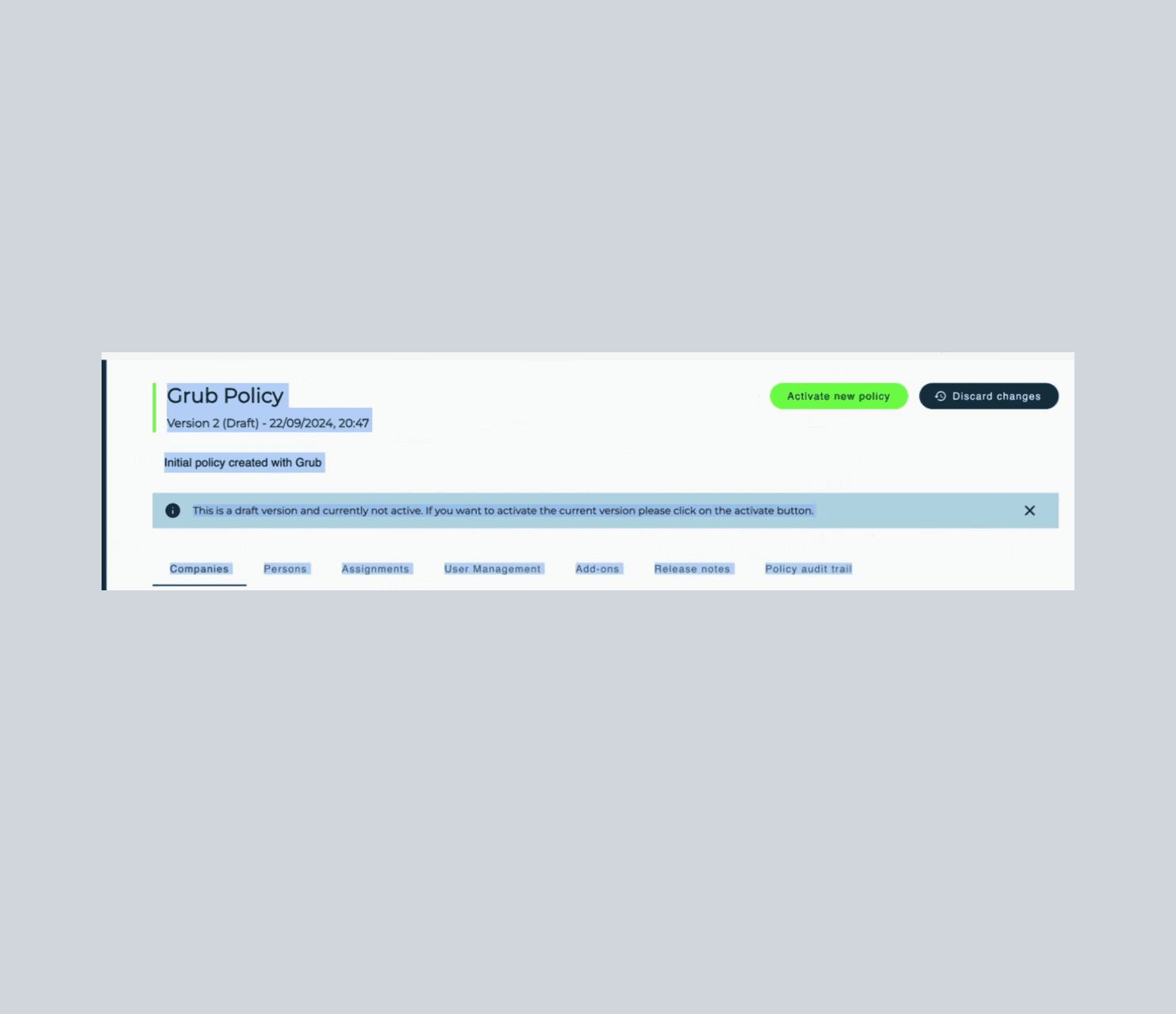
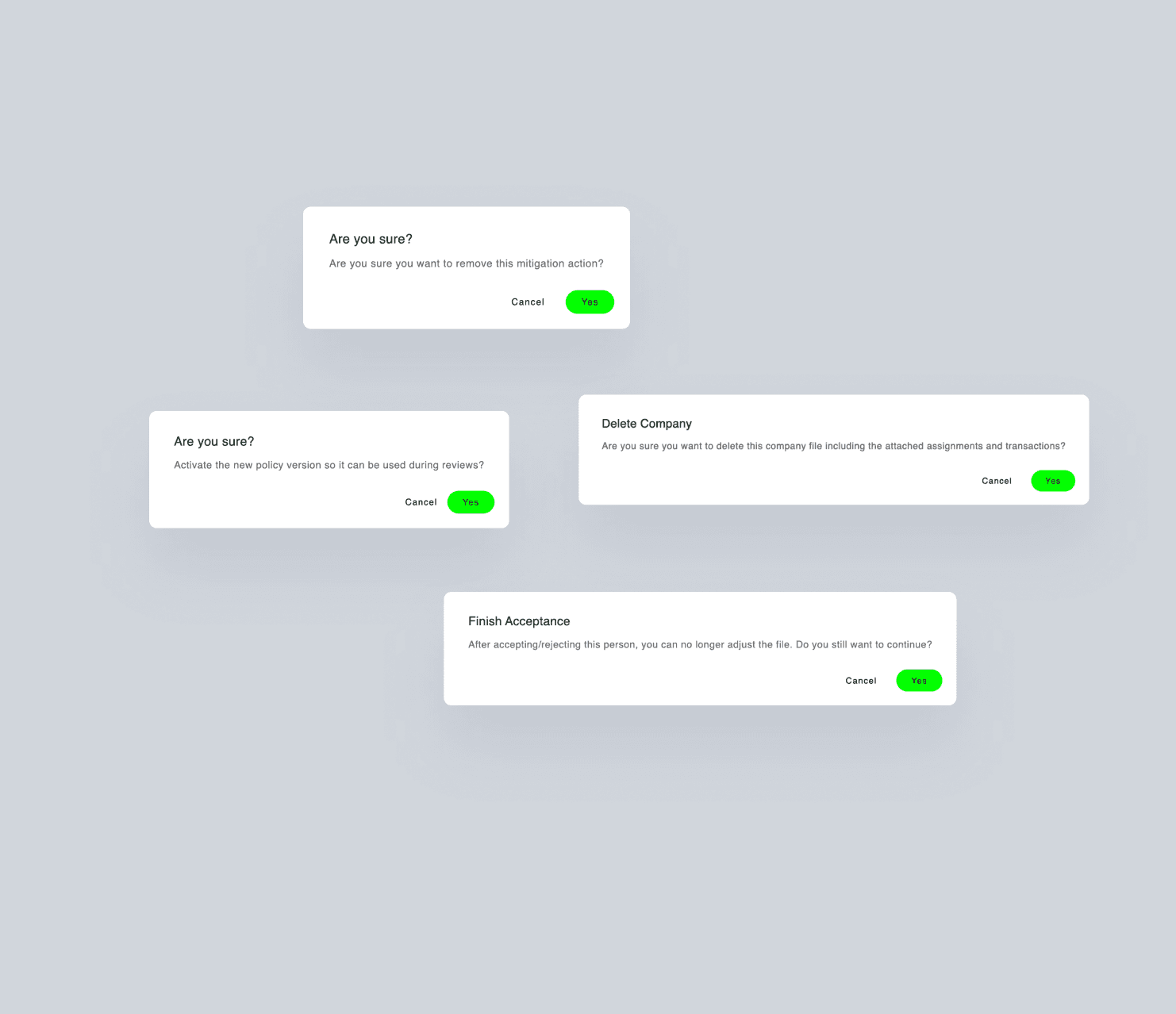
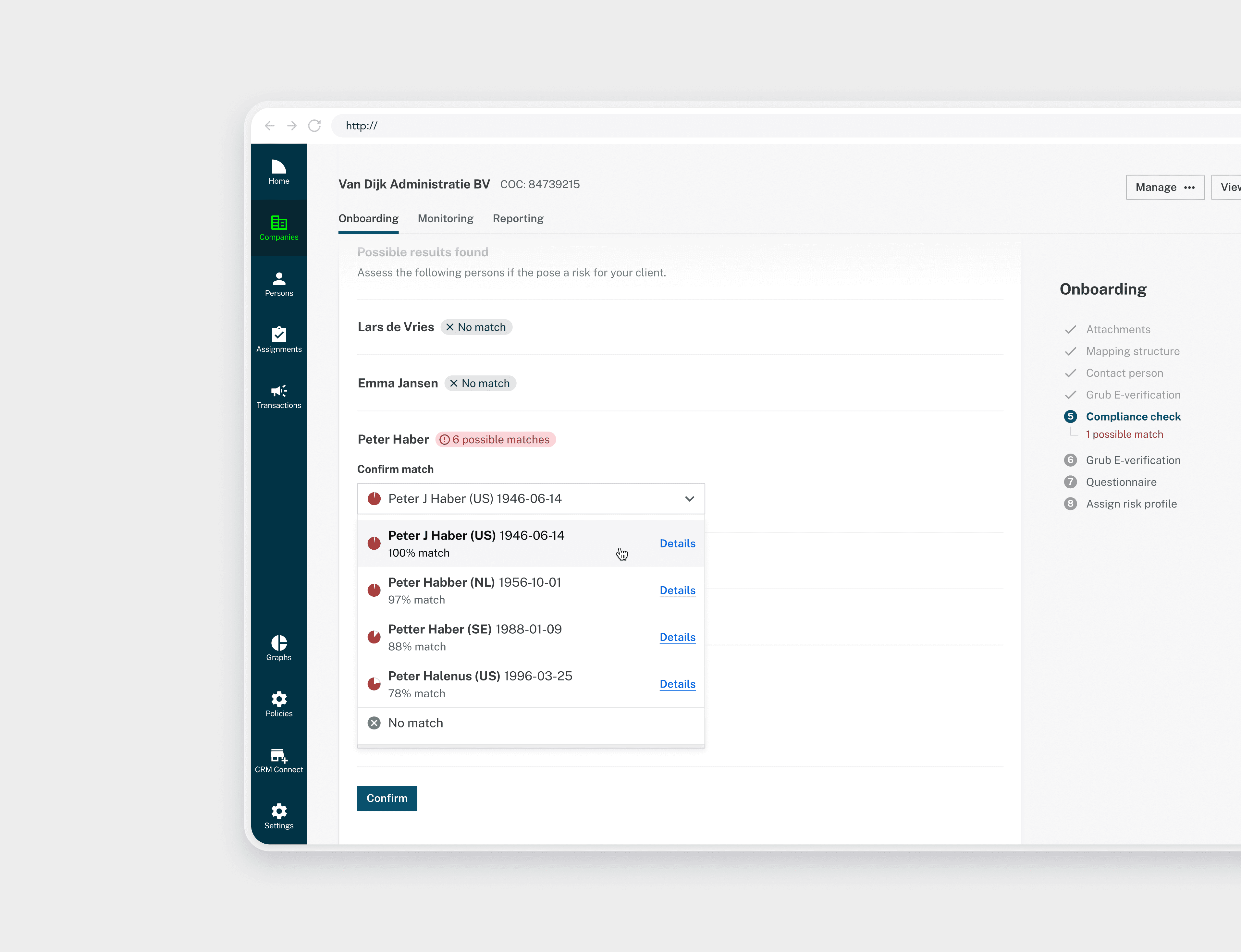
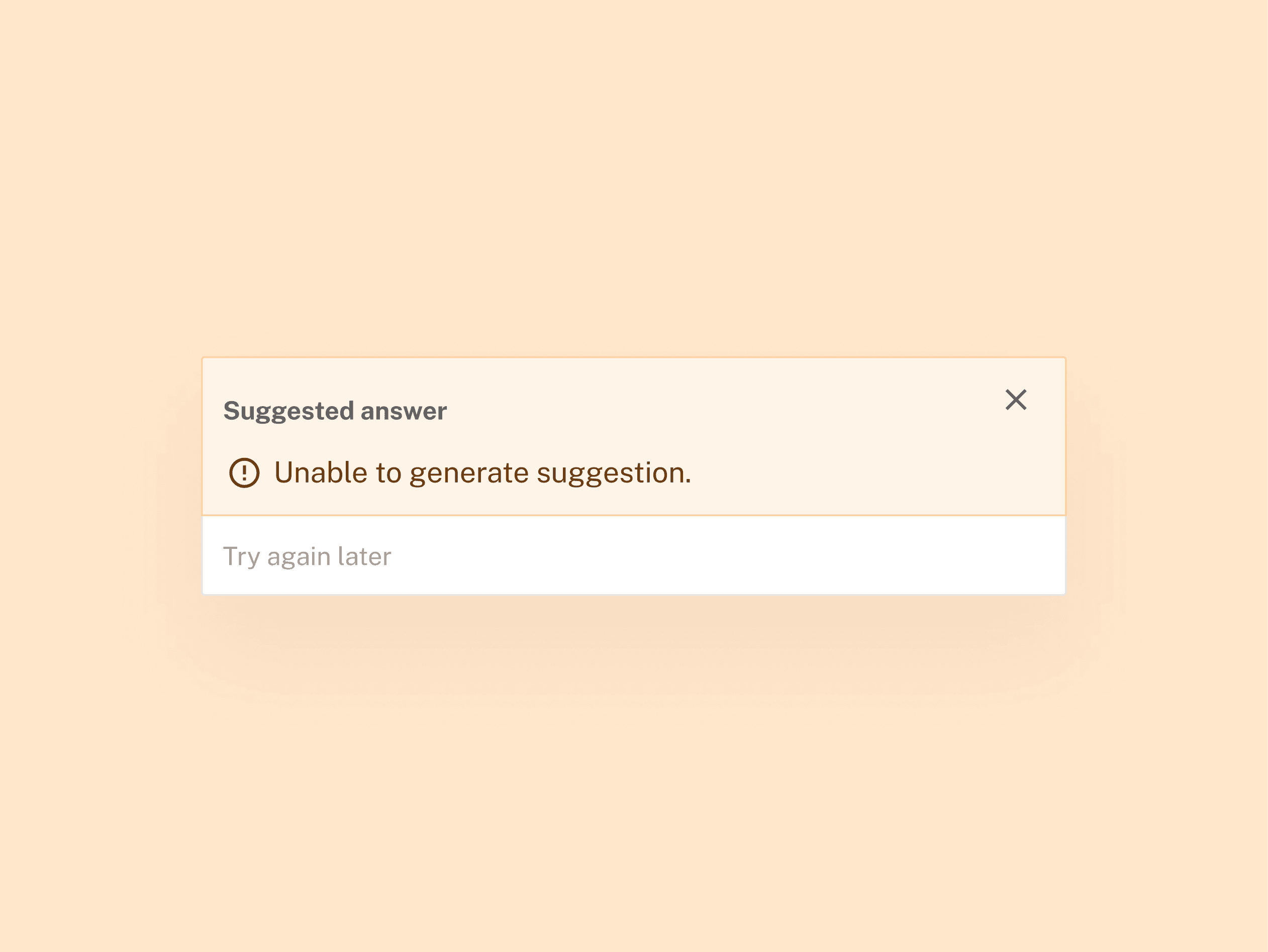
Important information was easy to miss
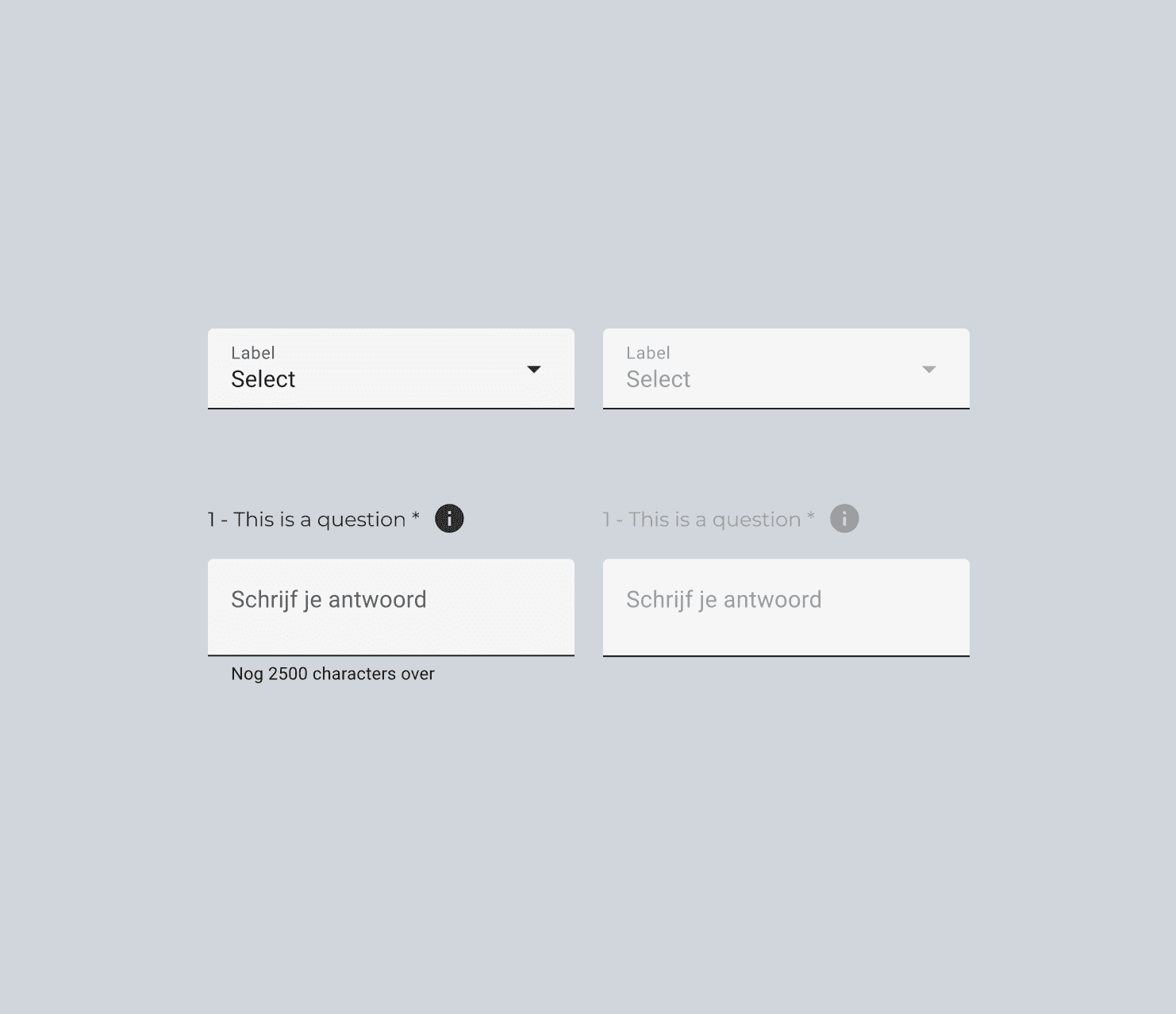
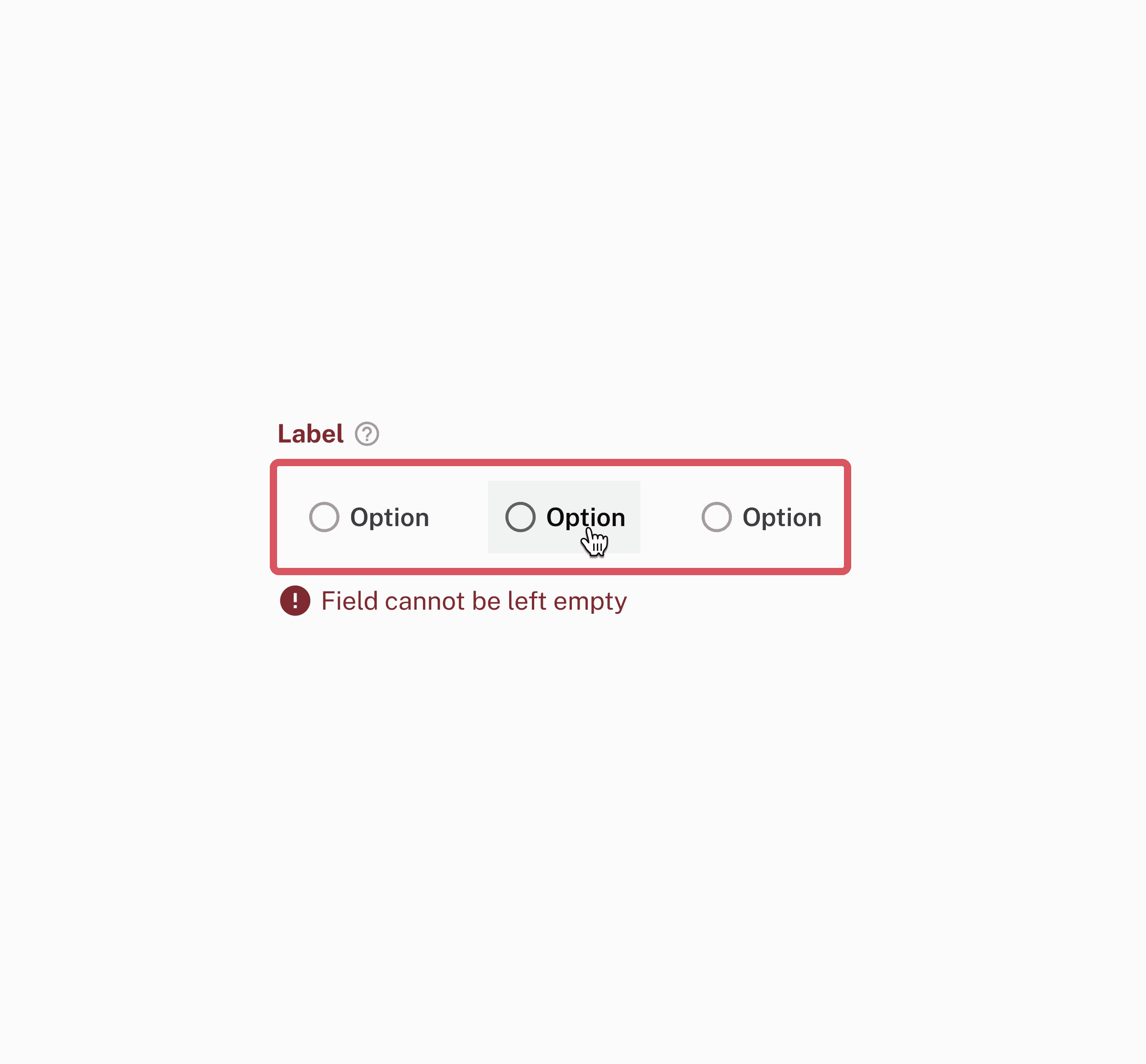
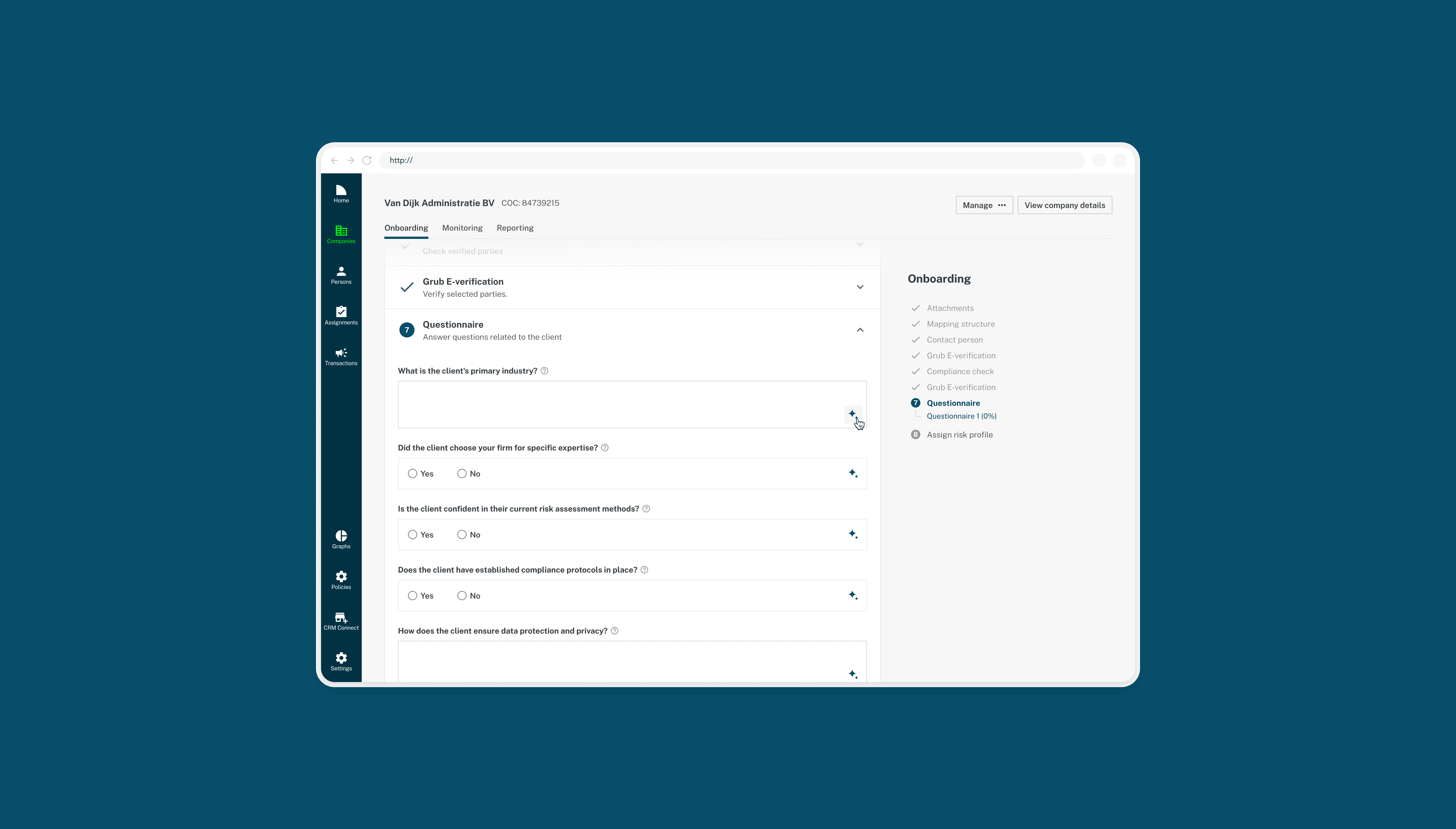
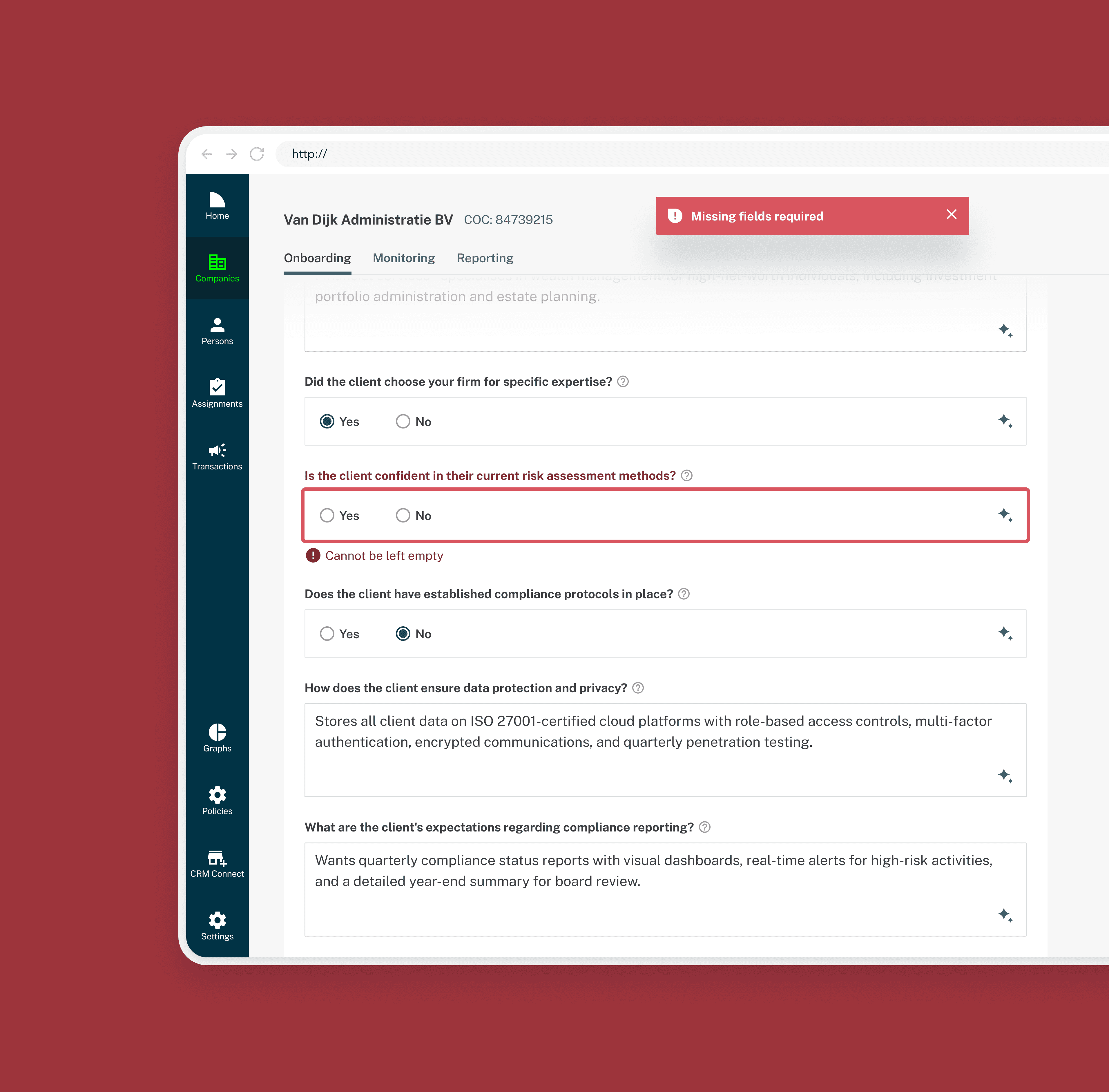
Forms didn’t always explain themselves
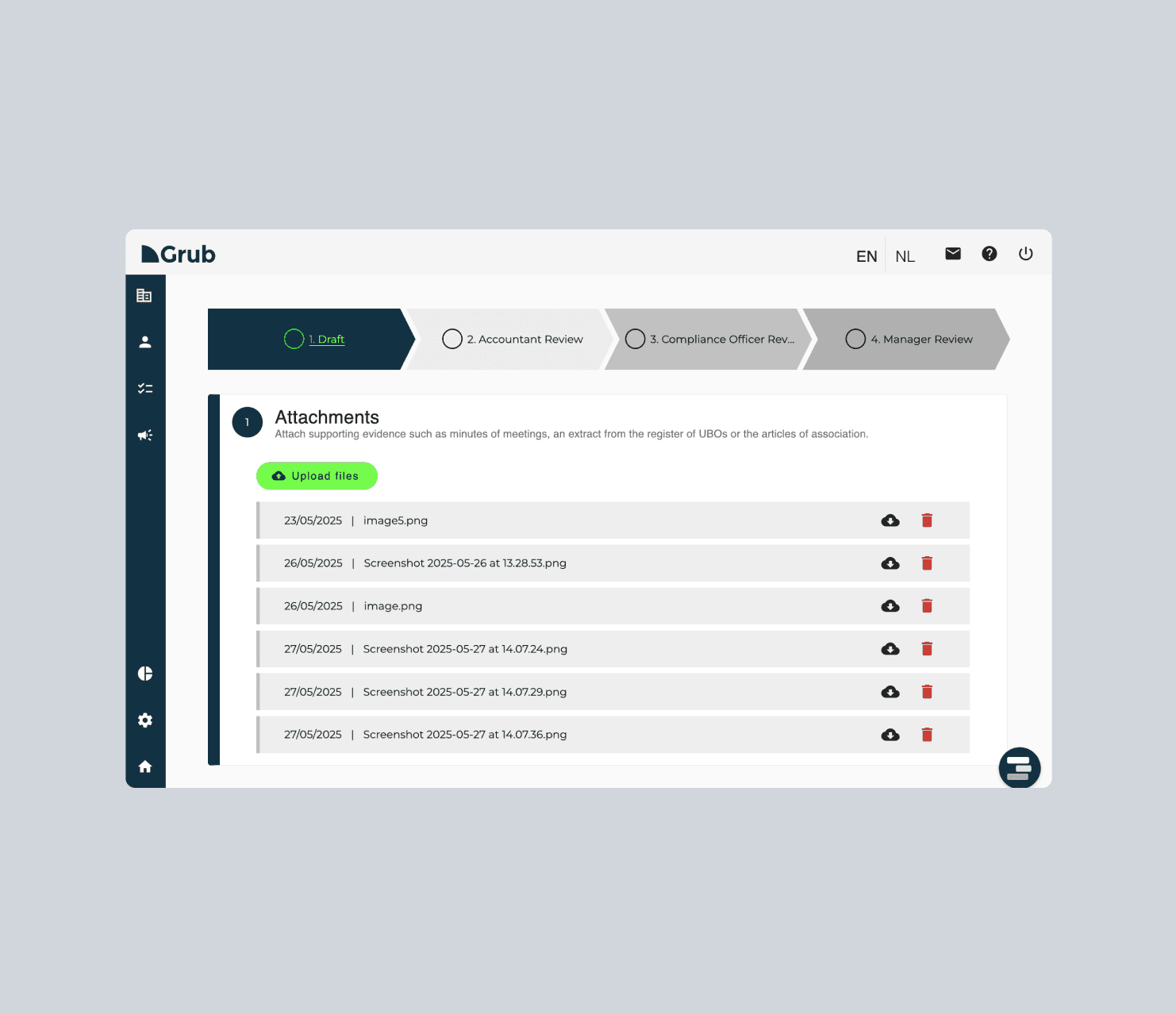
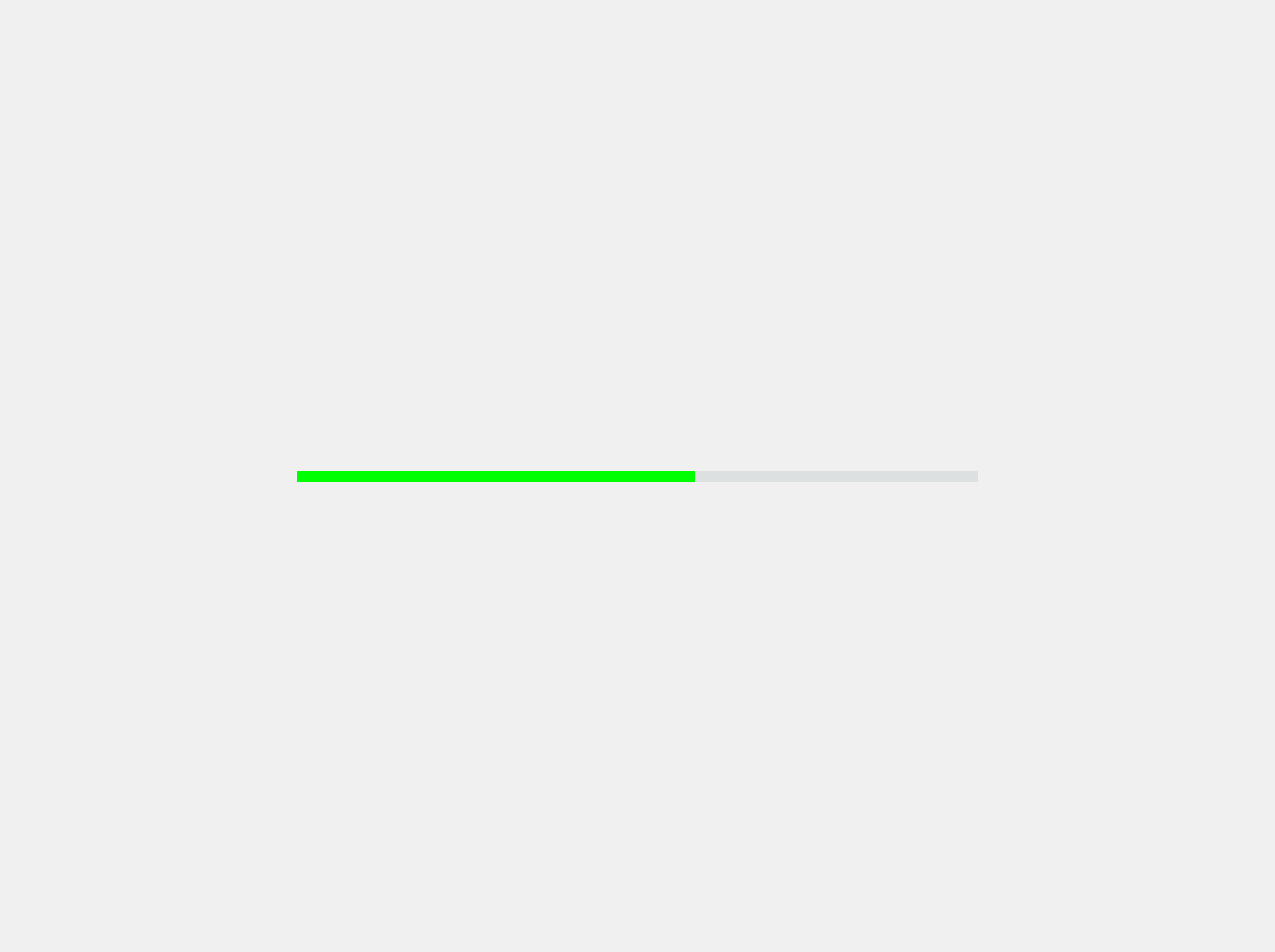
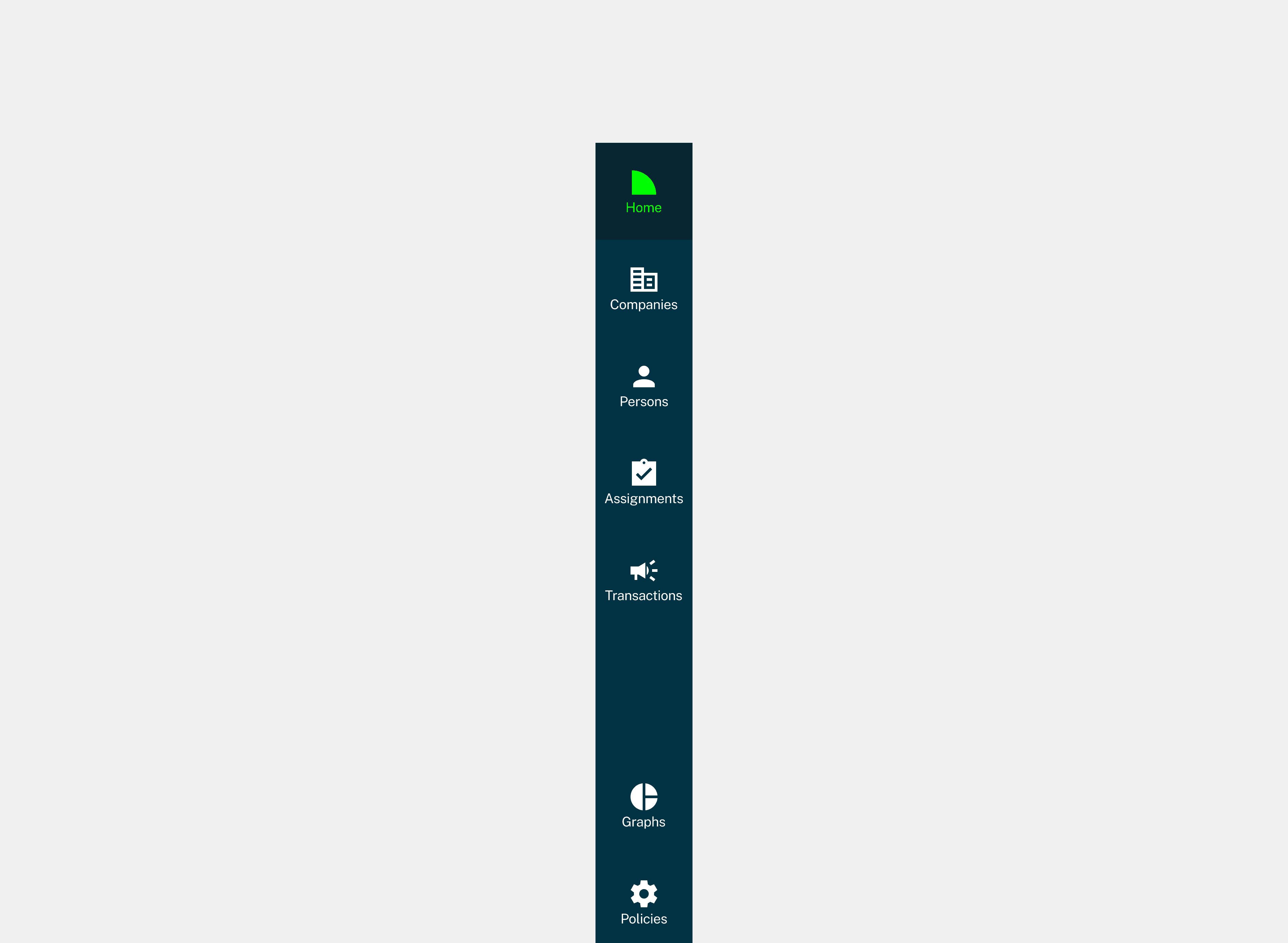
Navigation made progress hard to judge
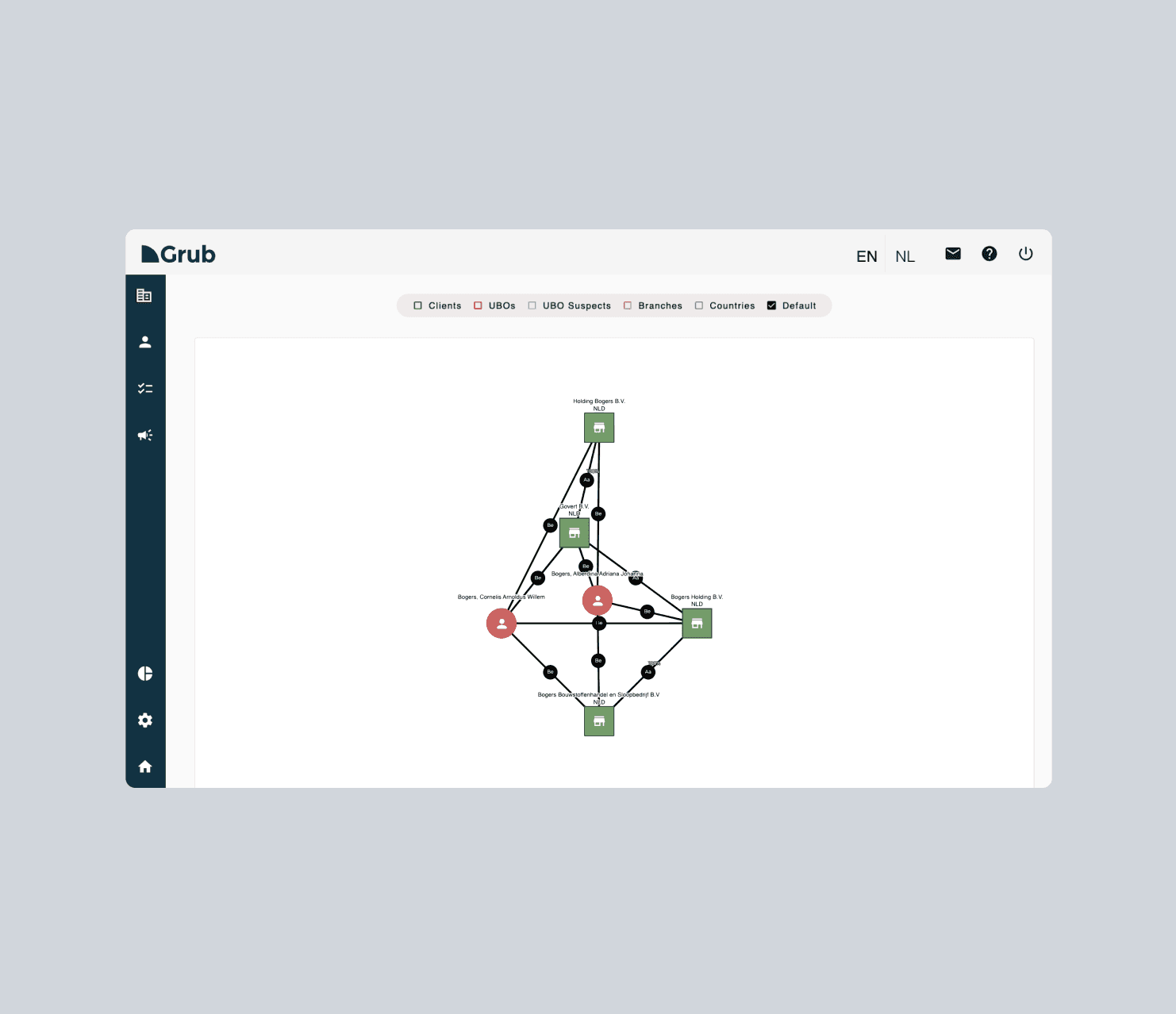
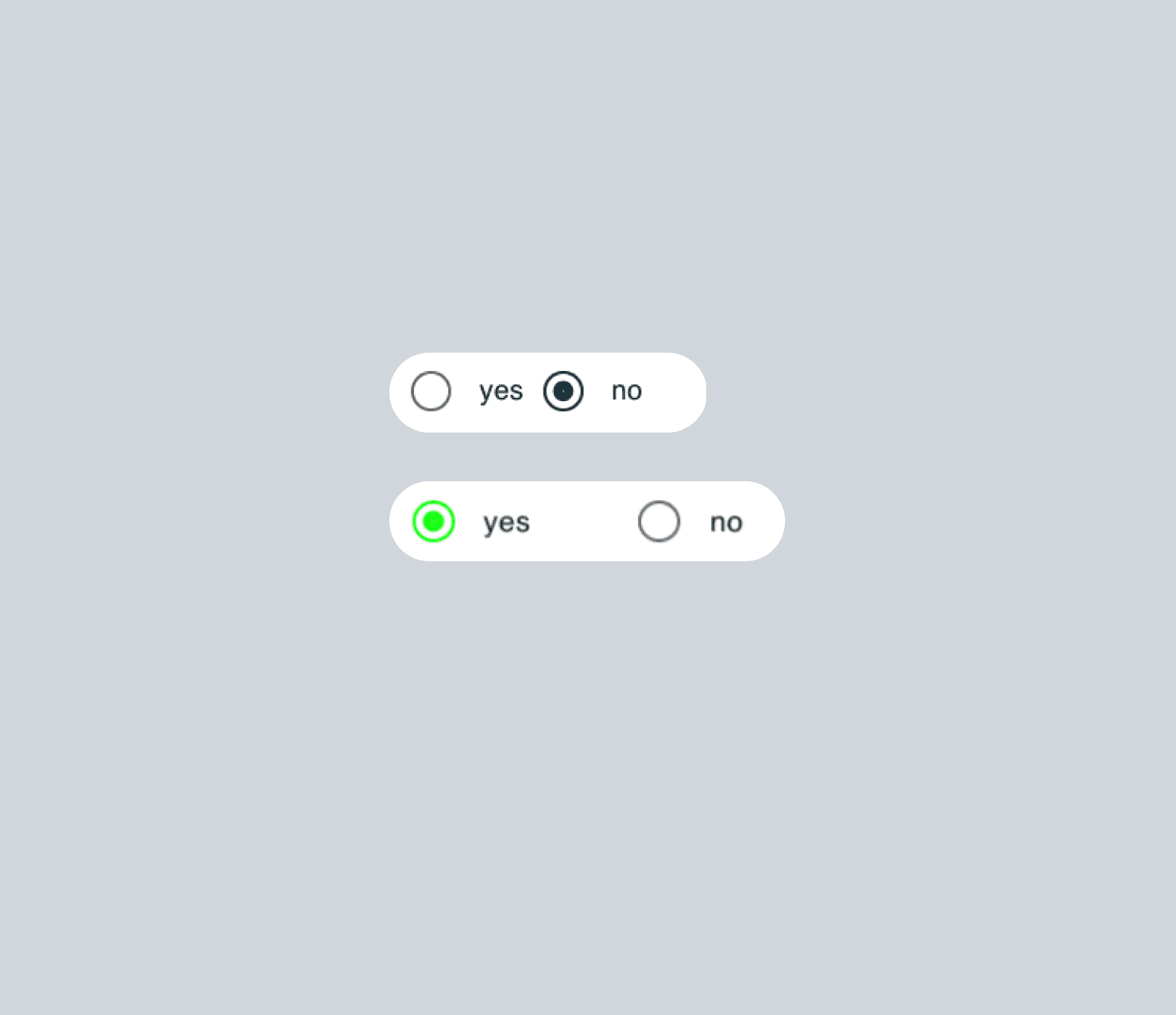
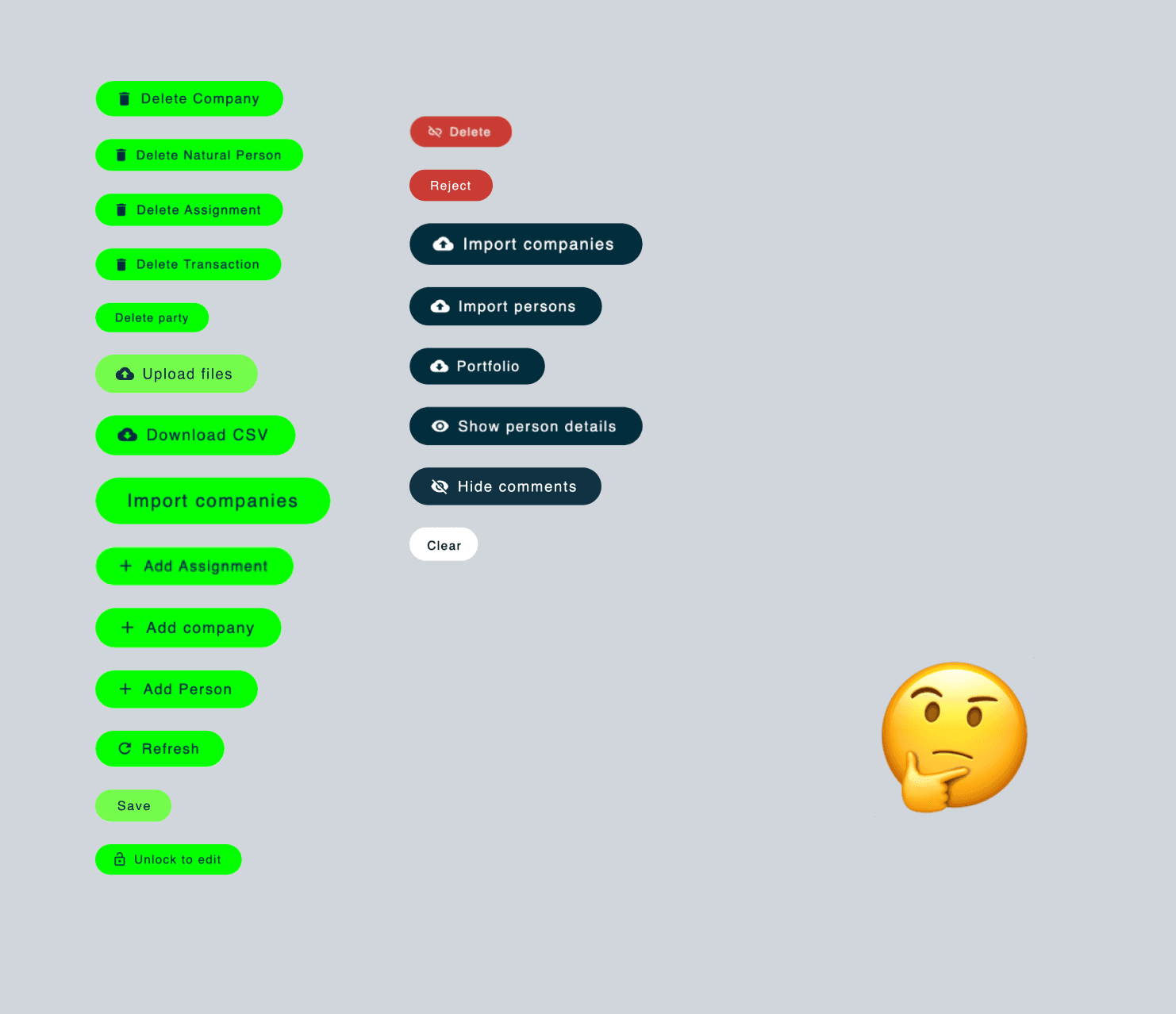
Similar actions behaved differently
Visual emphasis competed for attention
Generic UI reduced brand awareness, clarity and accessibility
The product asked users to think about the interface when they should have been focused on the task.
Strategy
GrubWise
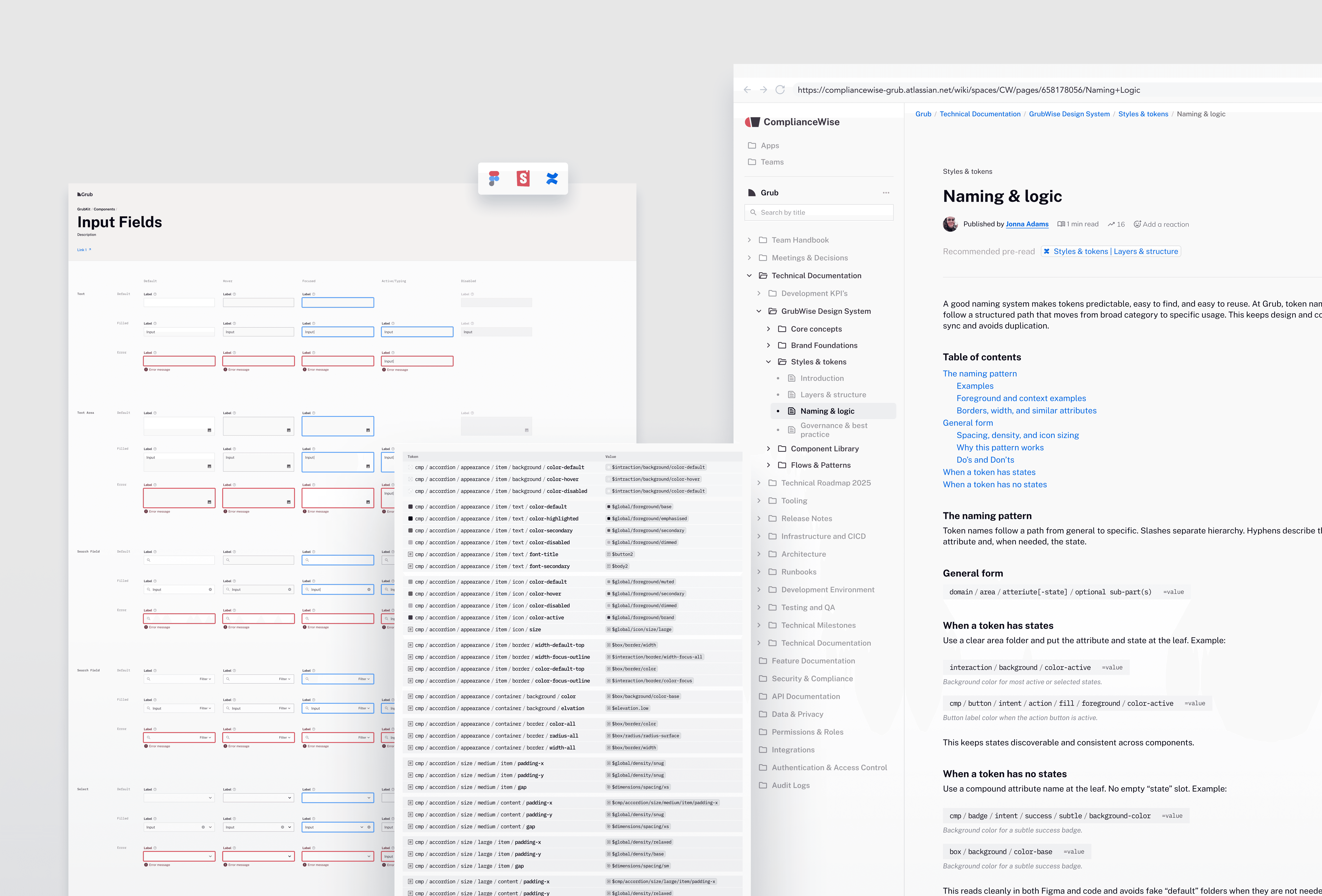
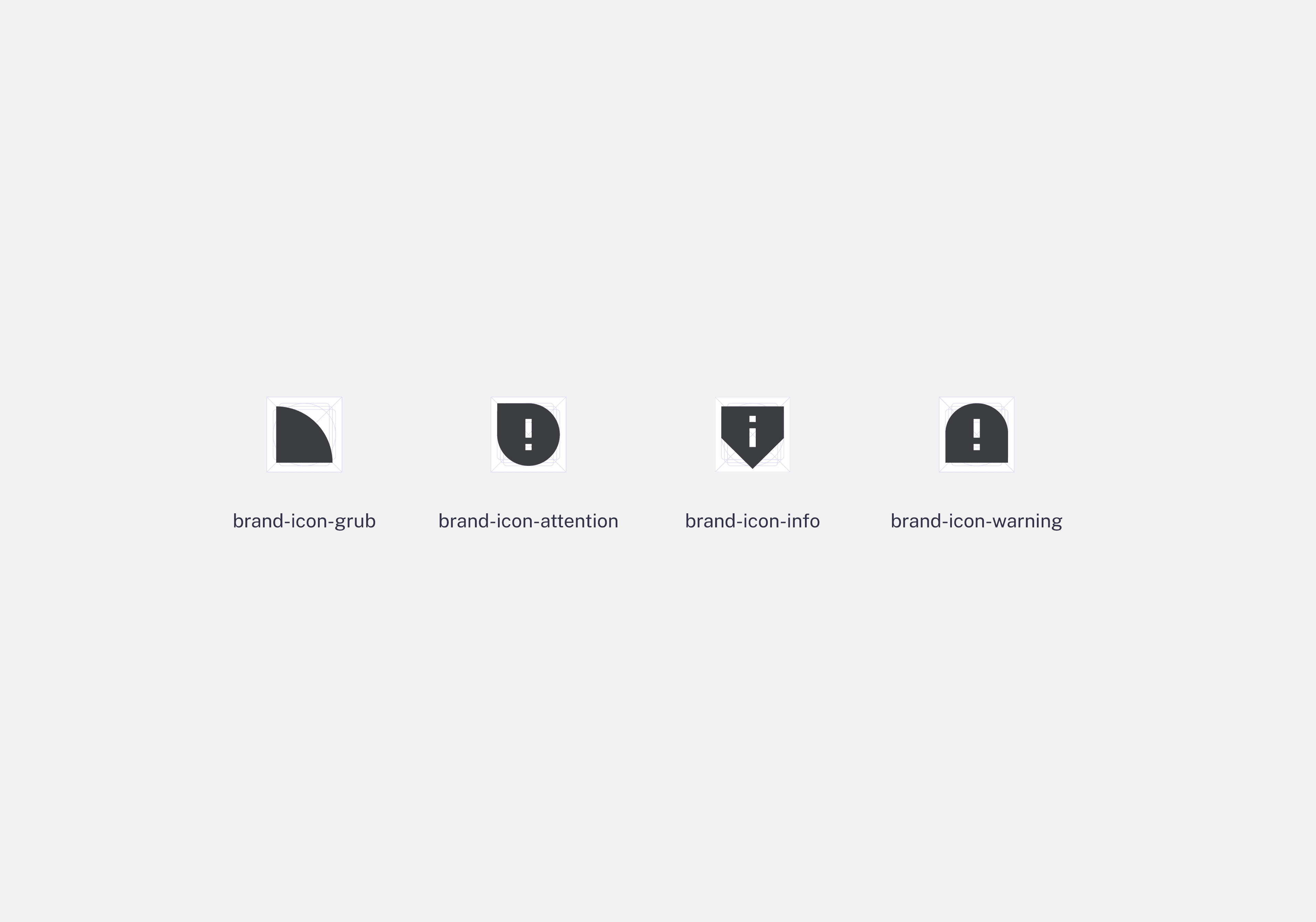
Instead of redesigning screens one by one, we built a system. GrubWise defines how the product behaves, communicates, and scales. It brings structure to patterns, meaning to states, and anchors the UI in the Grub brand.
The name GrubWise reflects a system designed for Grub, shaped within the company, ComplianceWise, and grounded in the idea that good systems are built with intention.
GrubWise Design System
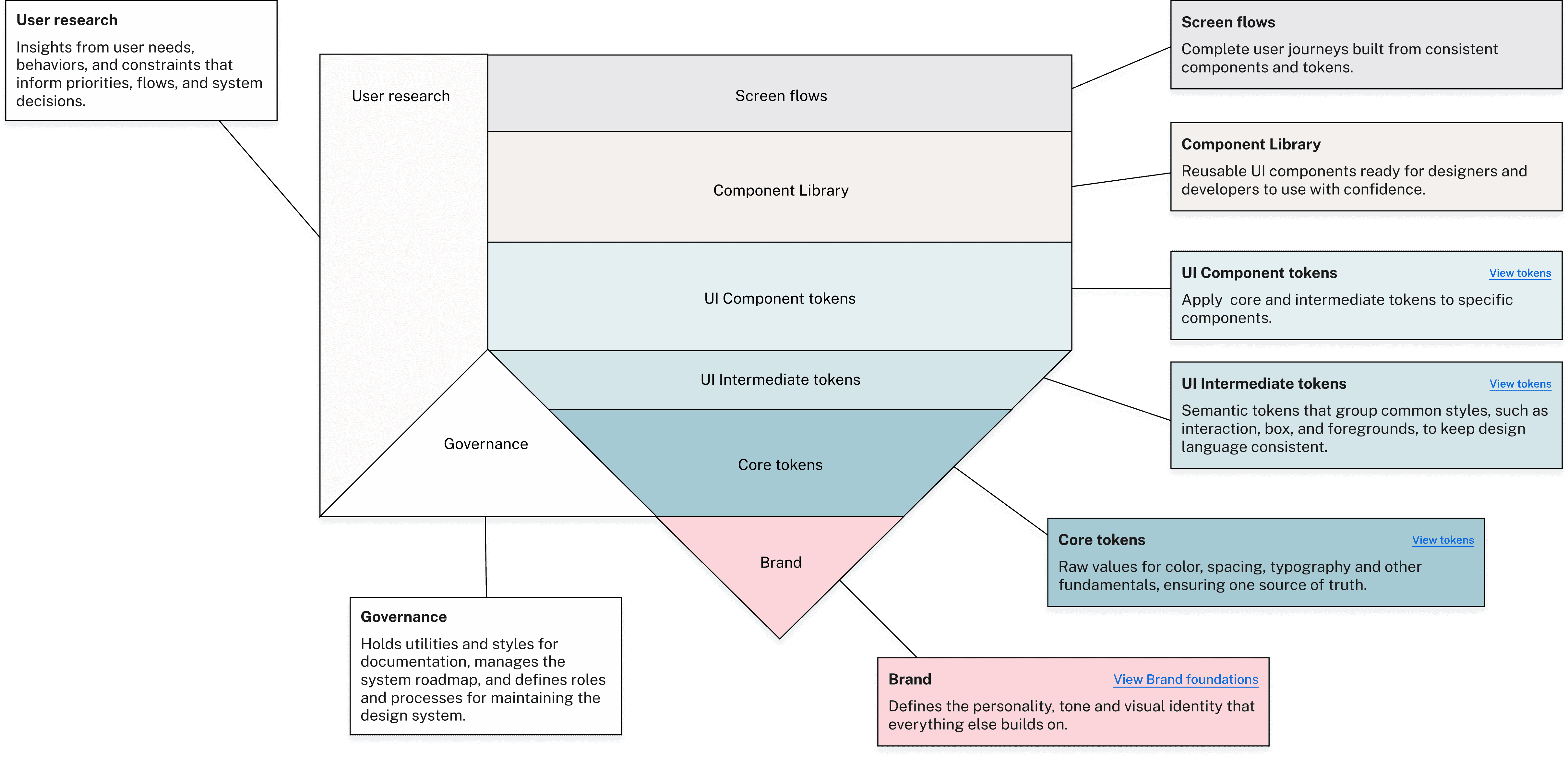
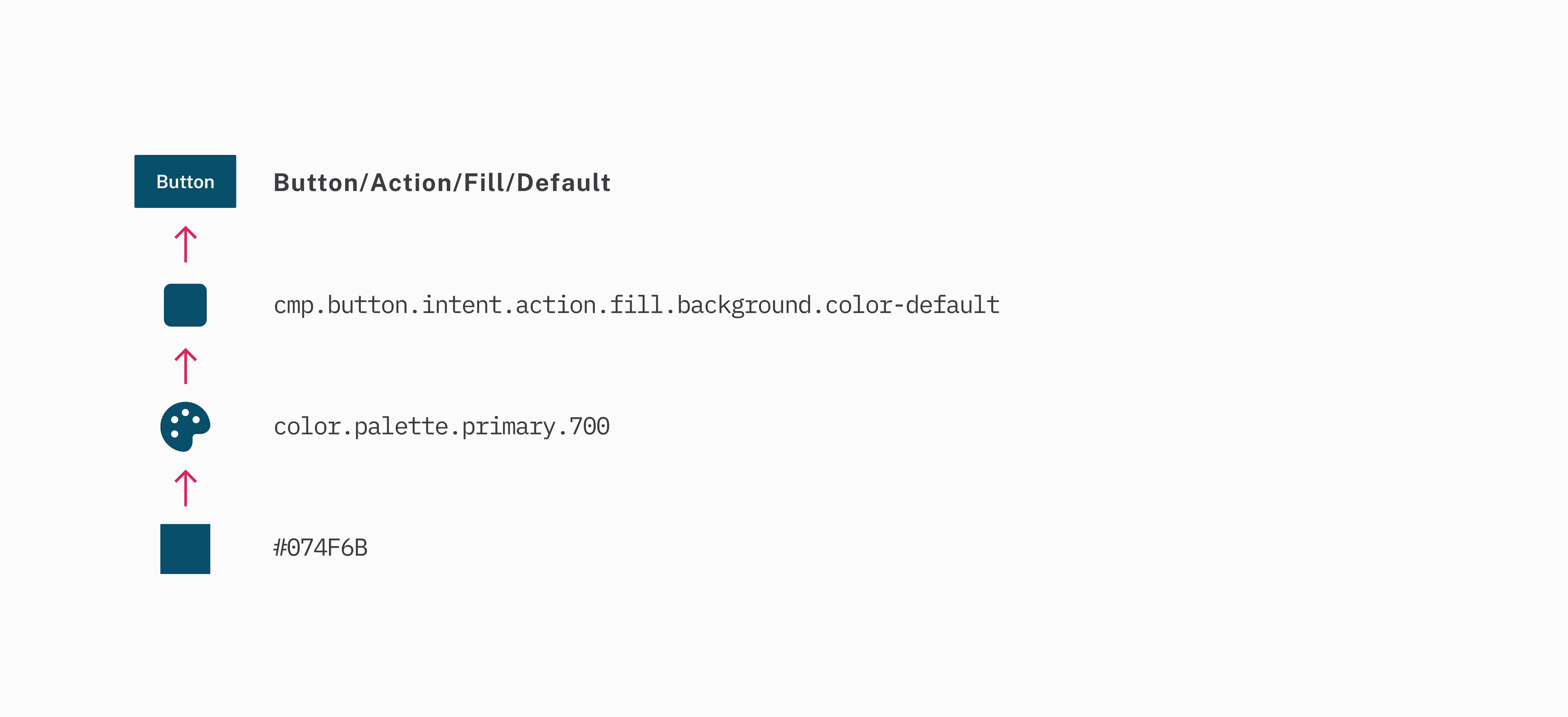
GrubWise connects brand, foundations, semantics, and components into a single model. This allows flows and AI driven features to feel predictable, calm, and intentional.
(The diagram below shows how the system is structured.)
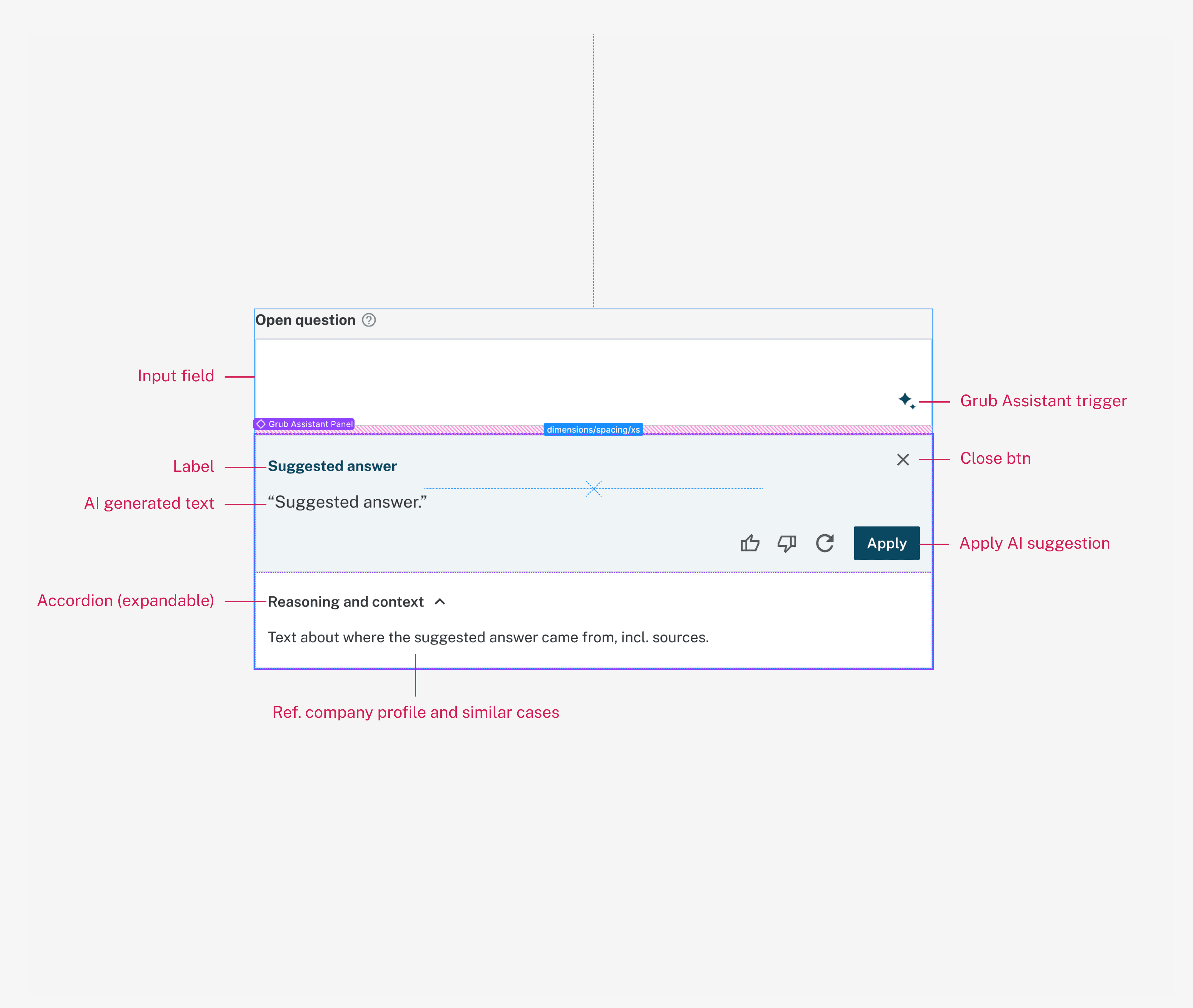
Anatomy
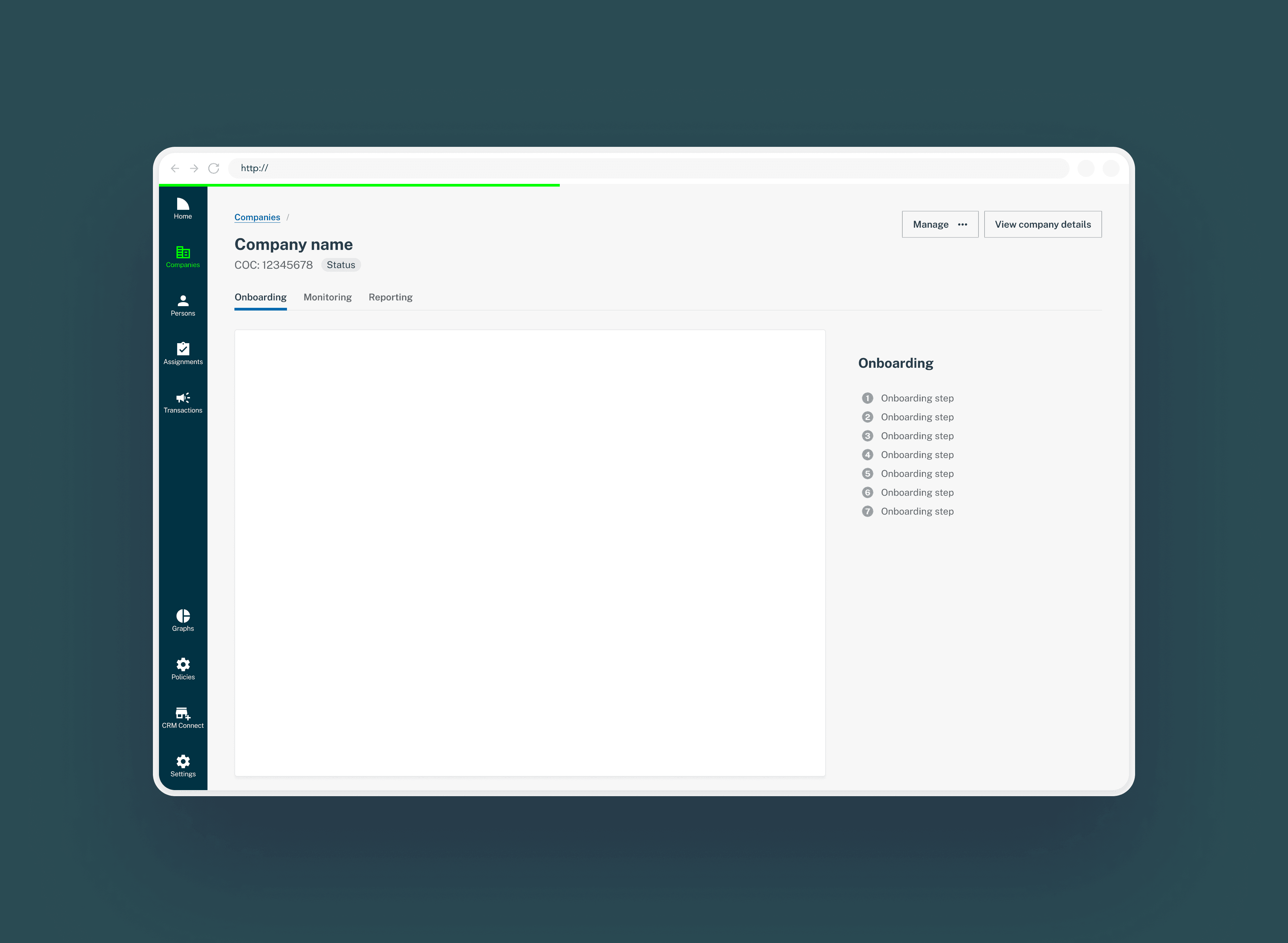
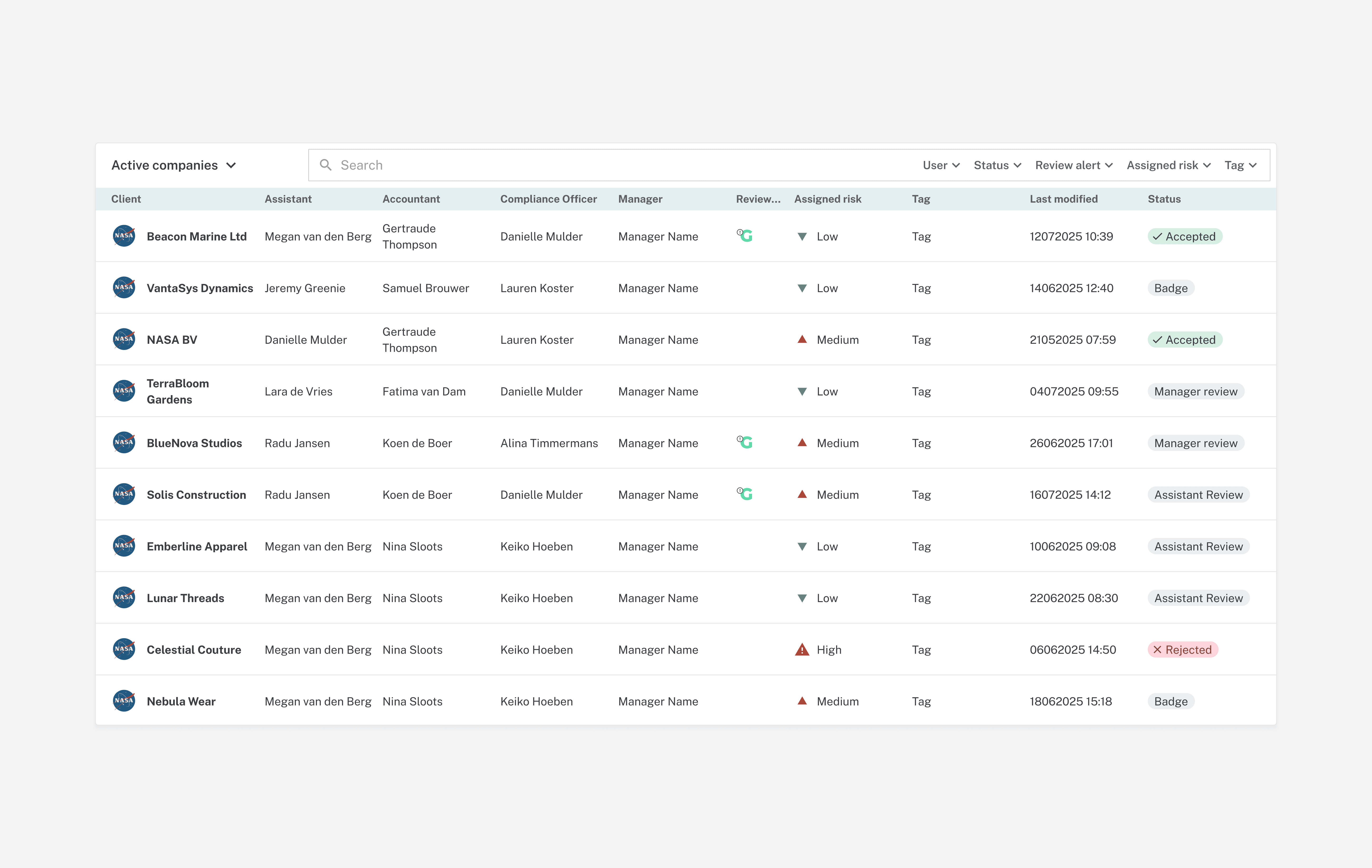
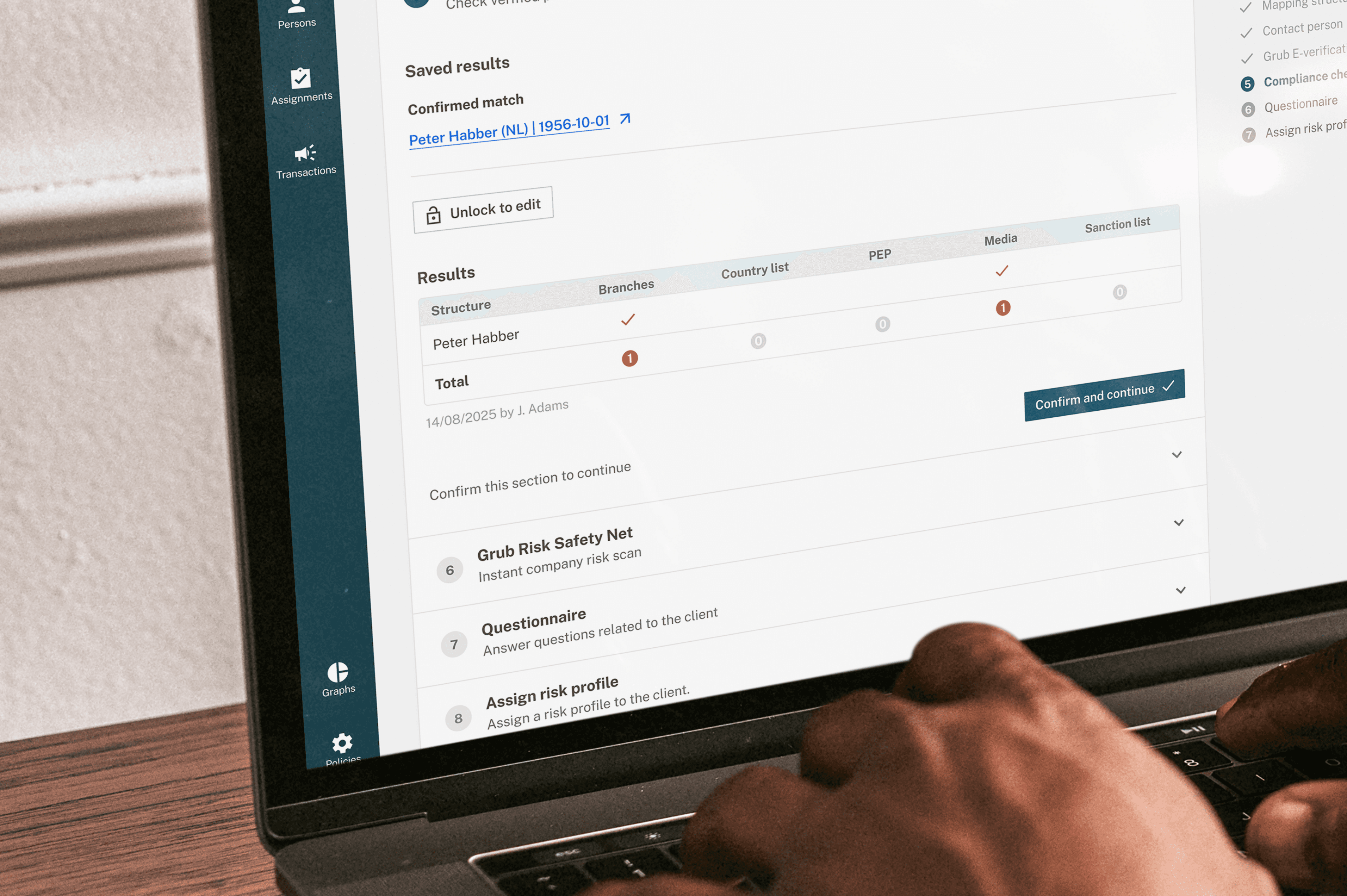
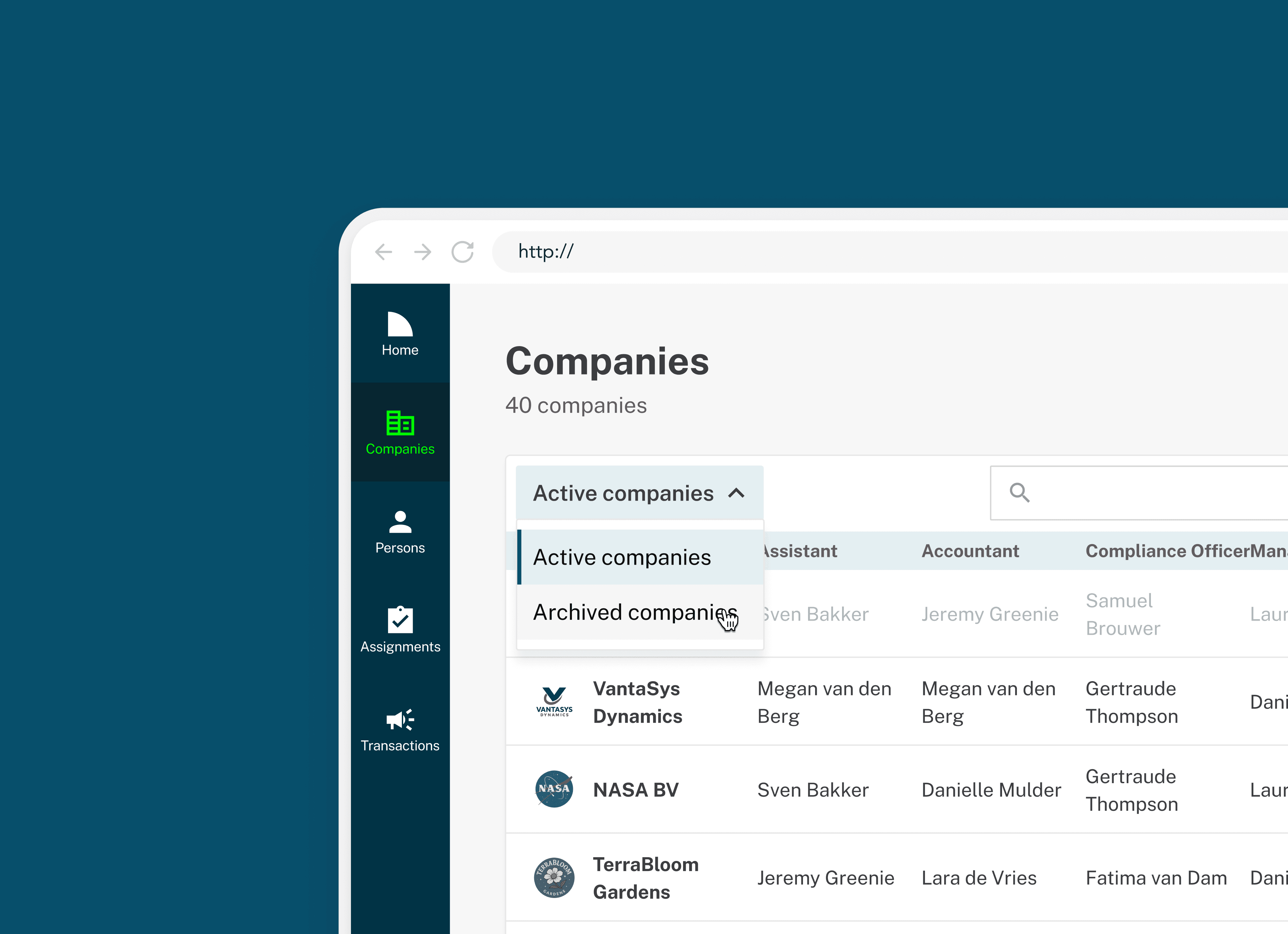
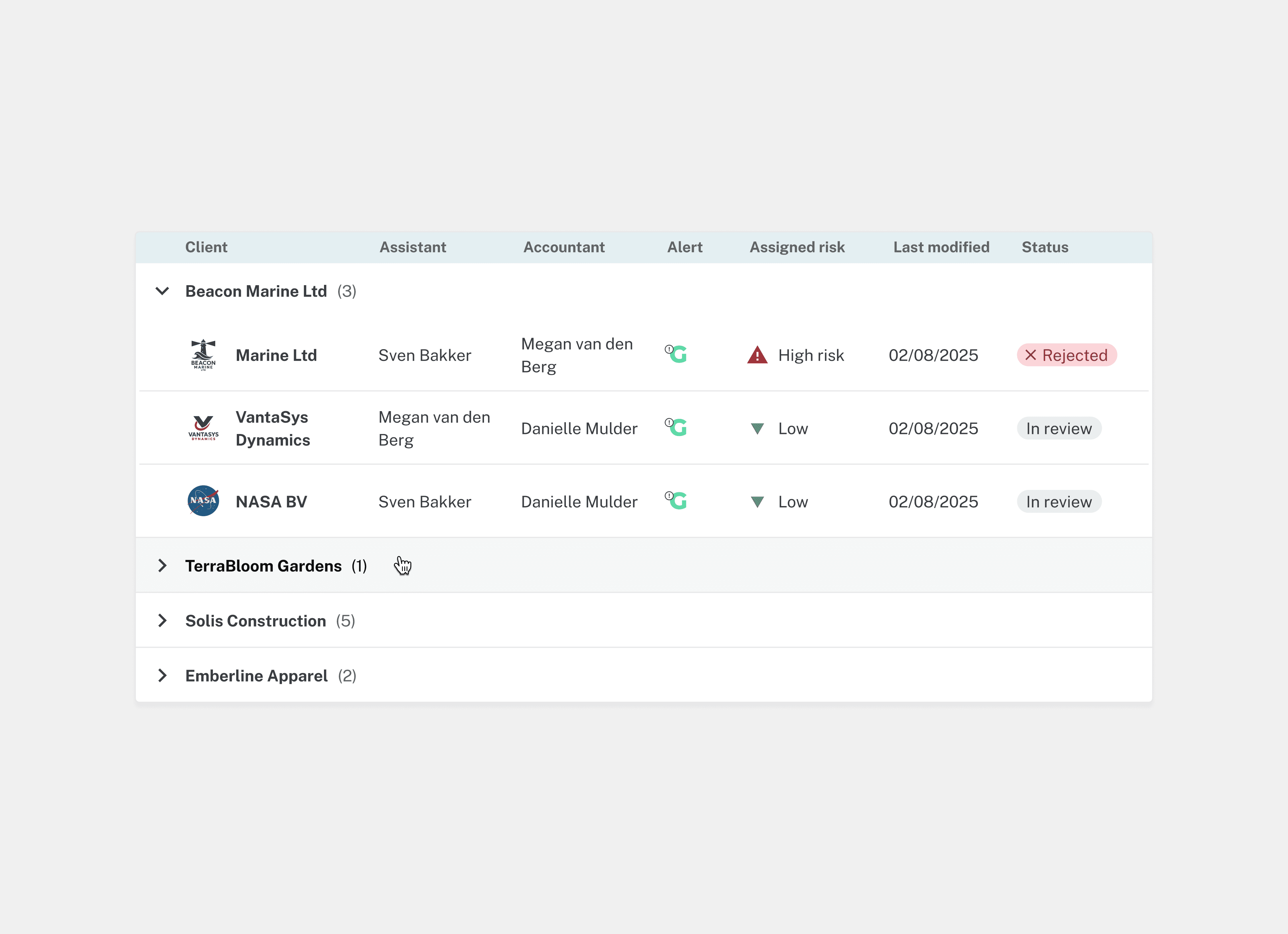
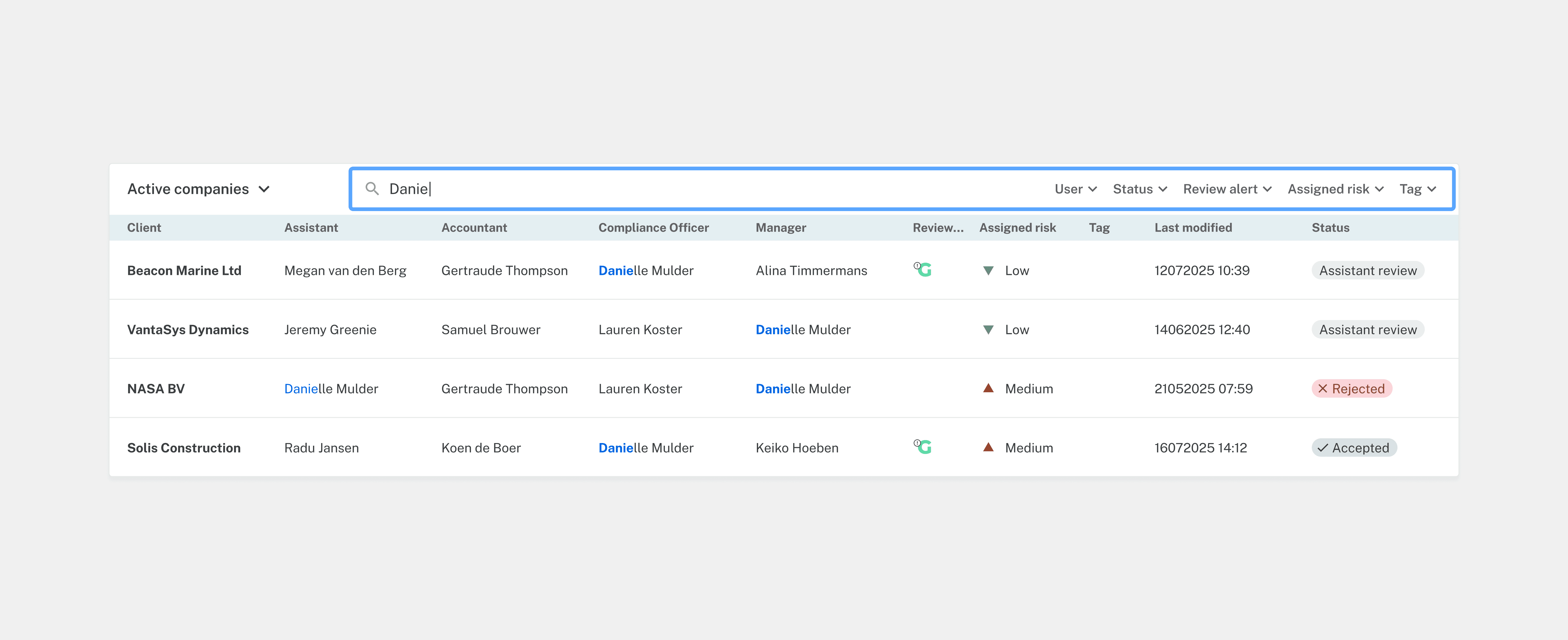
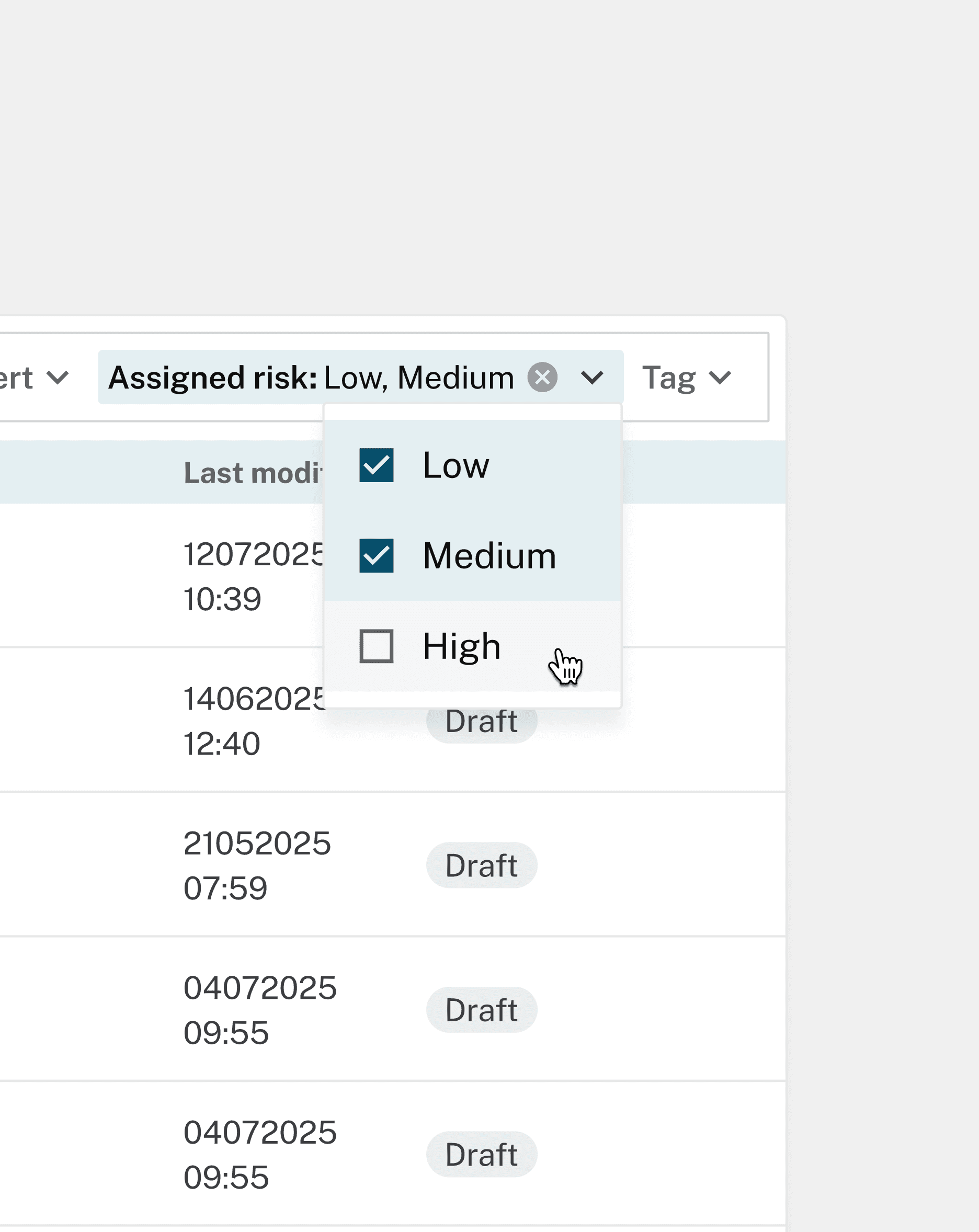
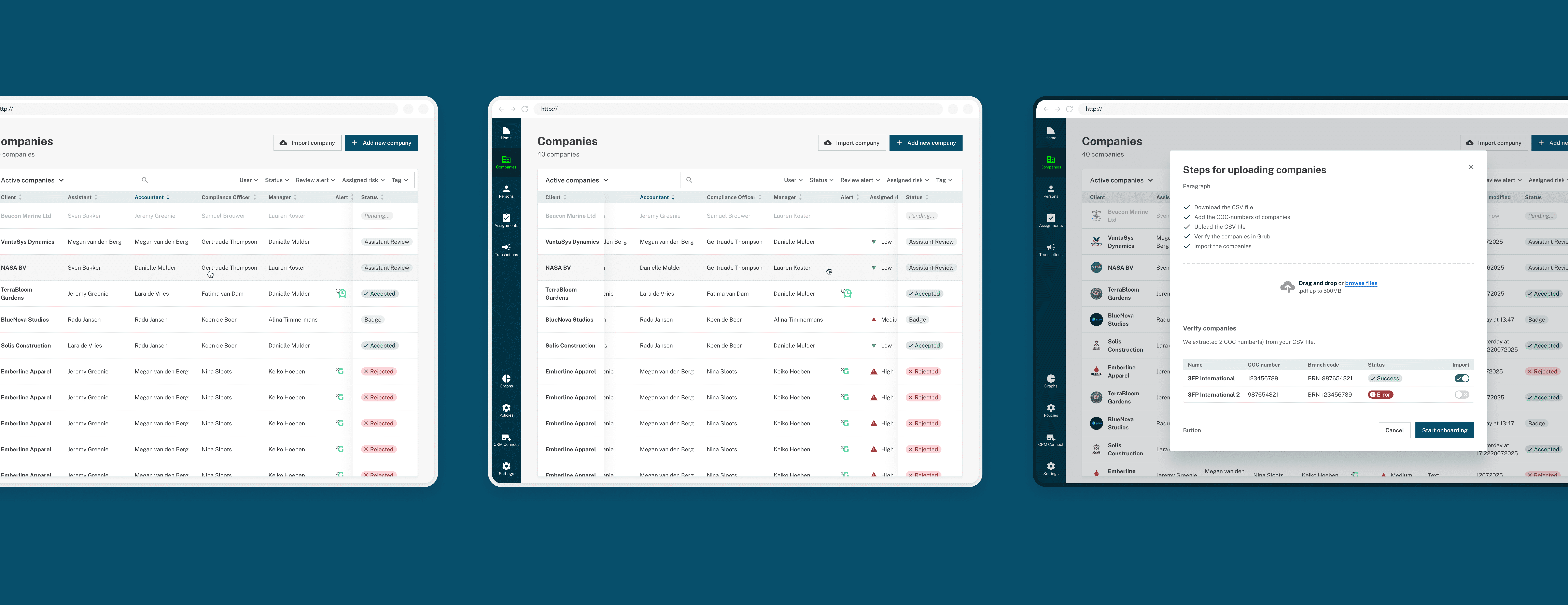
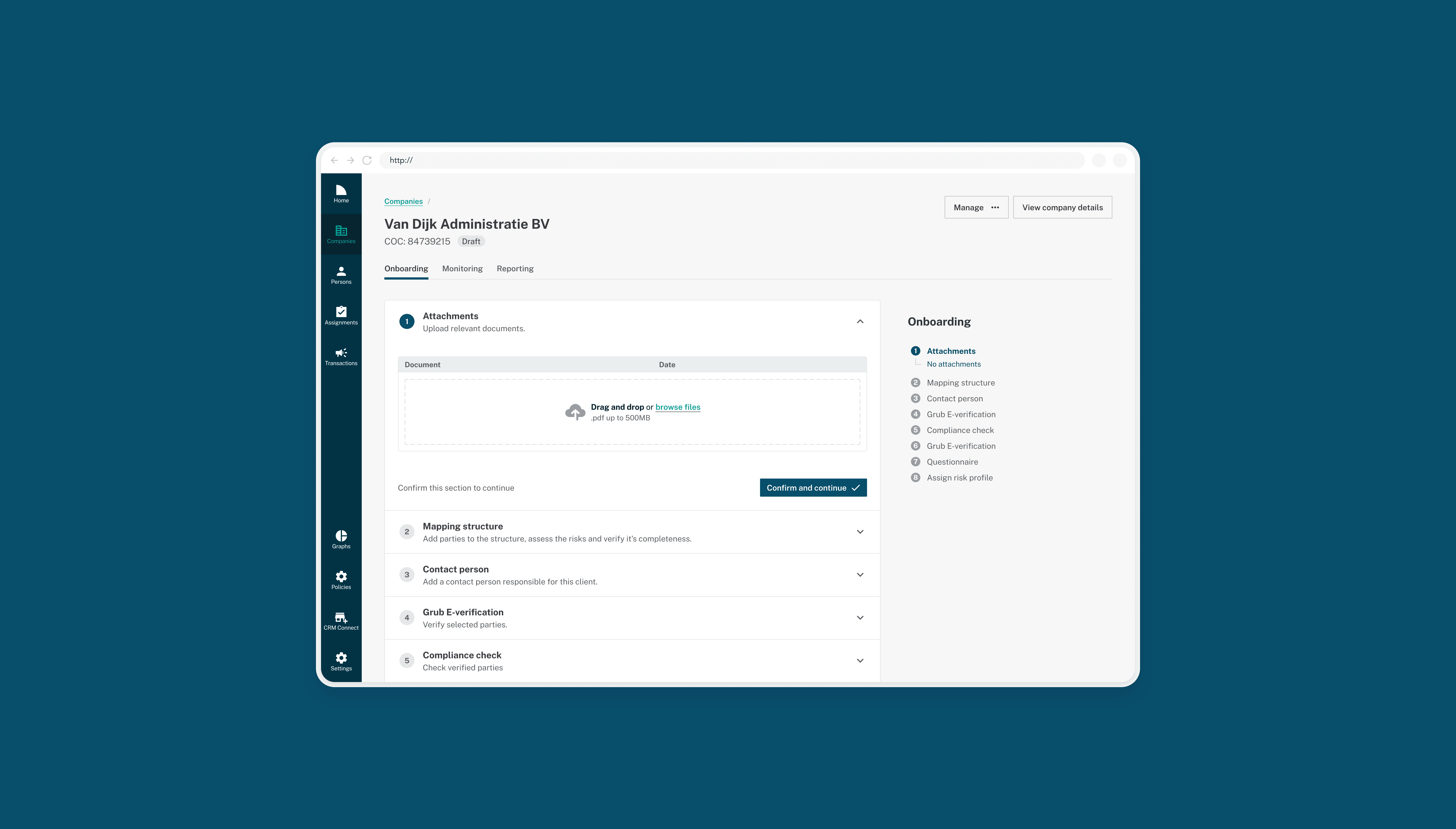
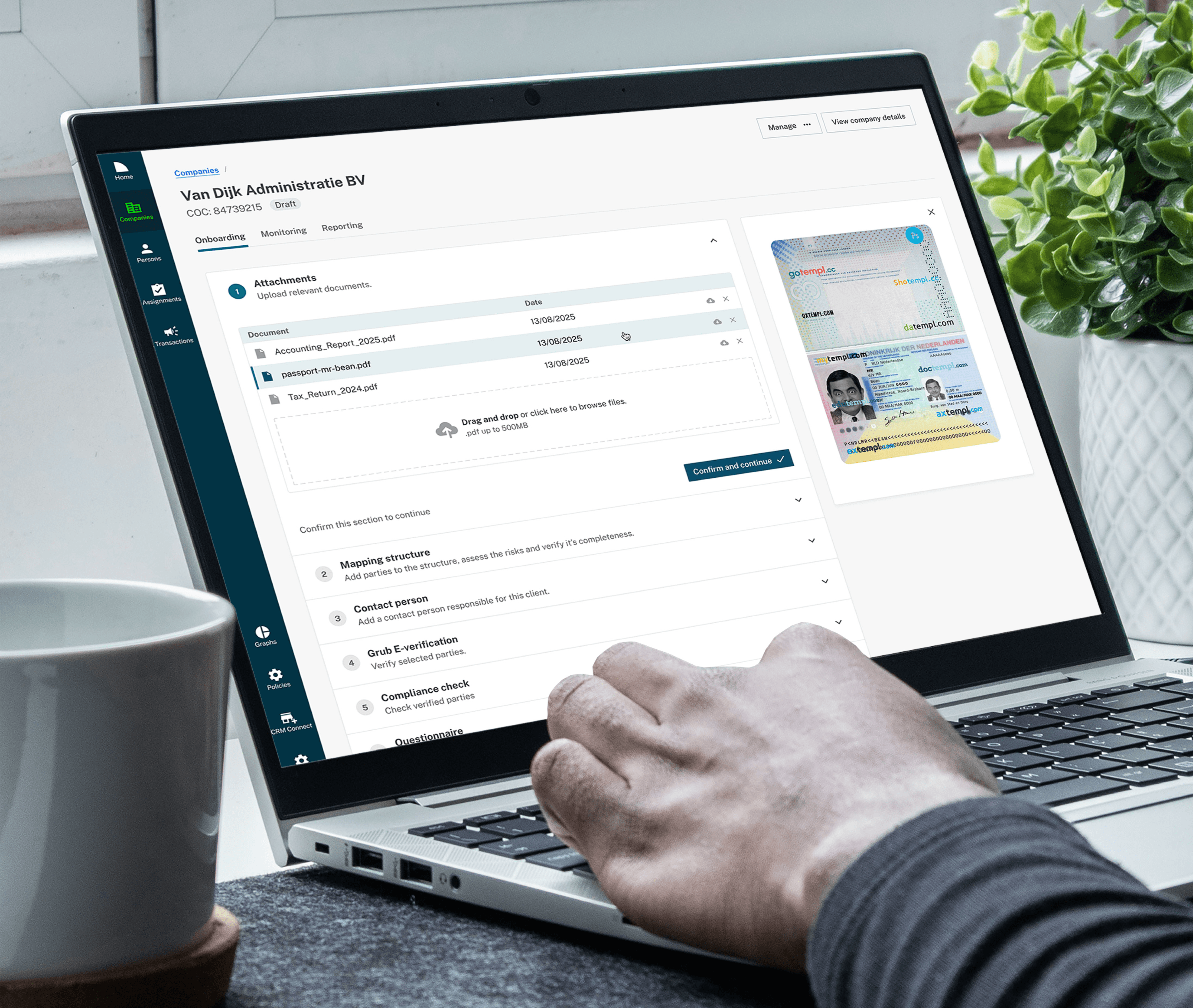
The work resulted in a focused UI overhaul, informed by user behaviour and everyday workflows.
Key deliverables included:
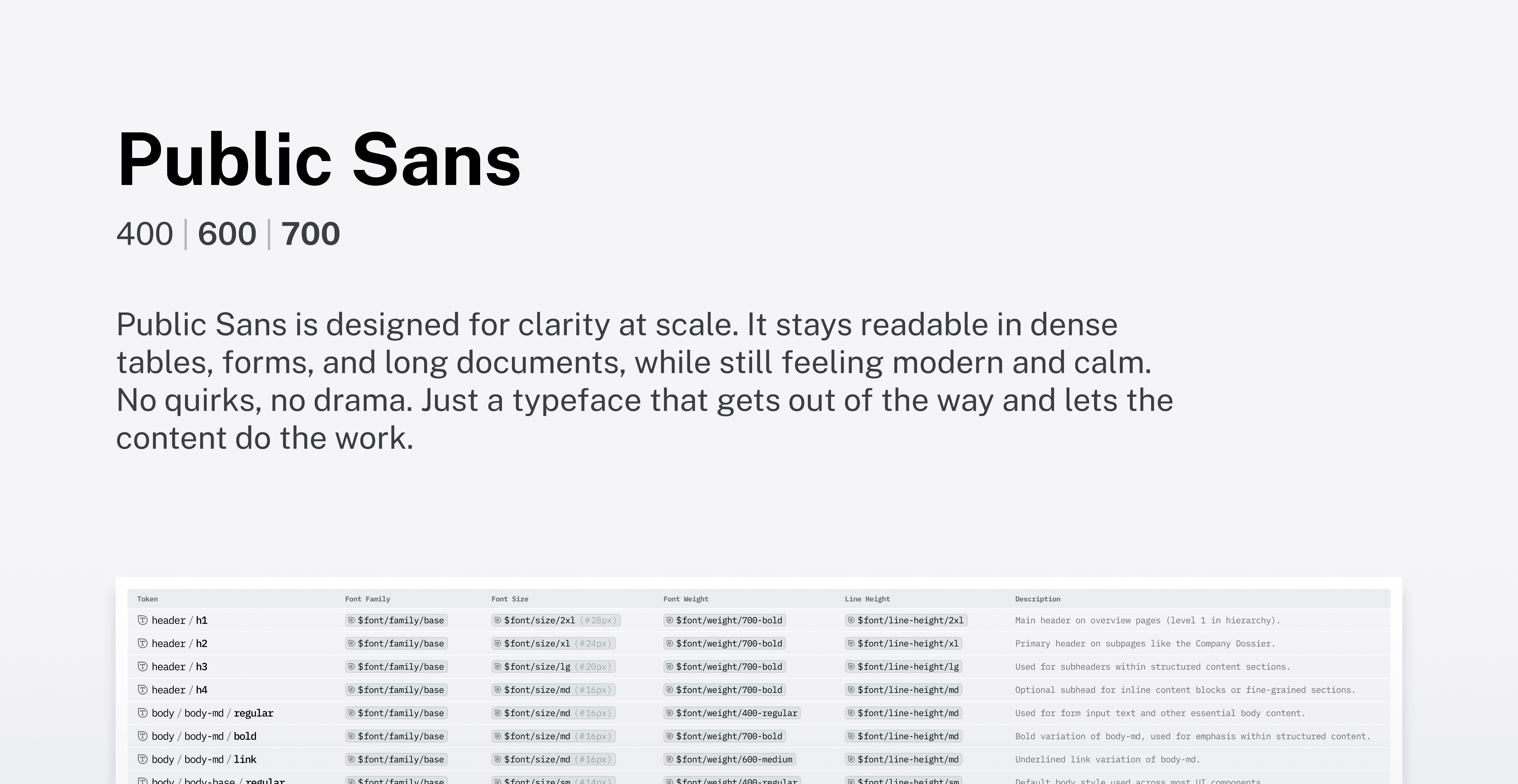
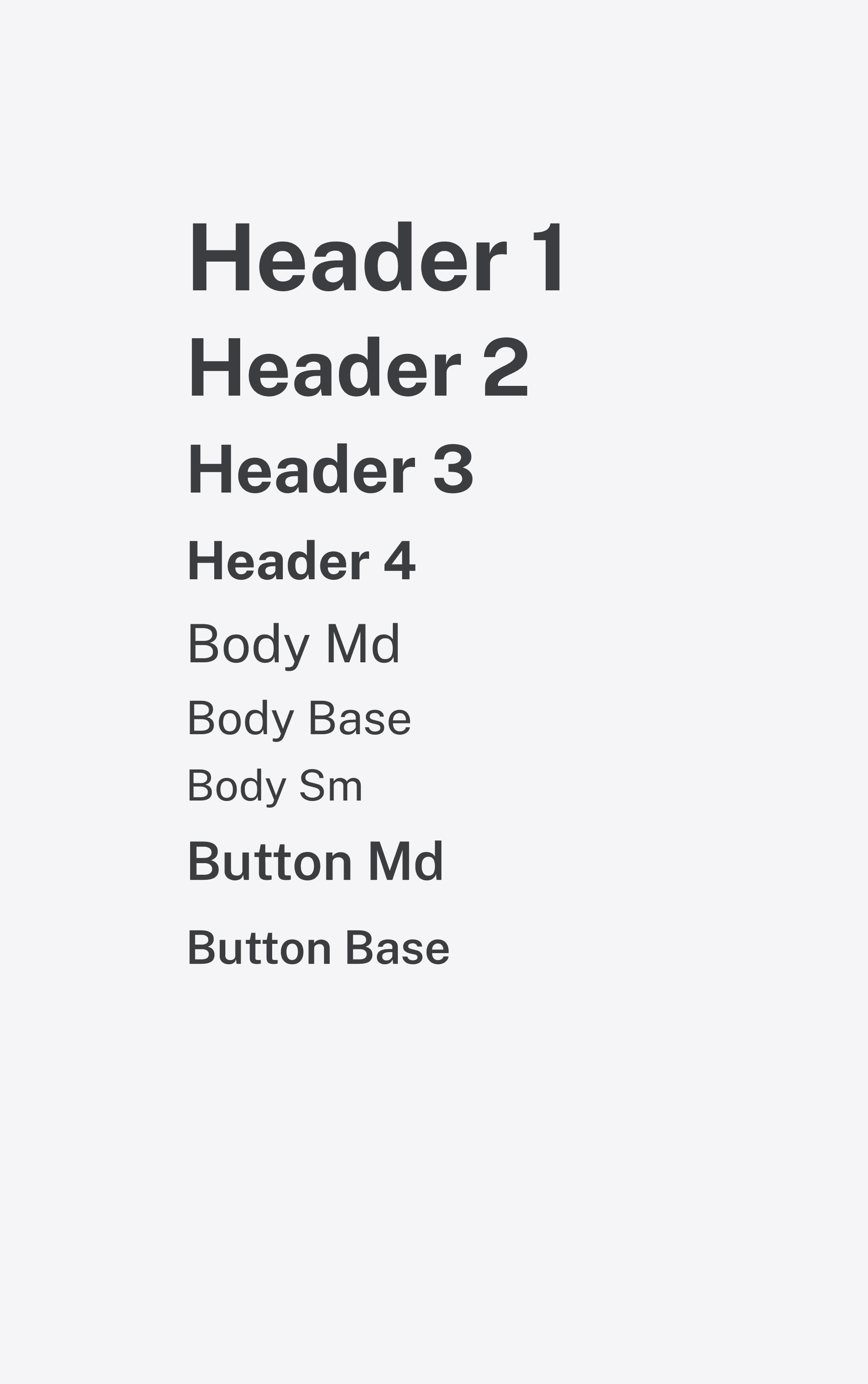
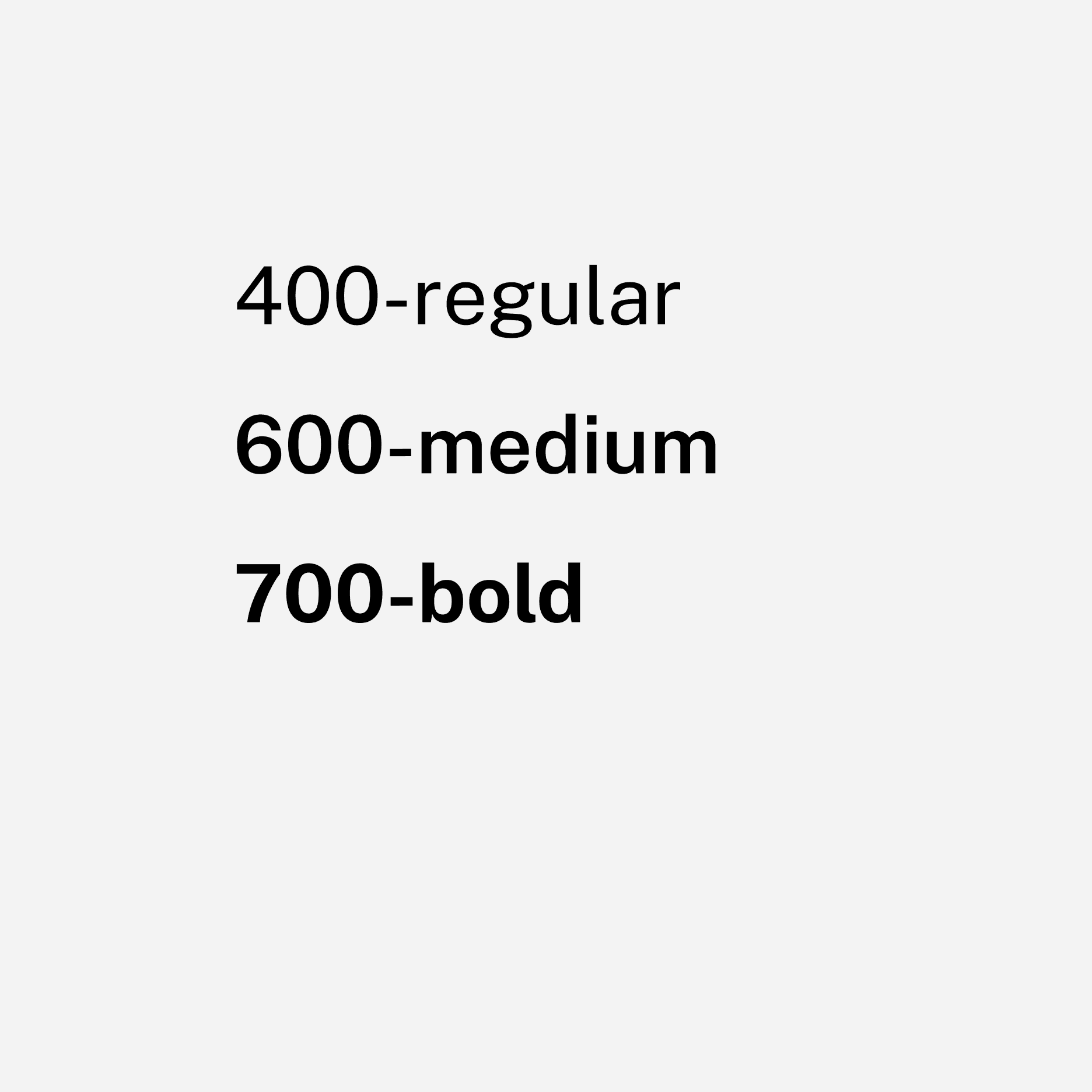
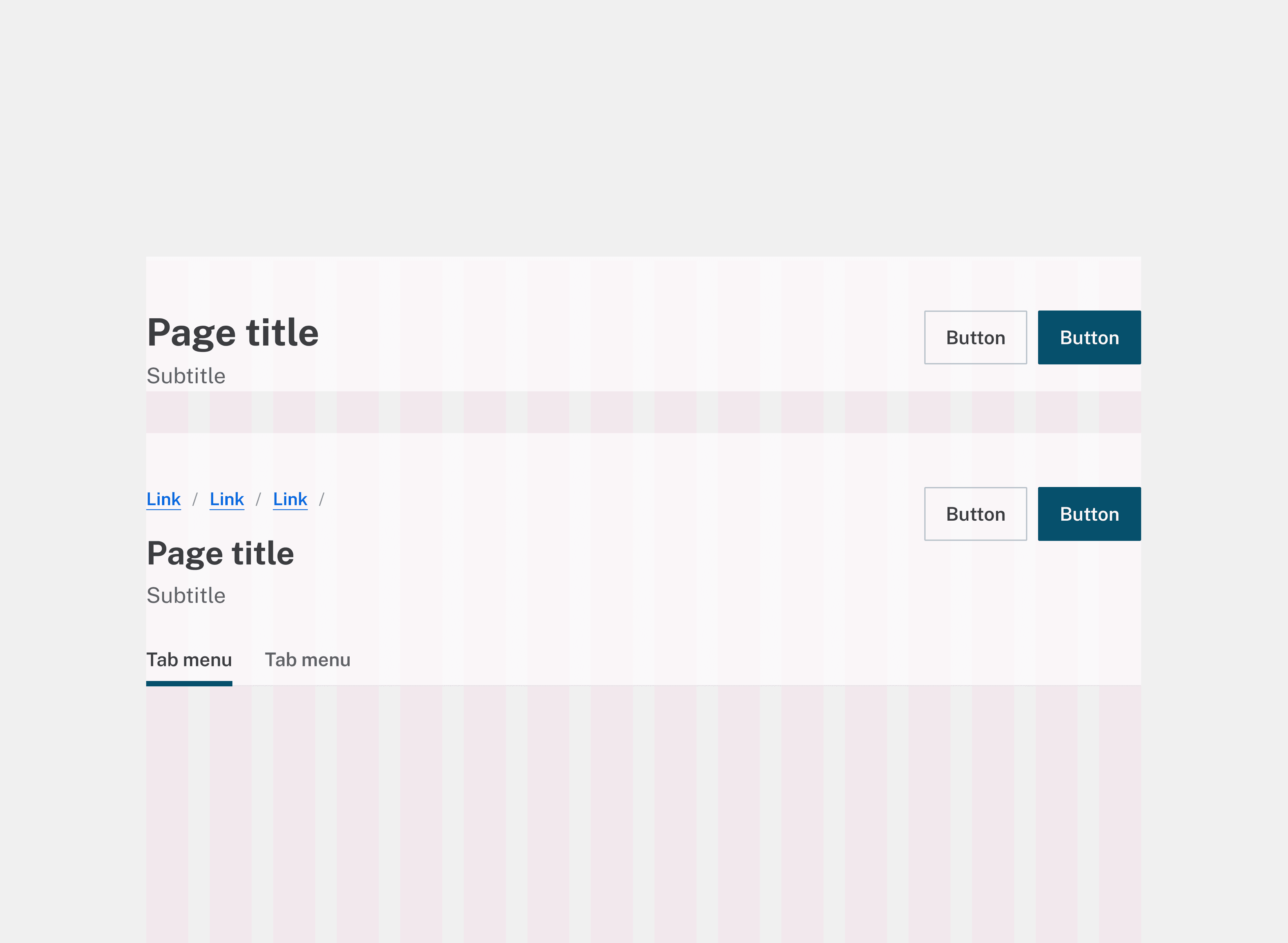
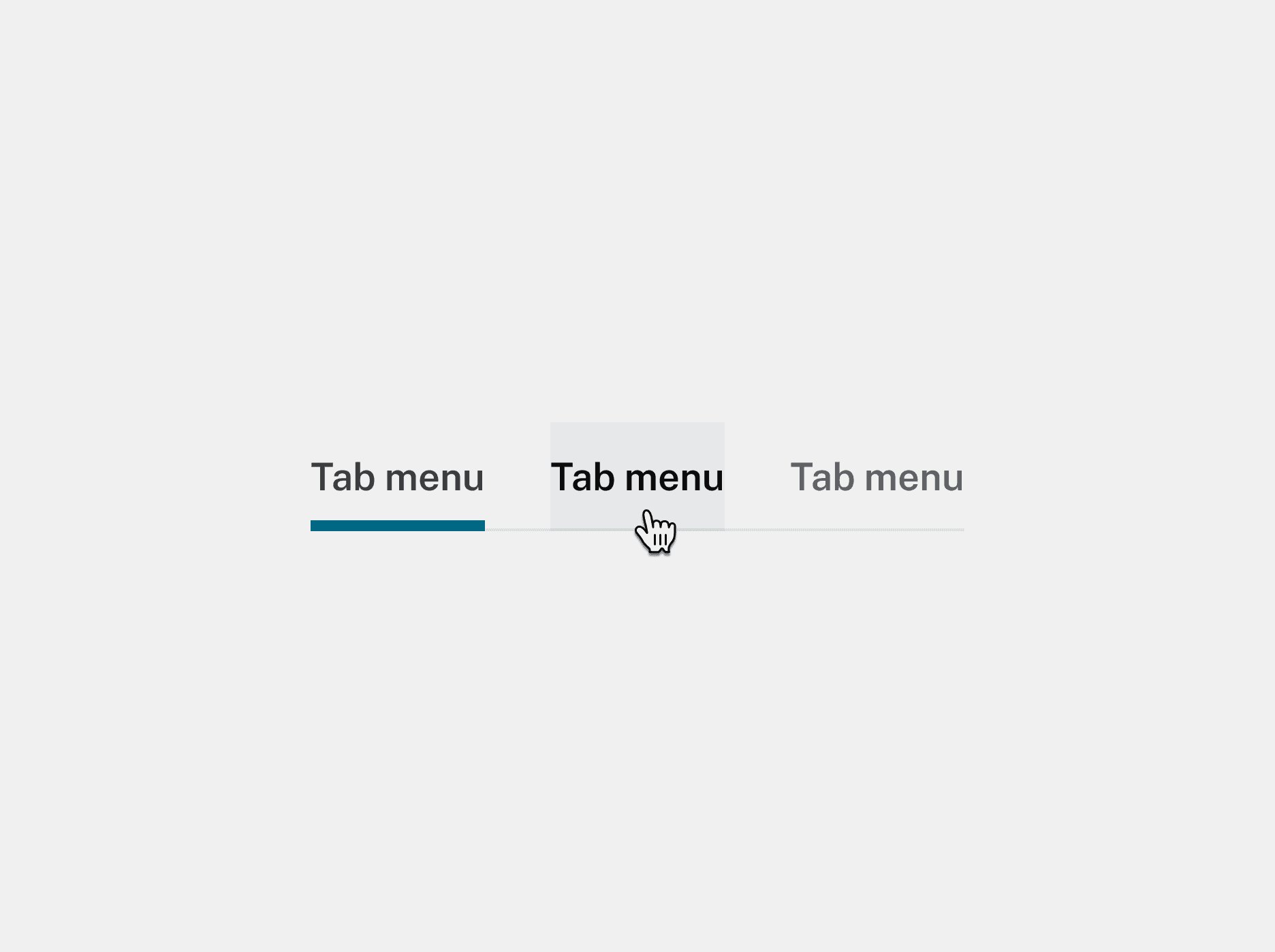
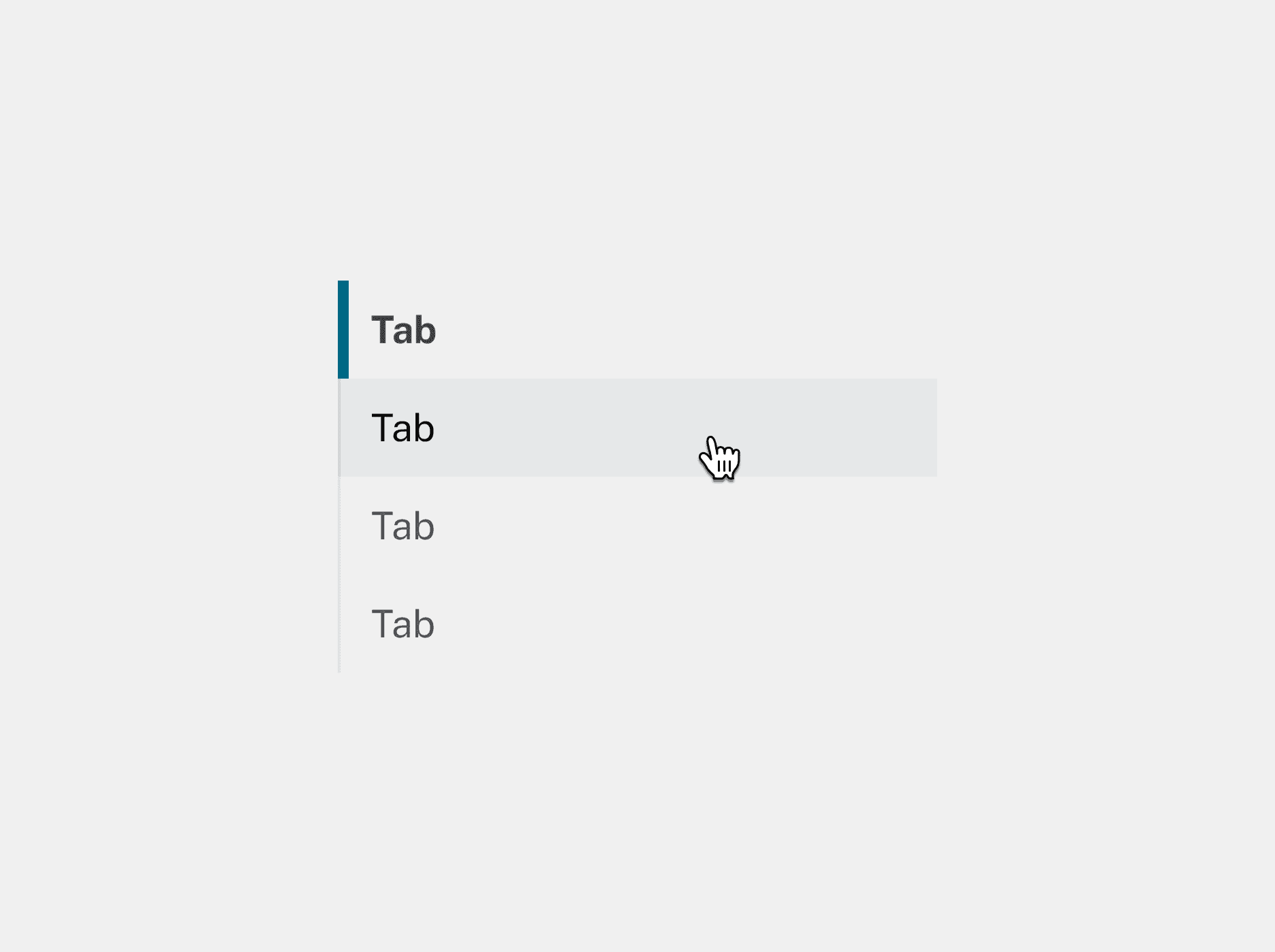
Clear hierarchy through typography
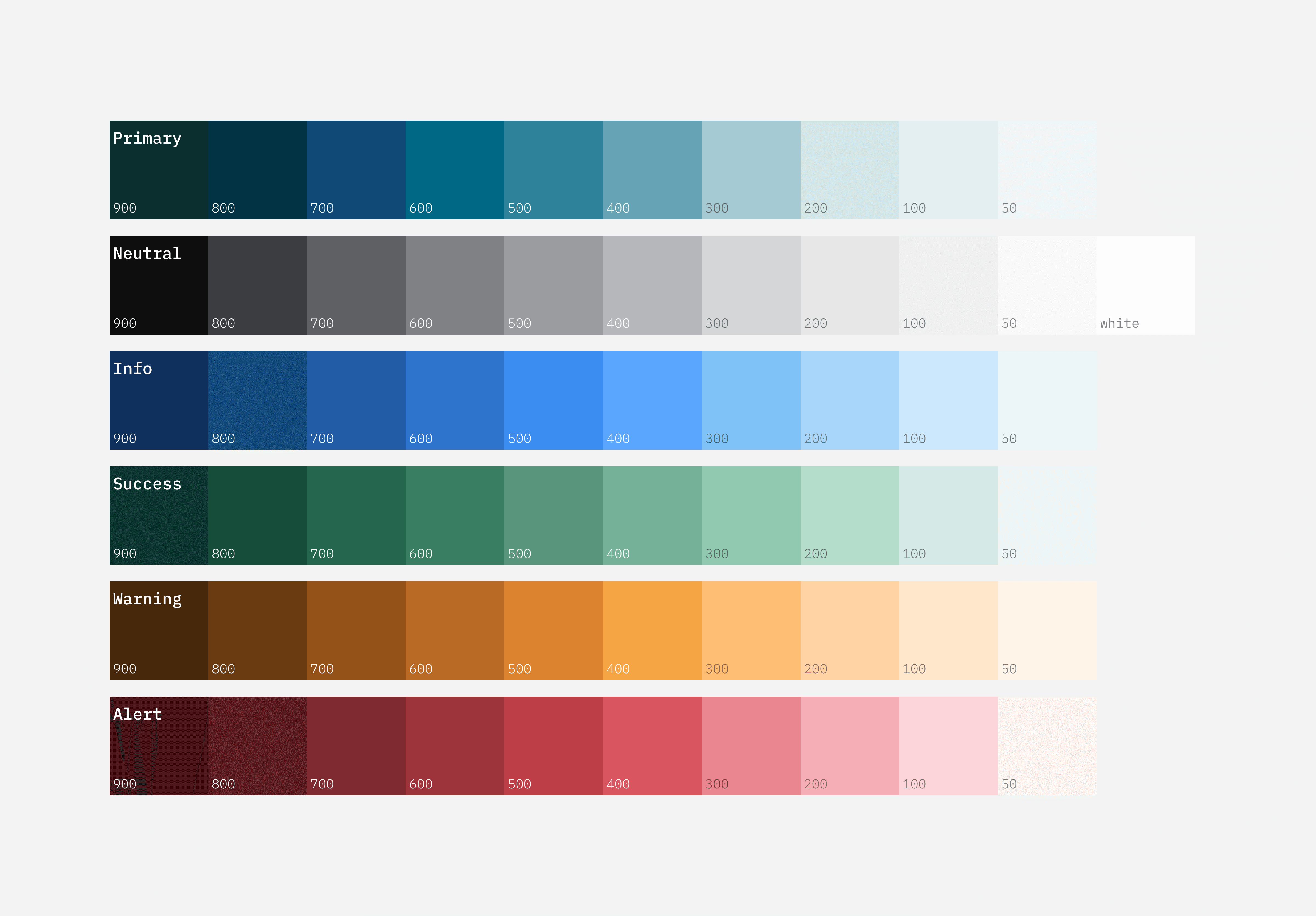
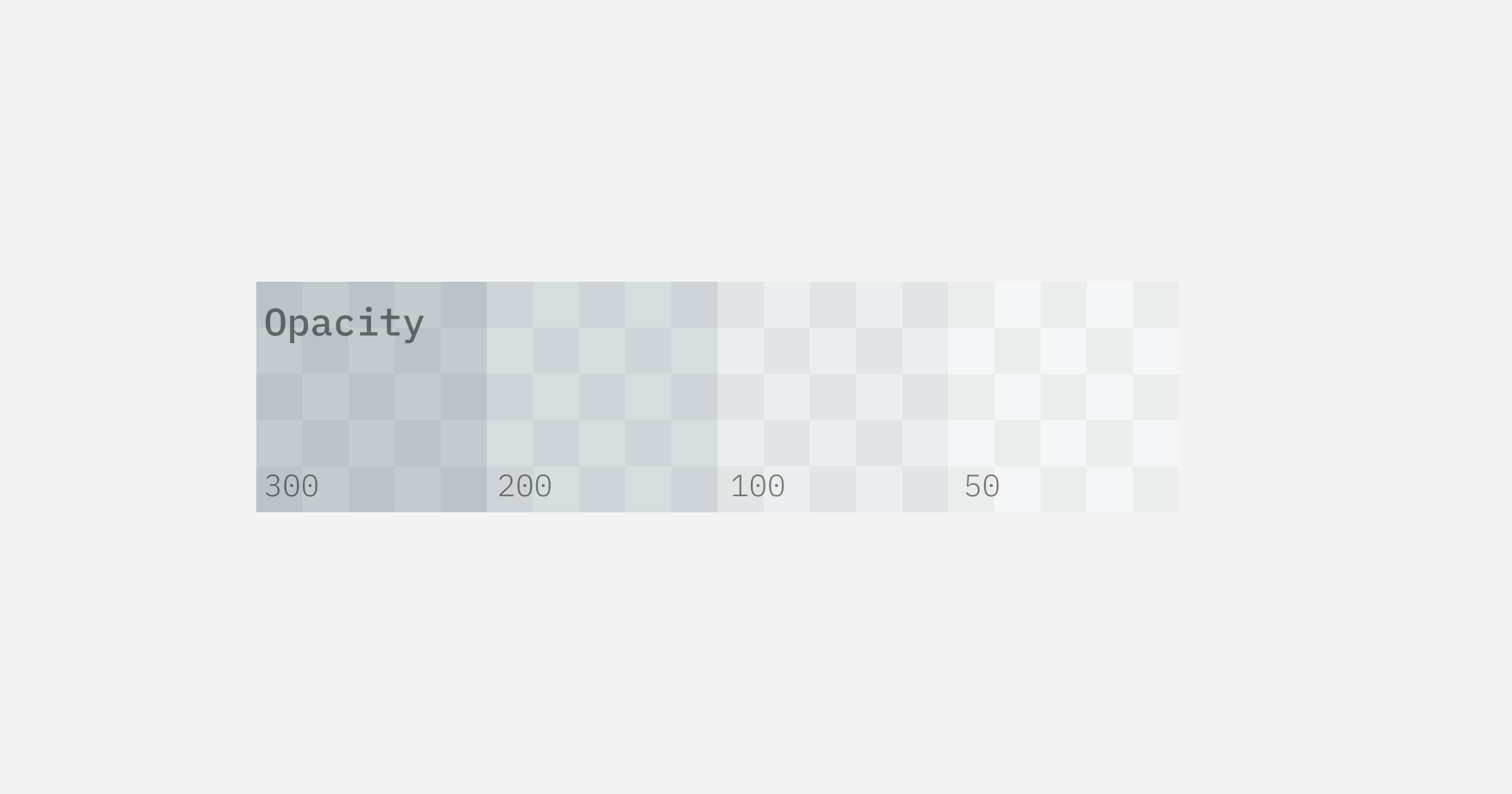
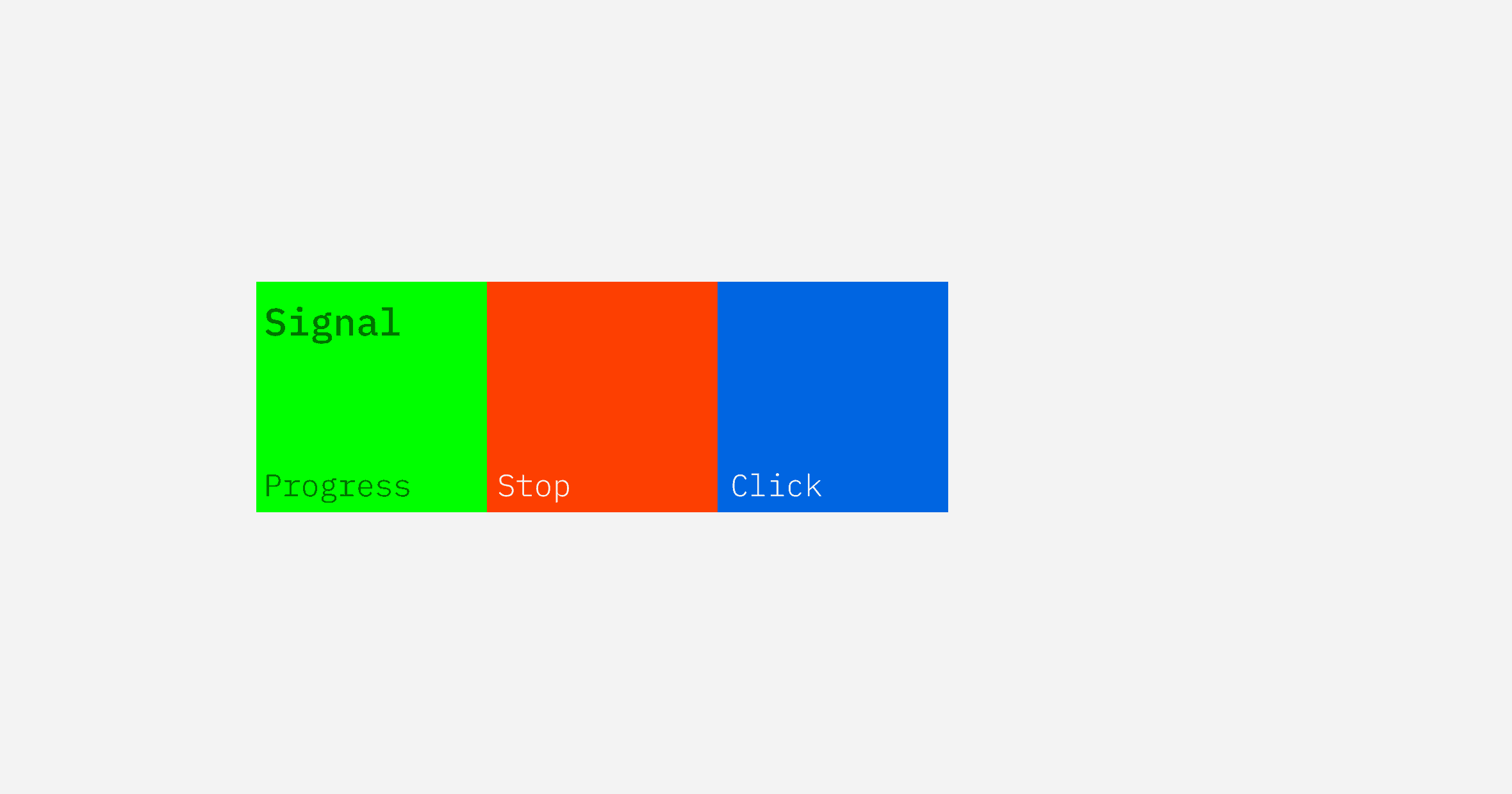
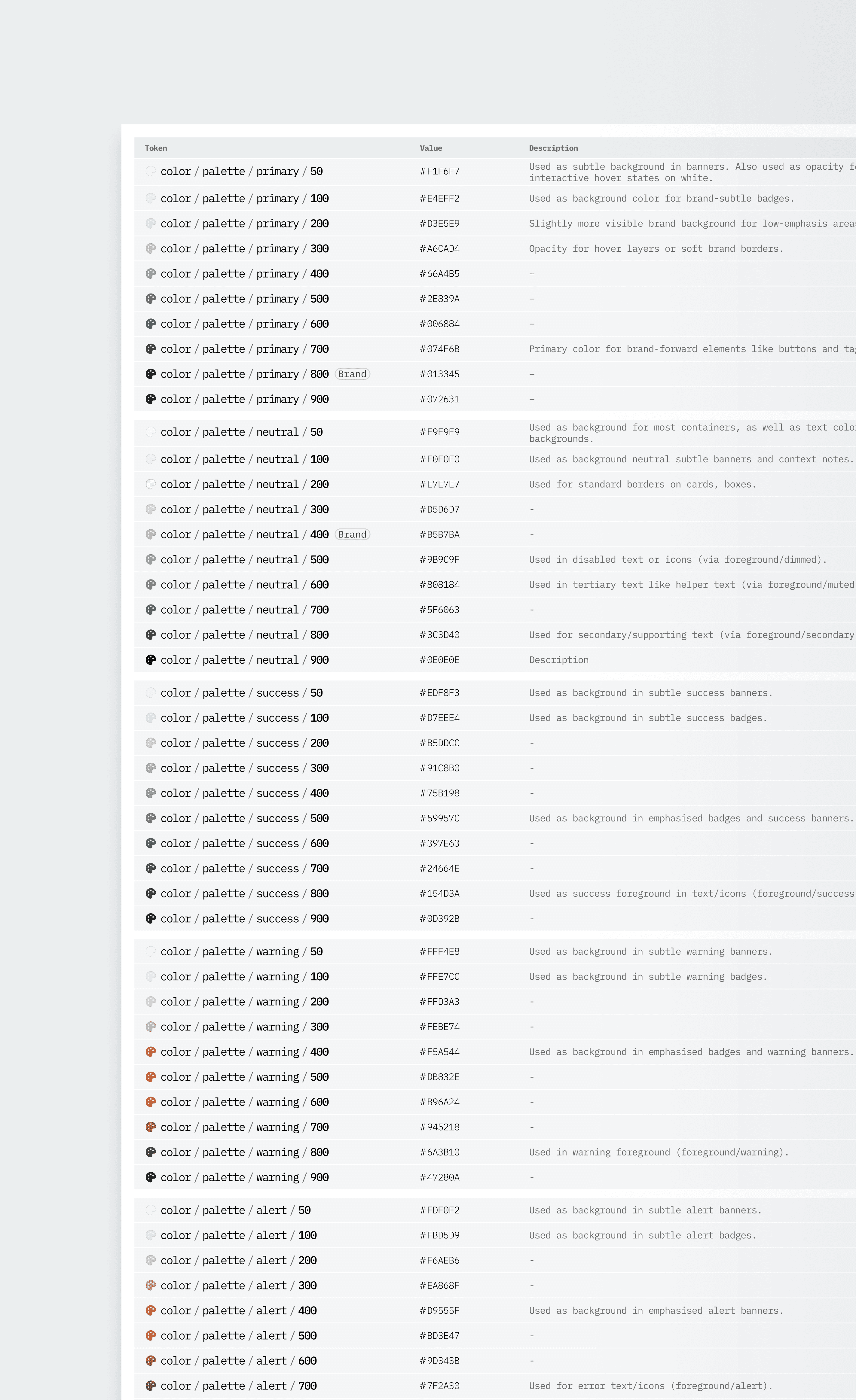
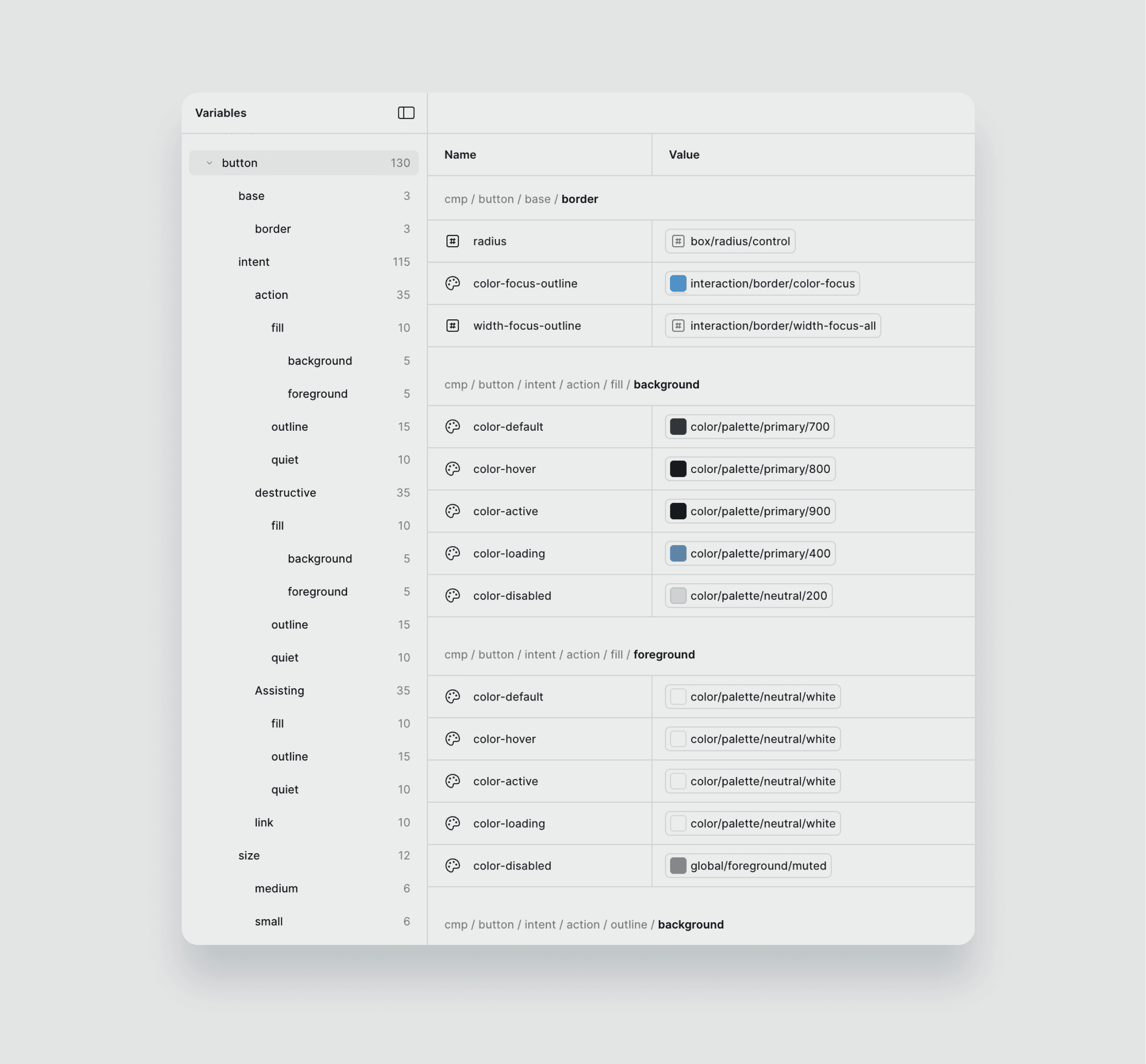
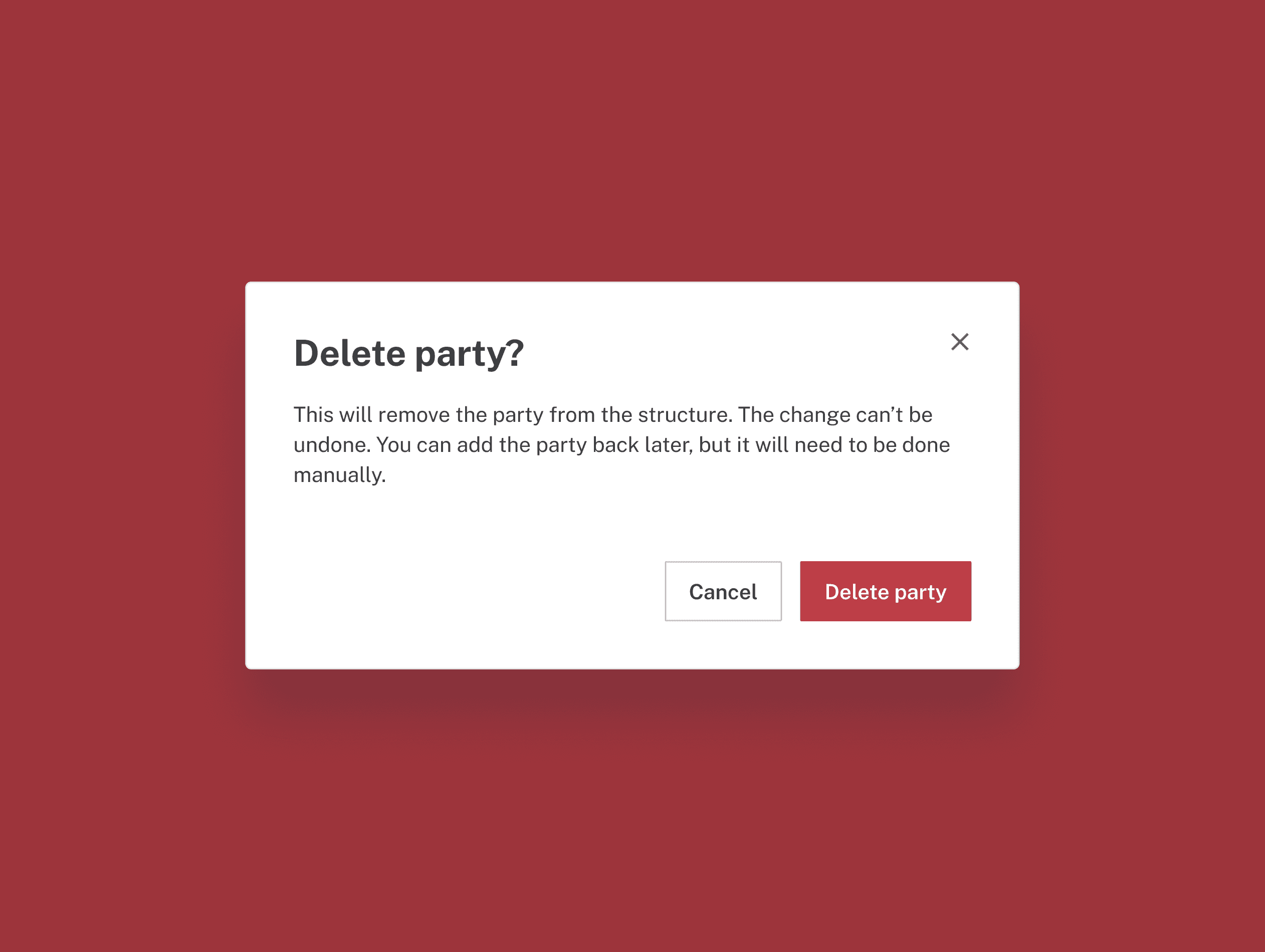
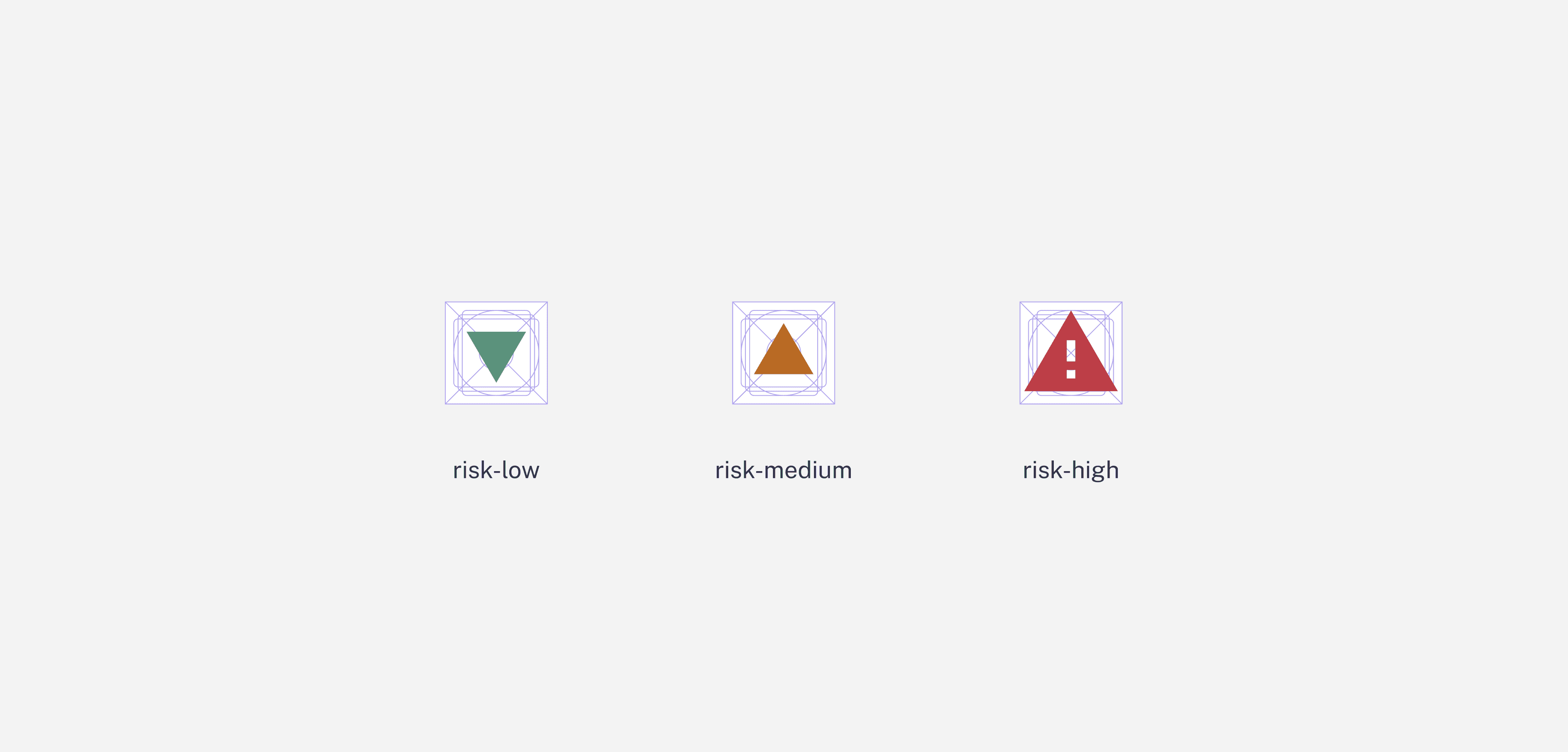
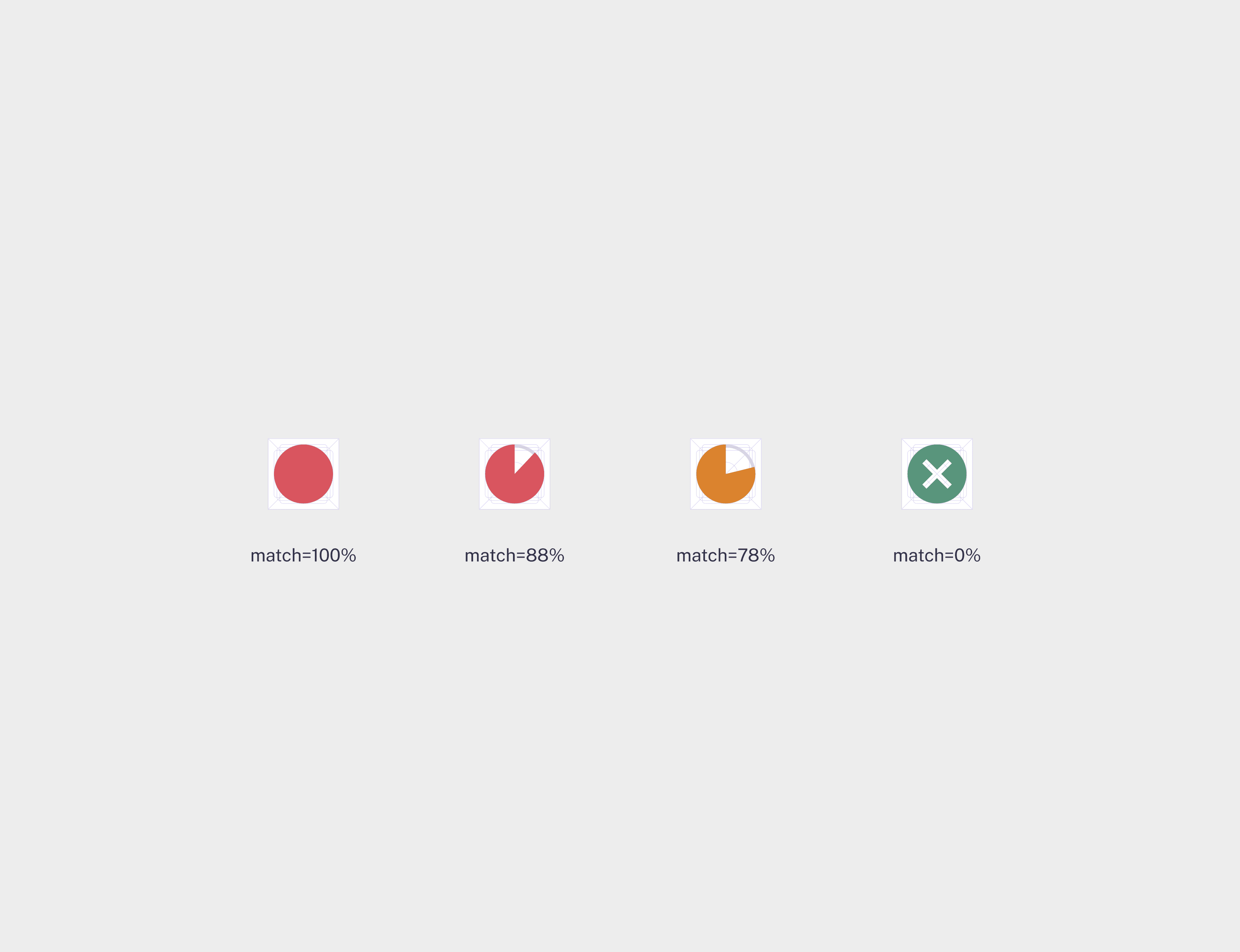
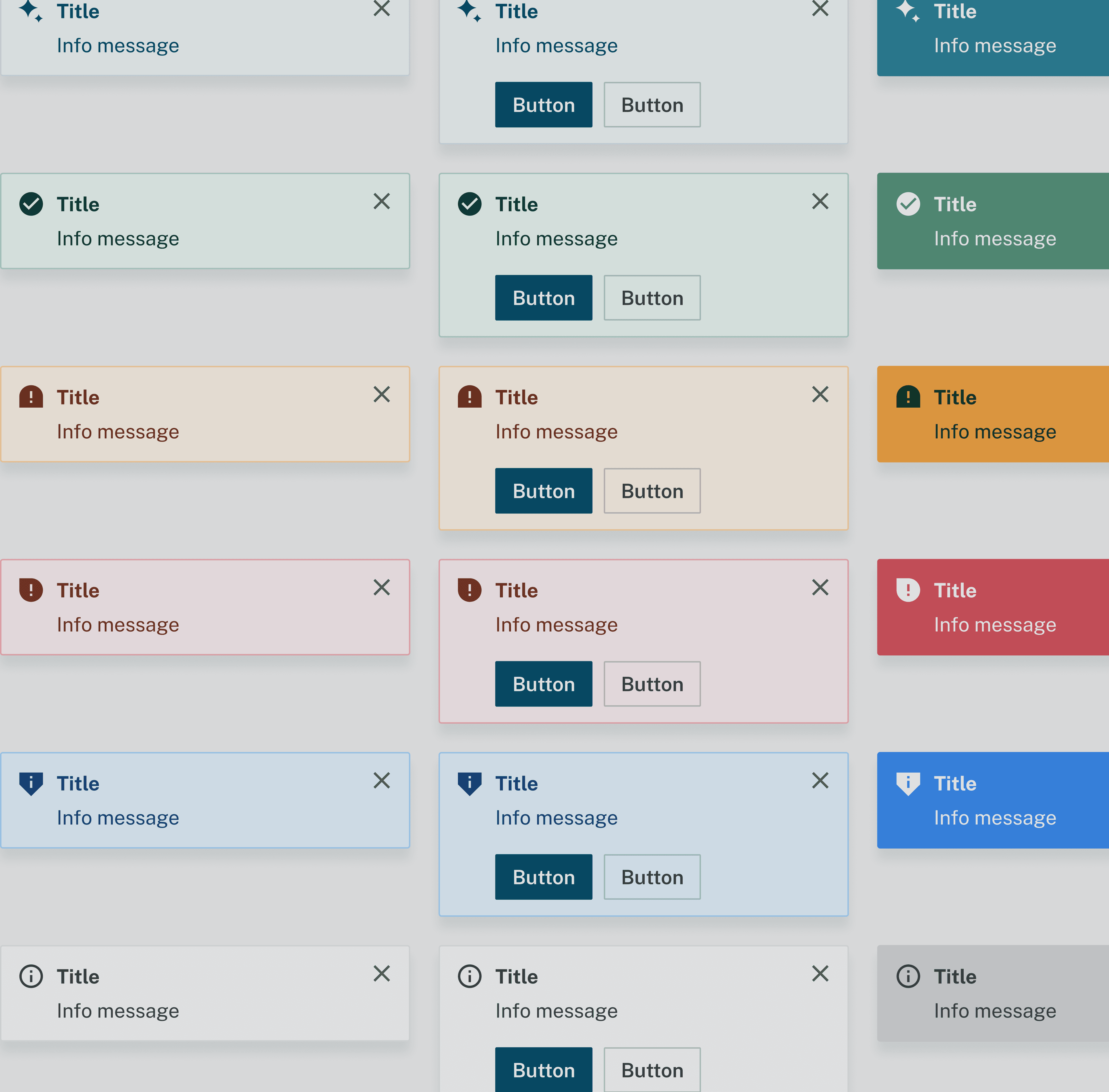
Semantic colour roles for states and accessibility
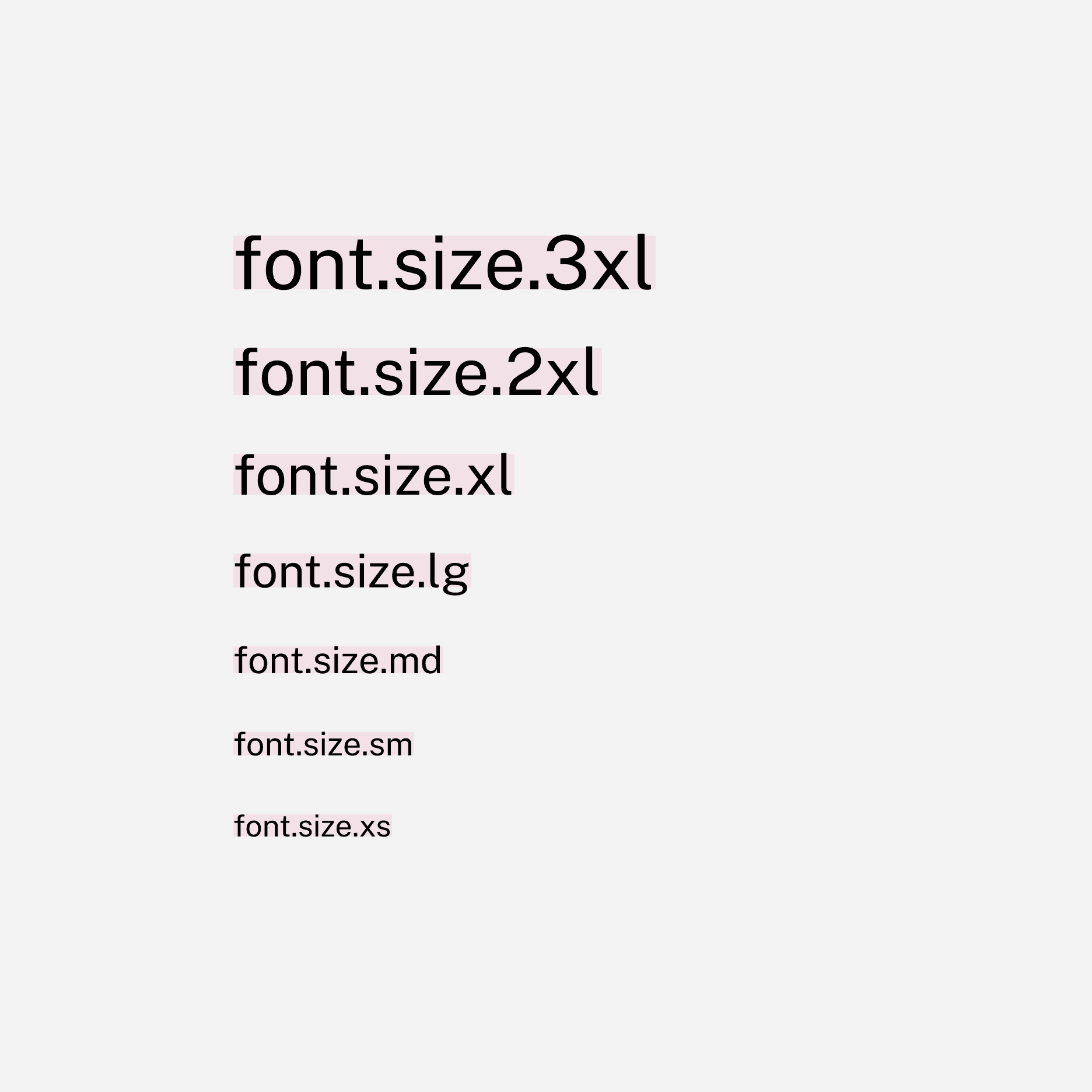
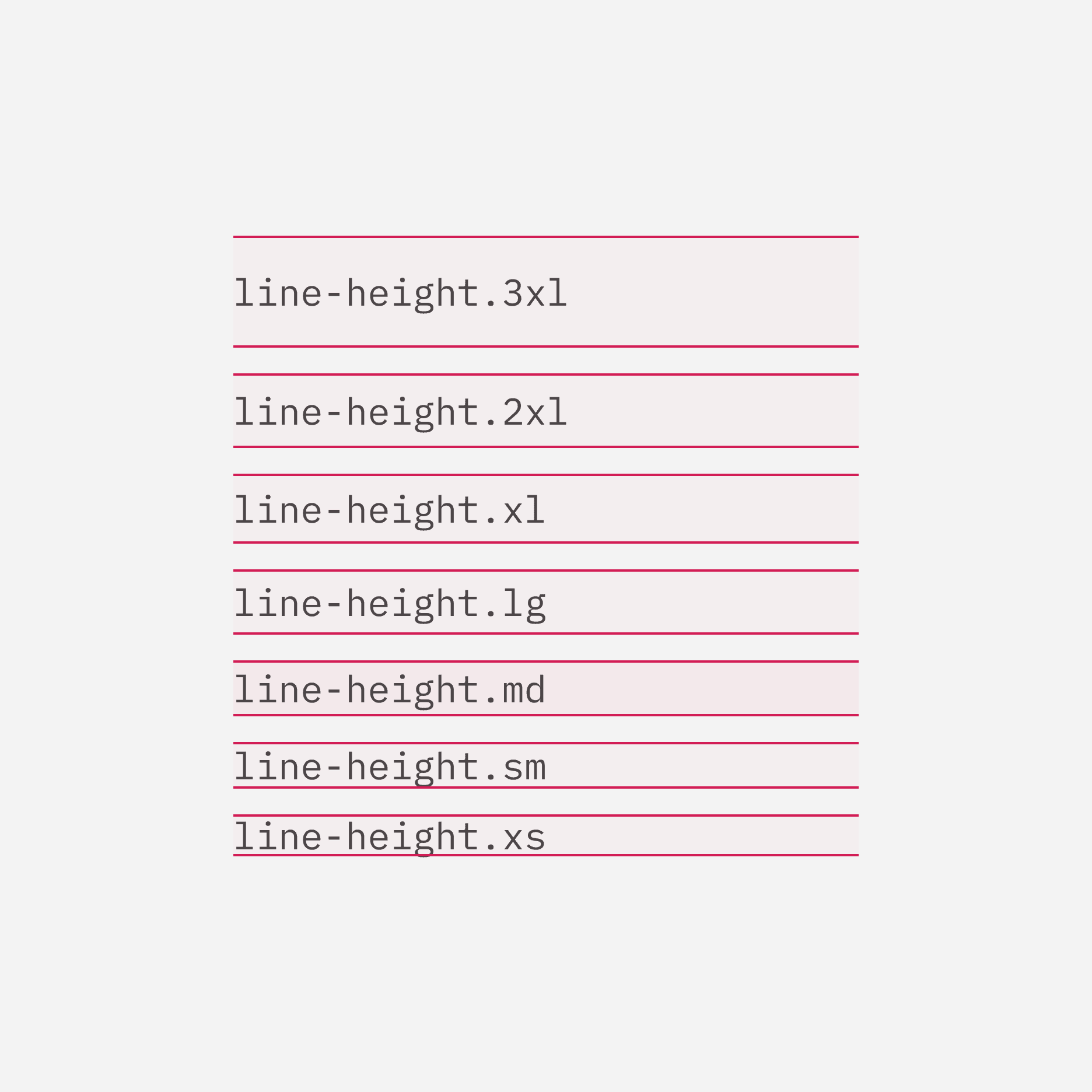
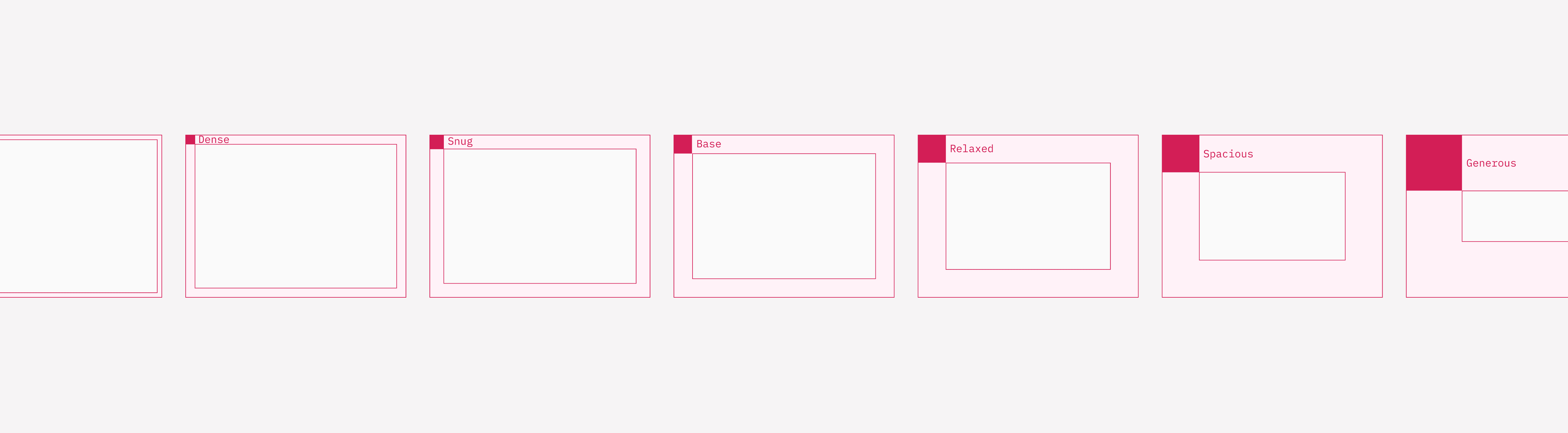
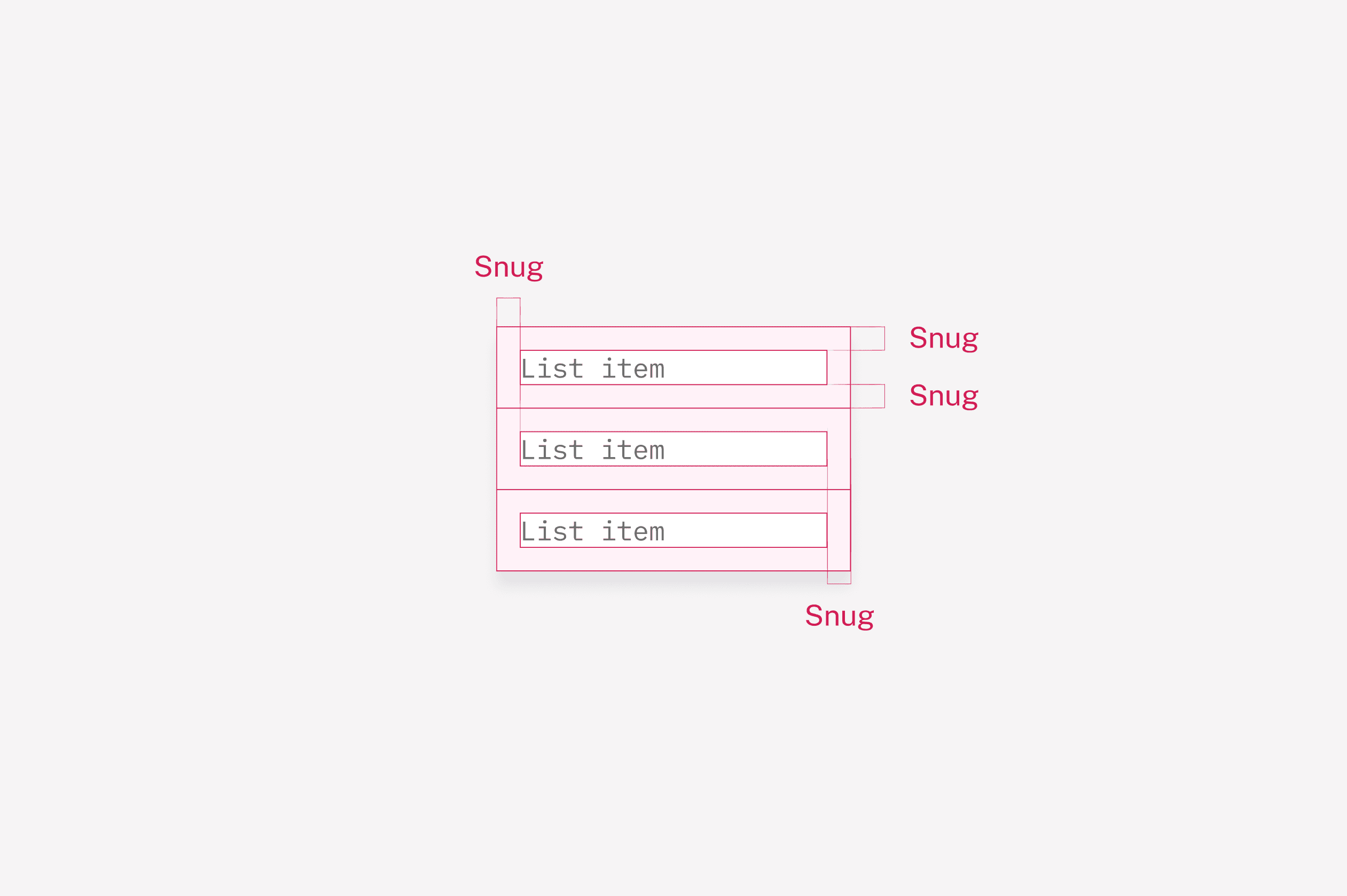
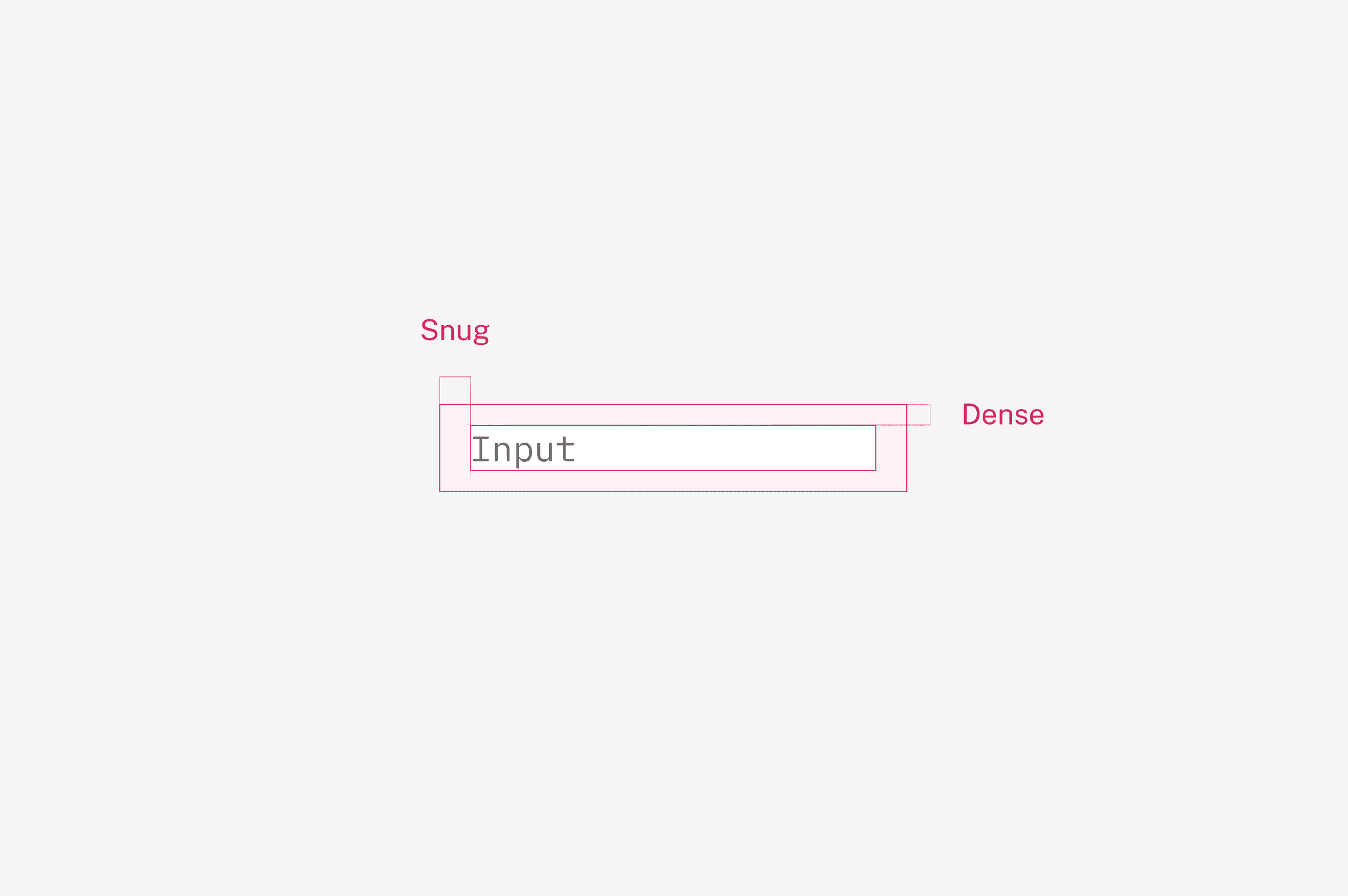
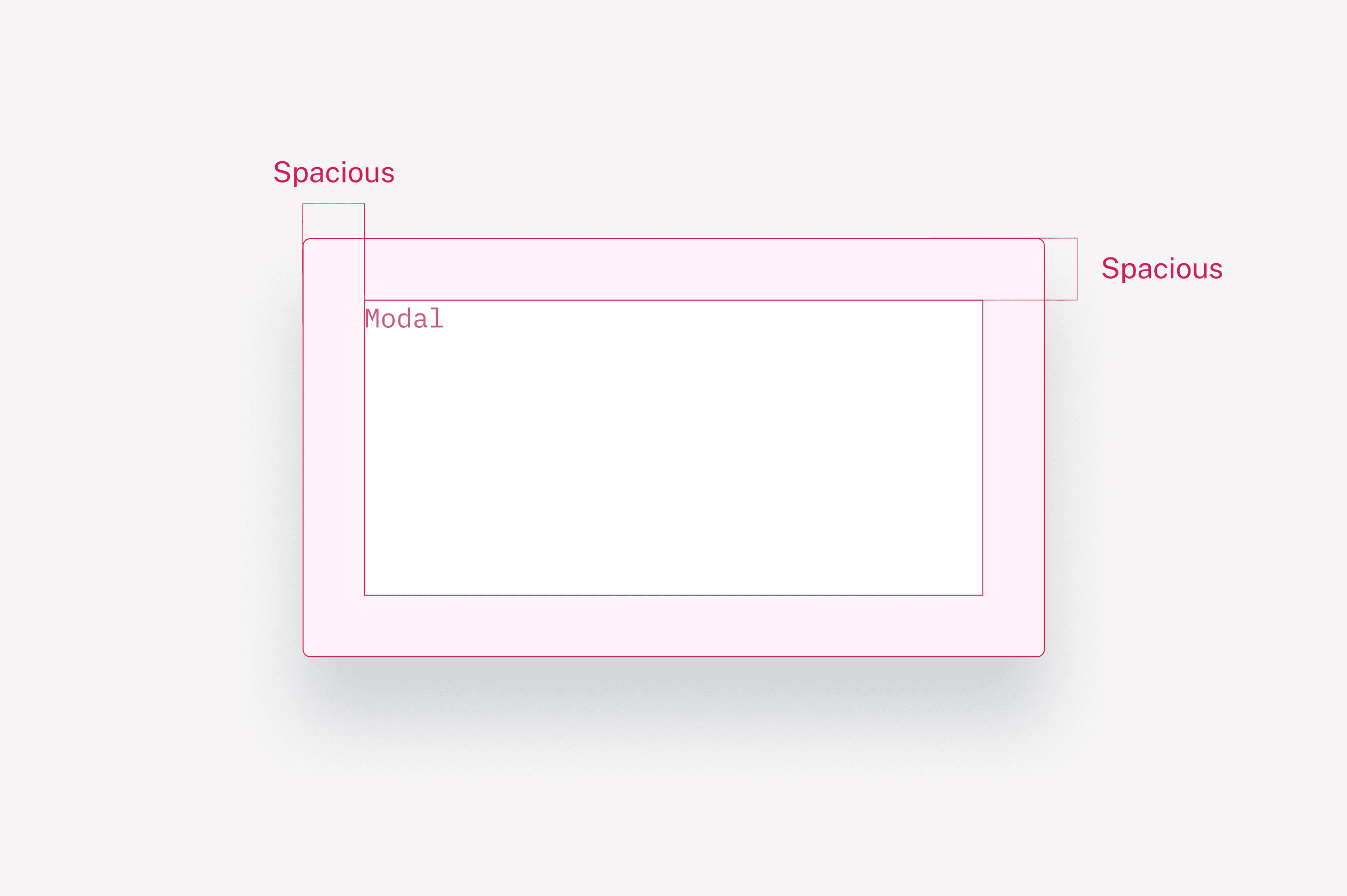
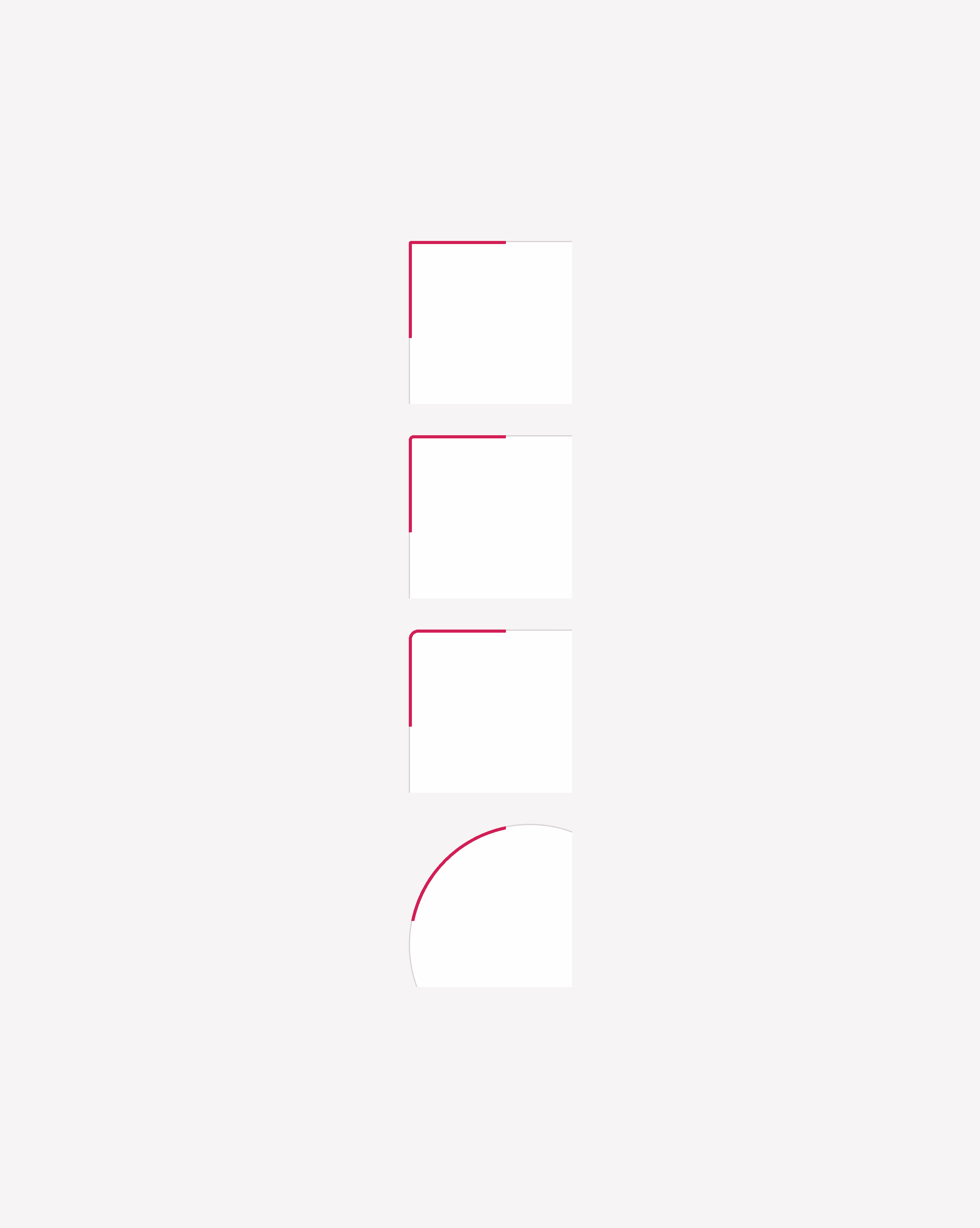
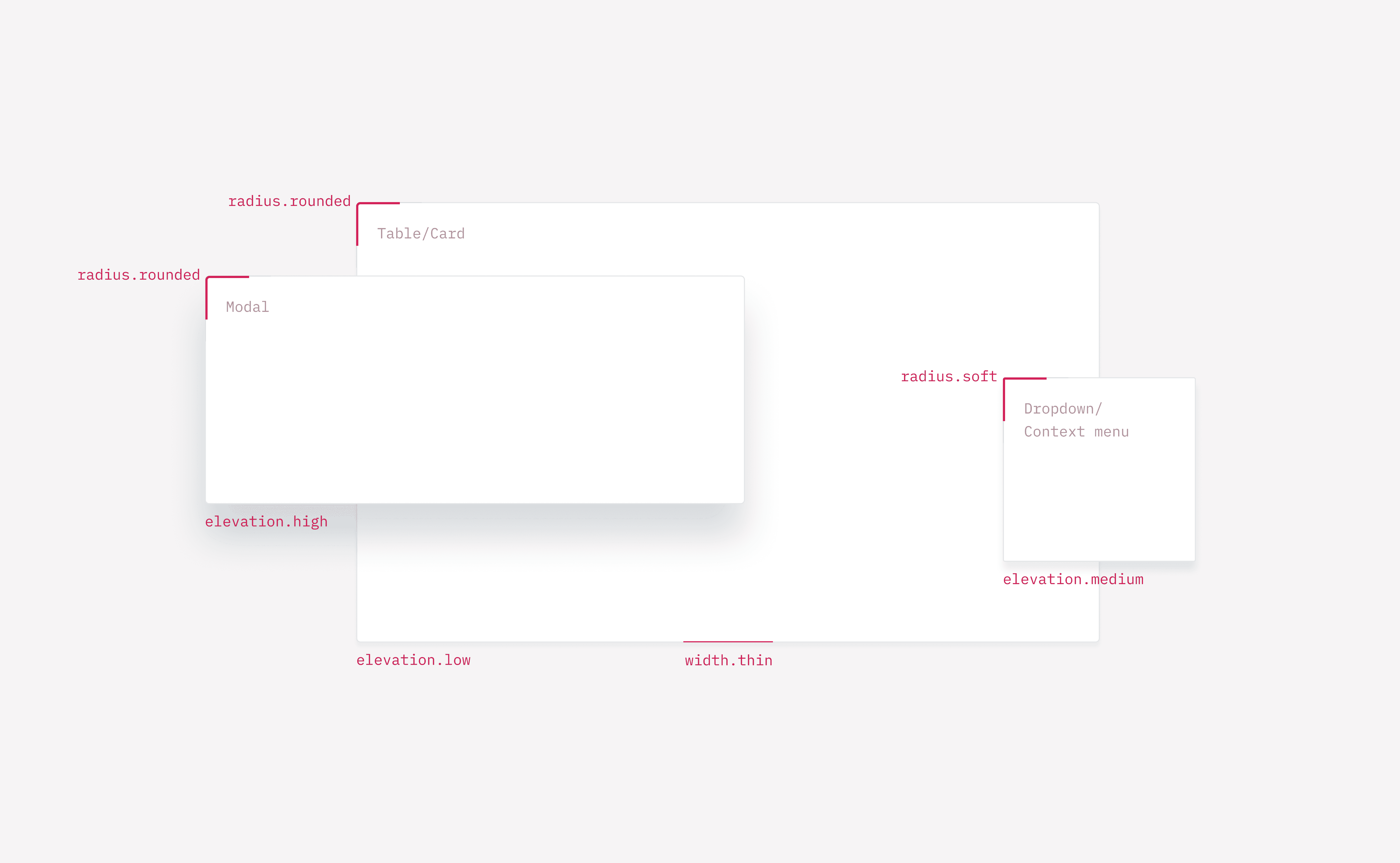
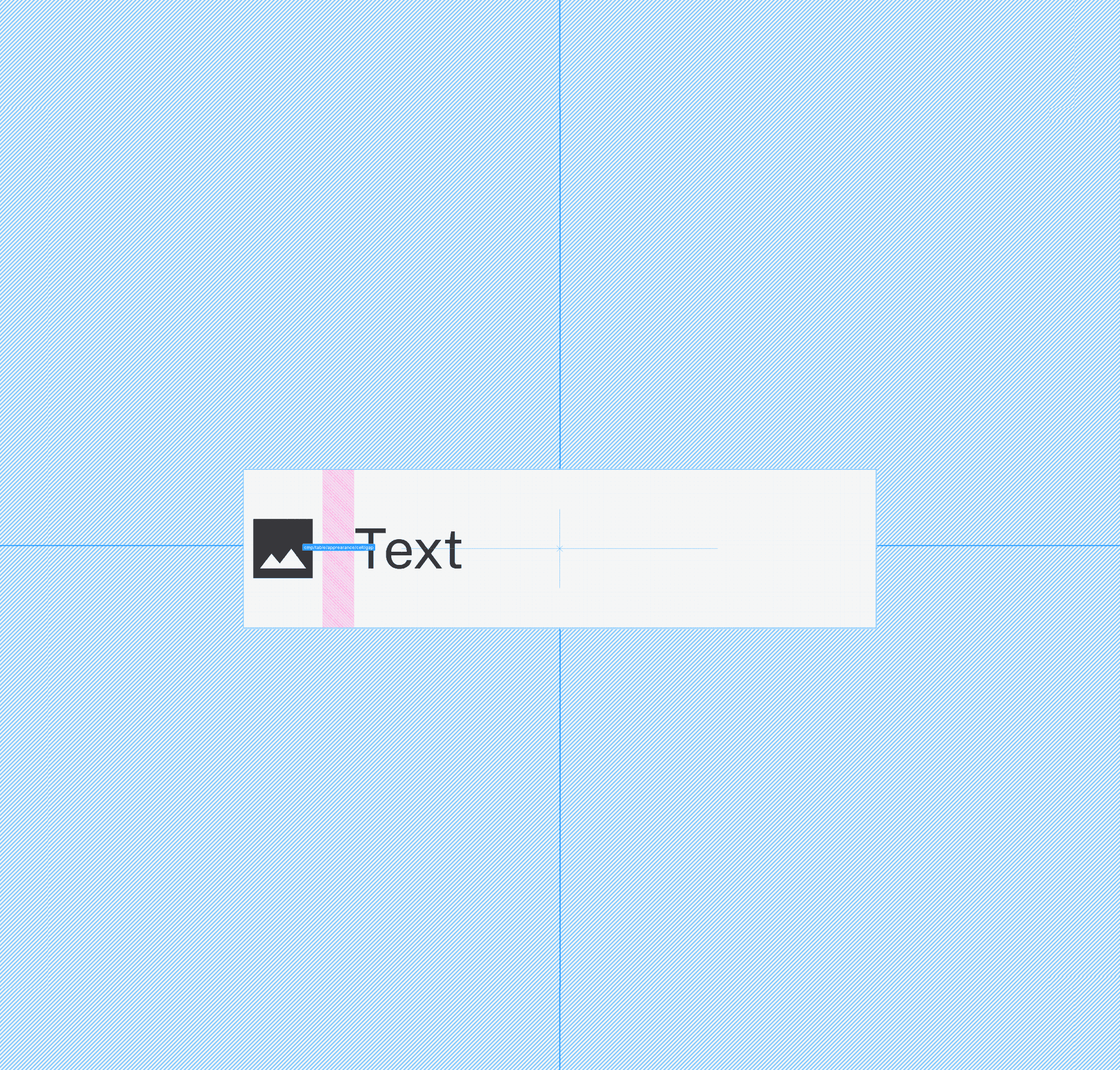
A token based foundation for spacing and sizing
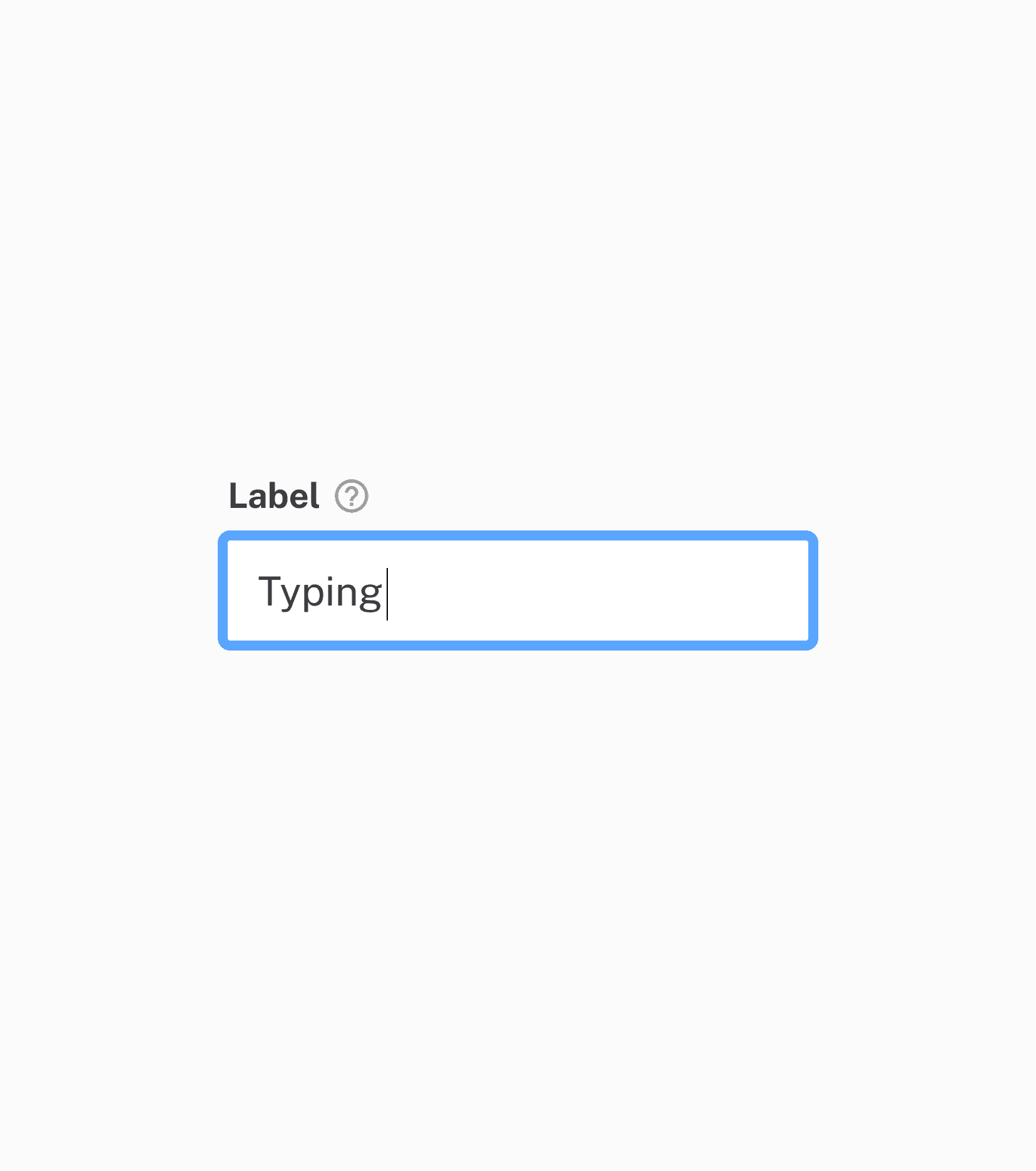
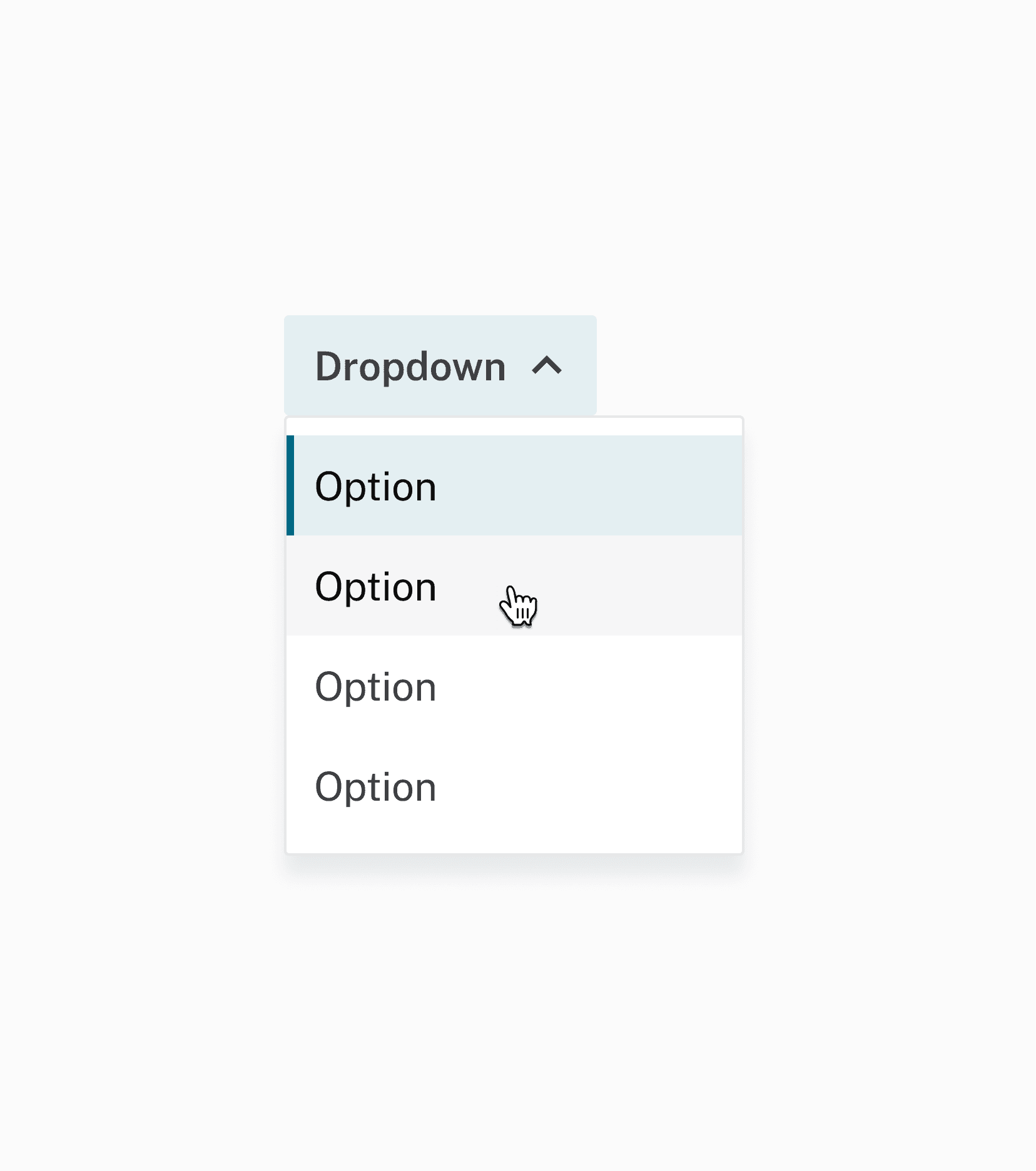
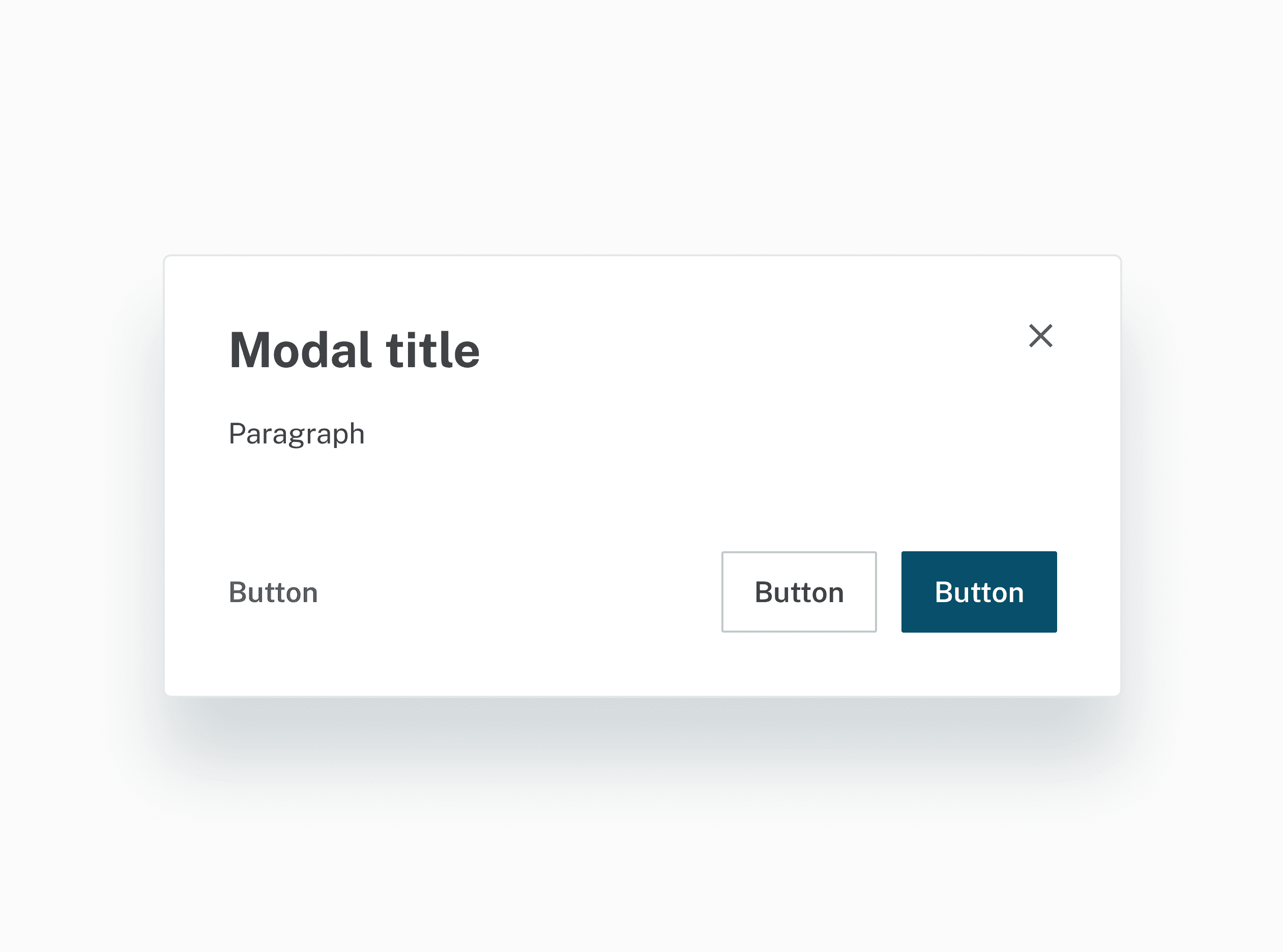
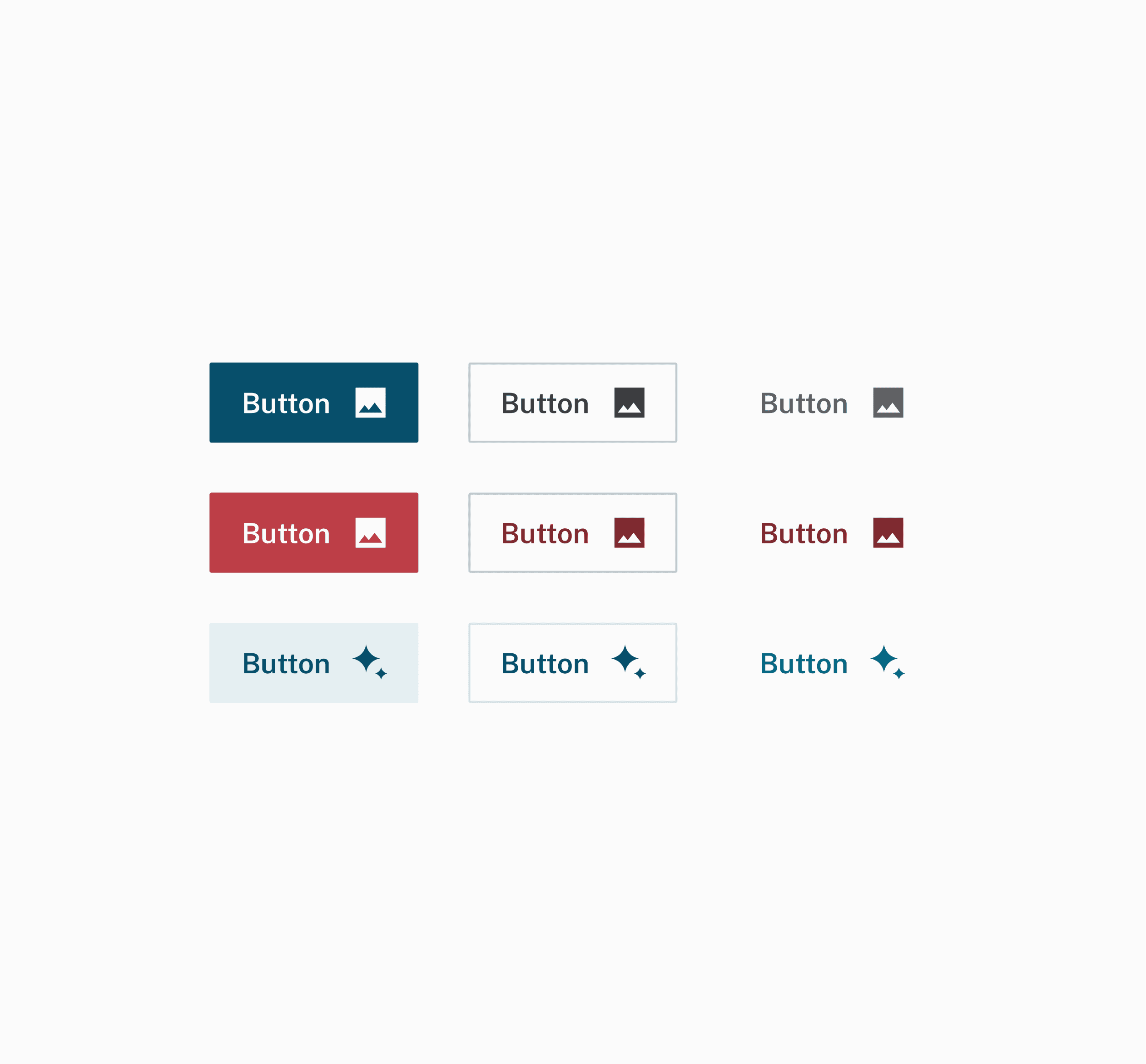
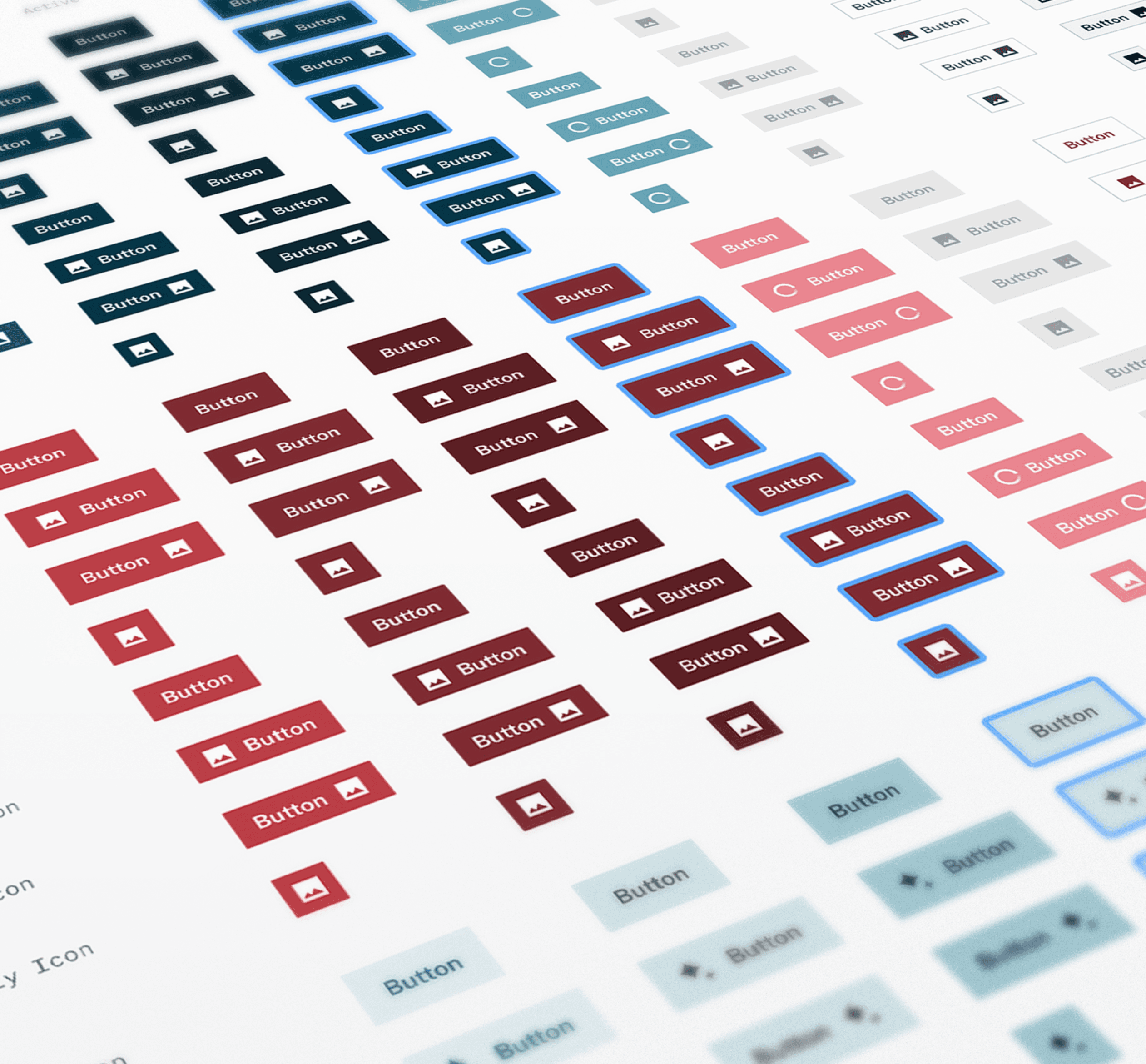
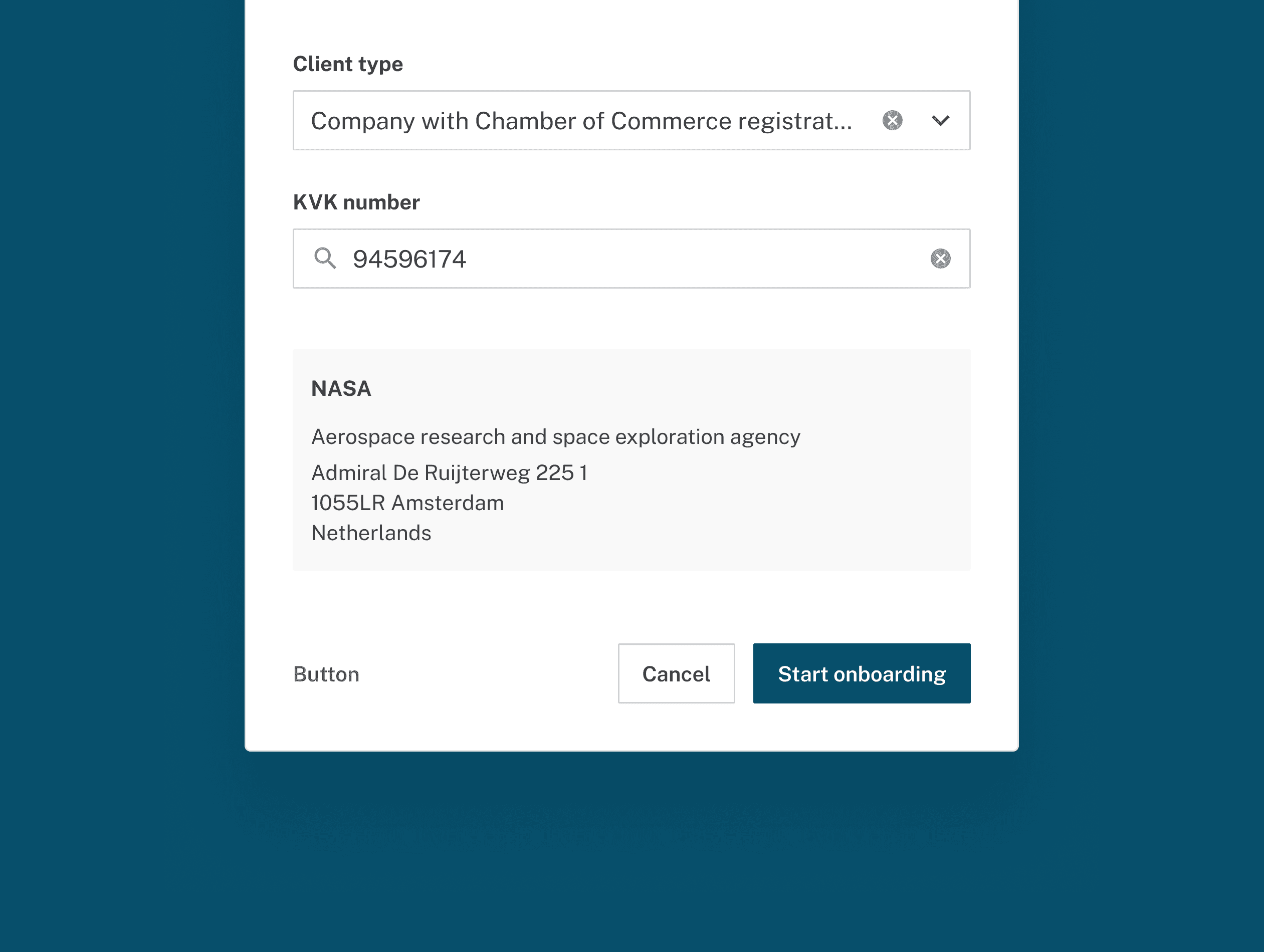
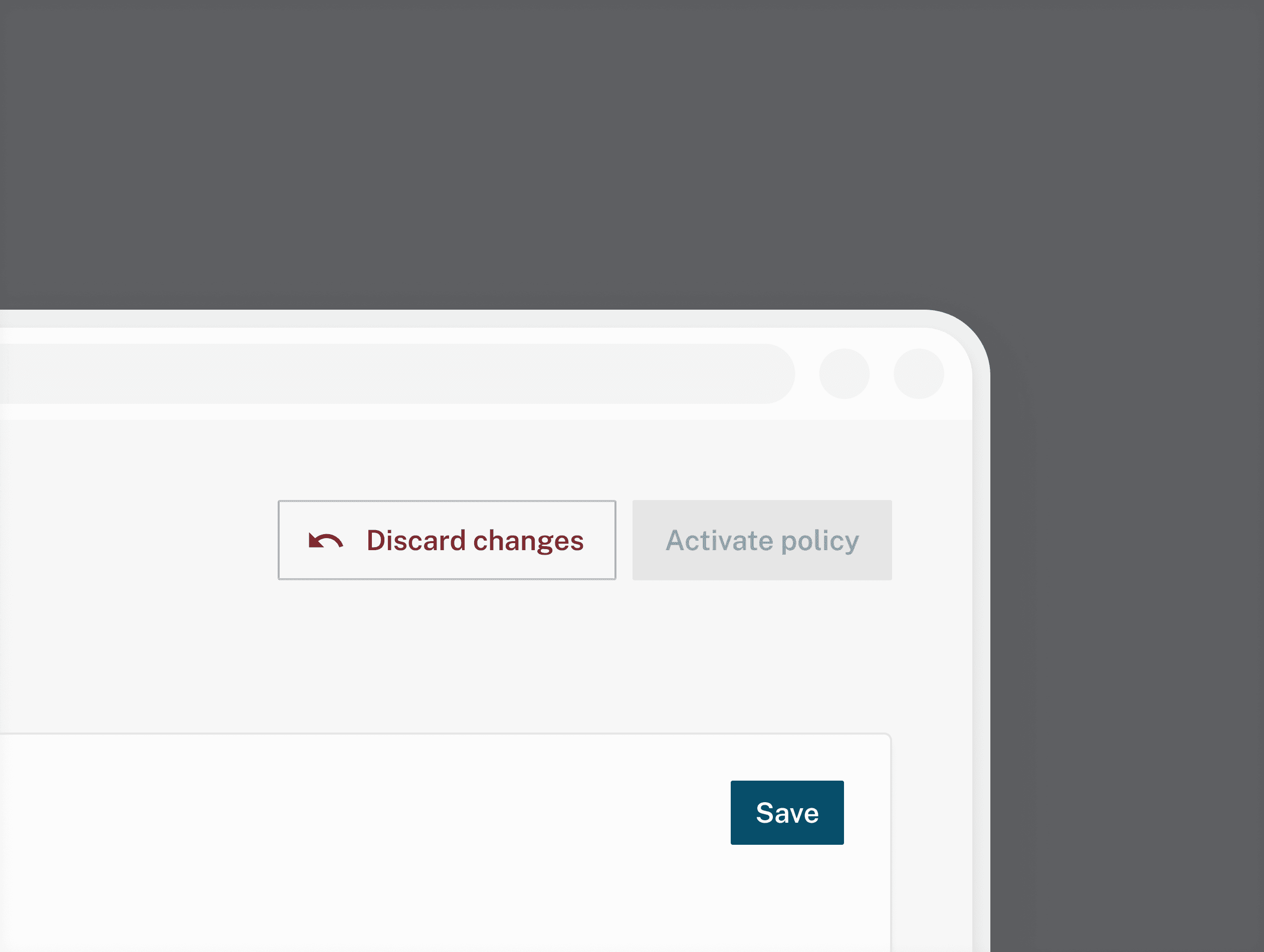
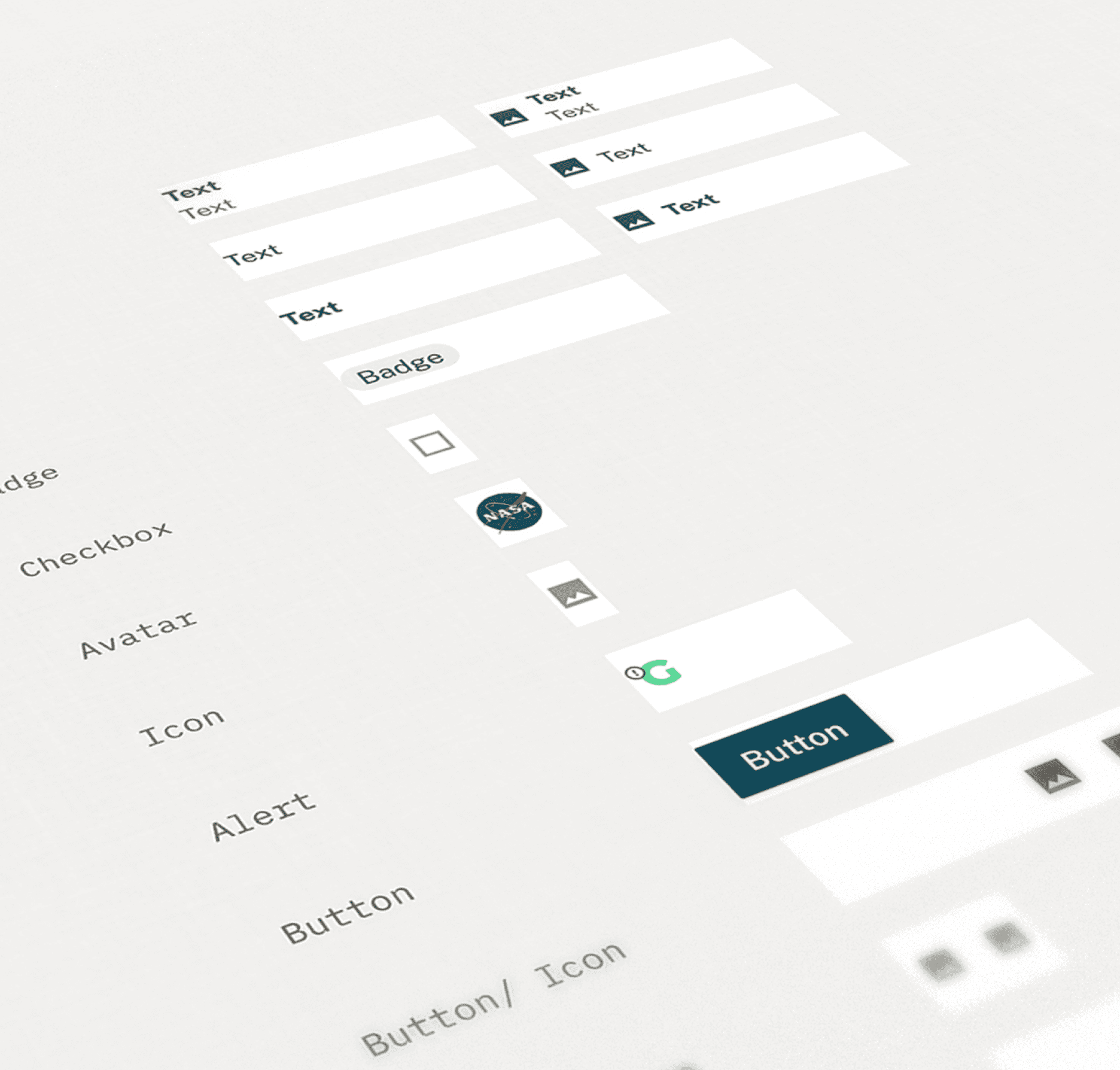
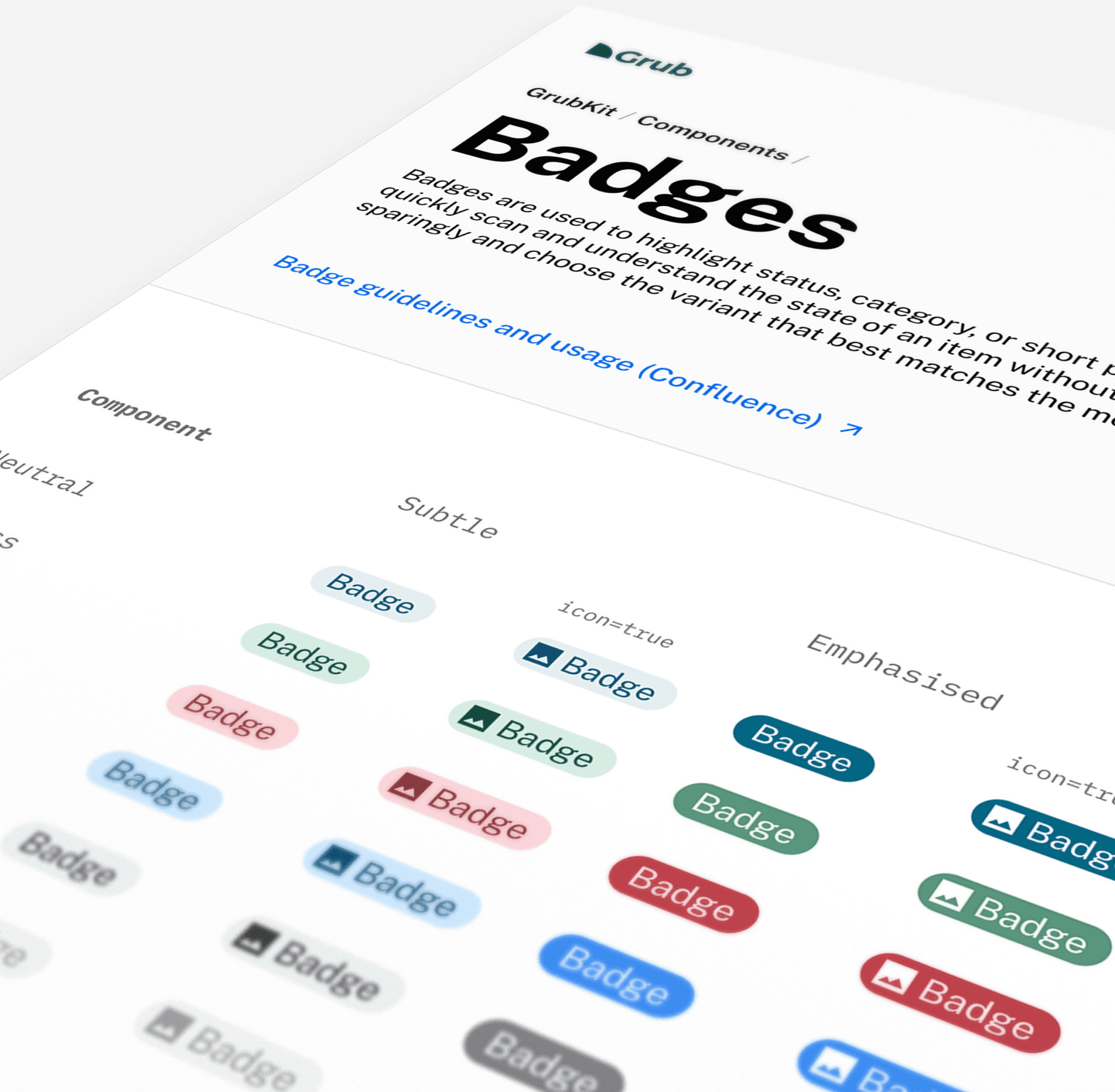
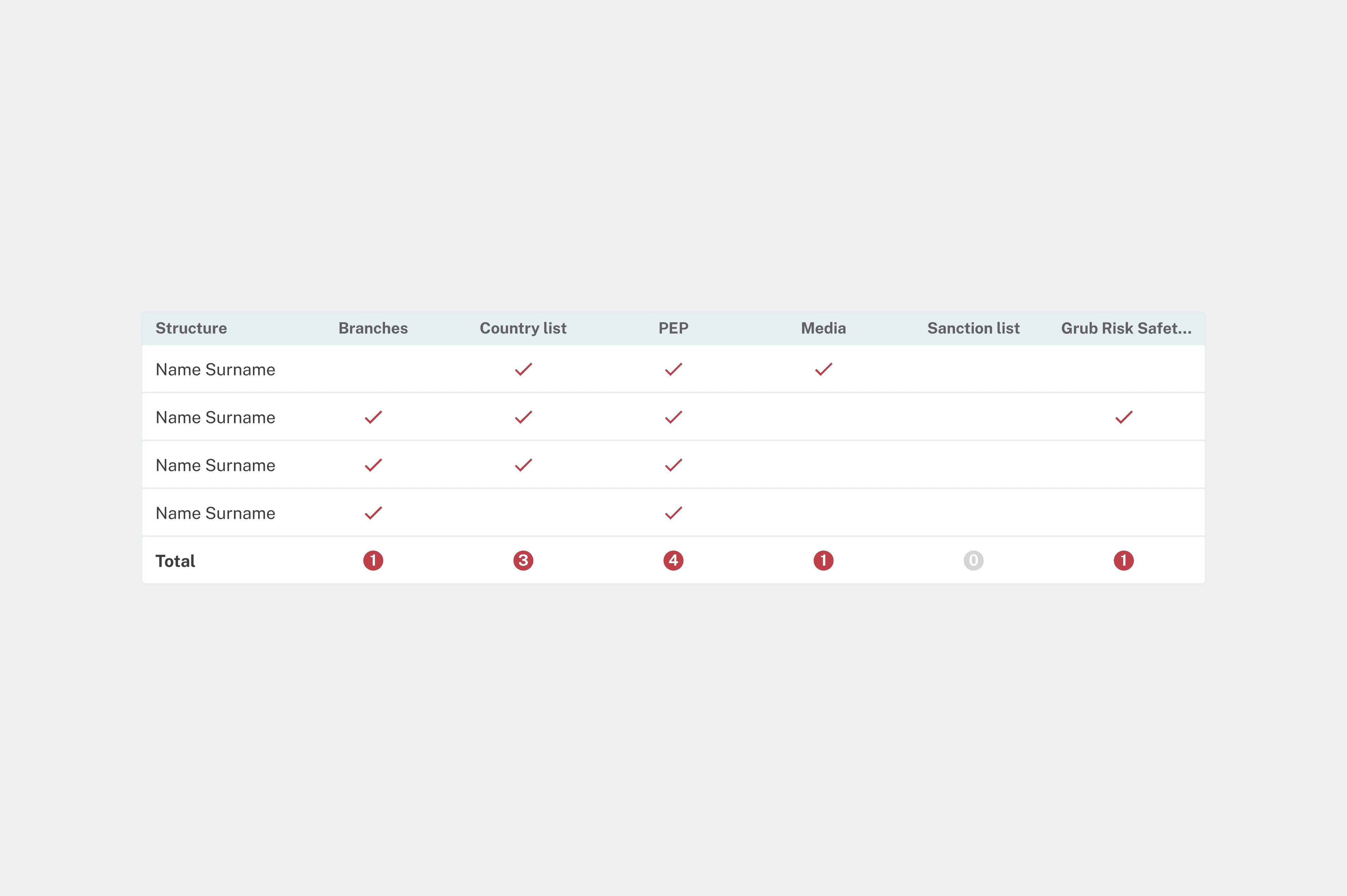
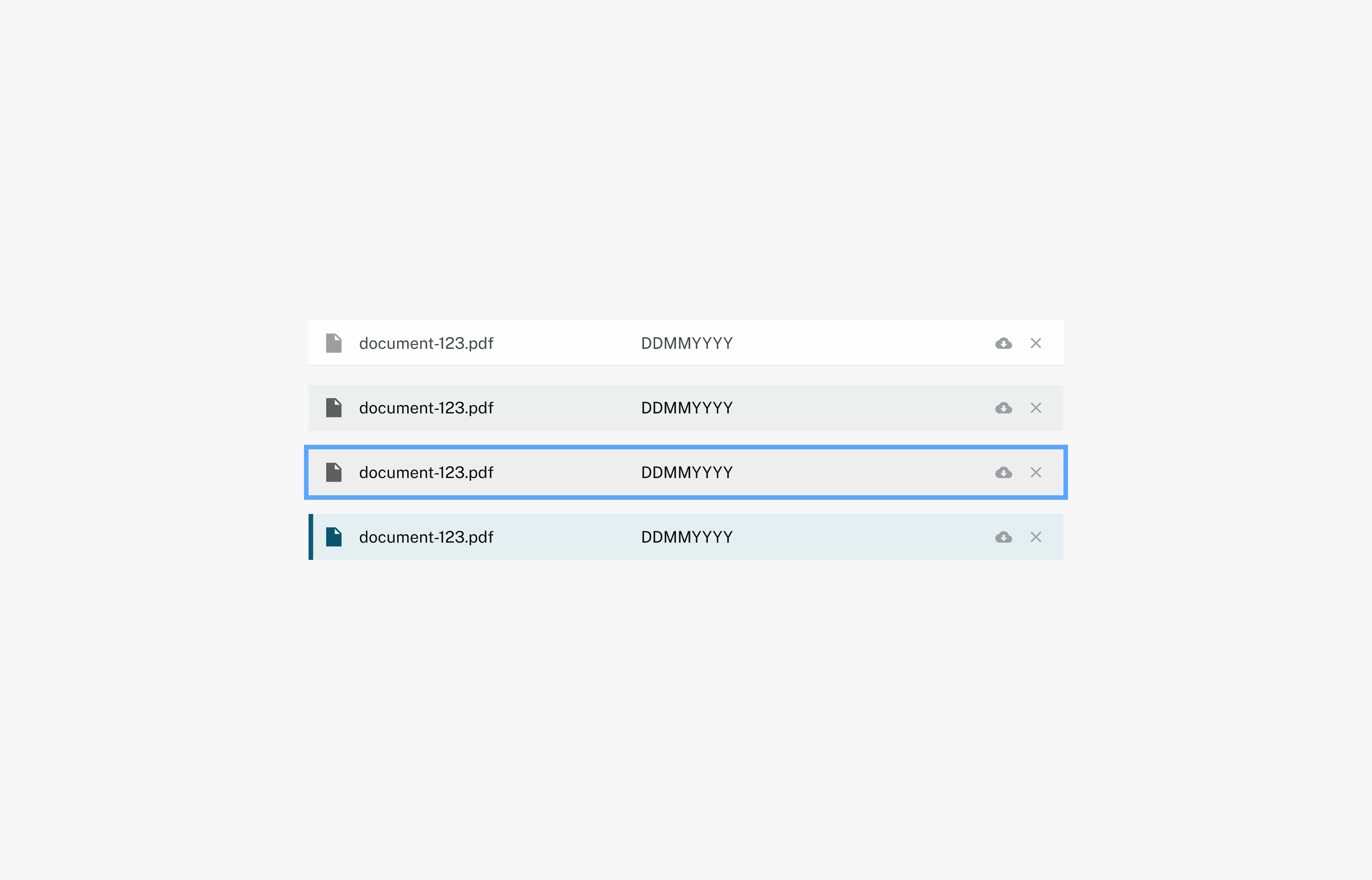
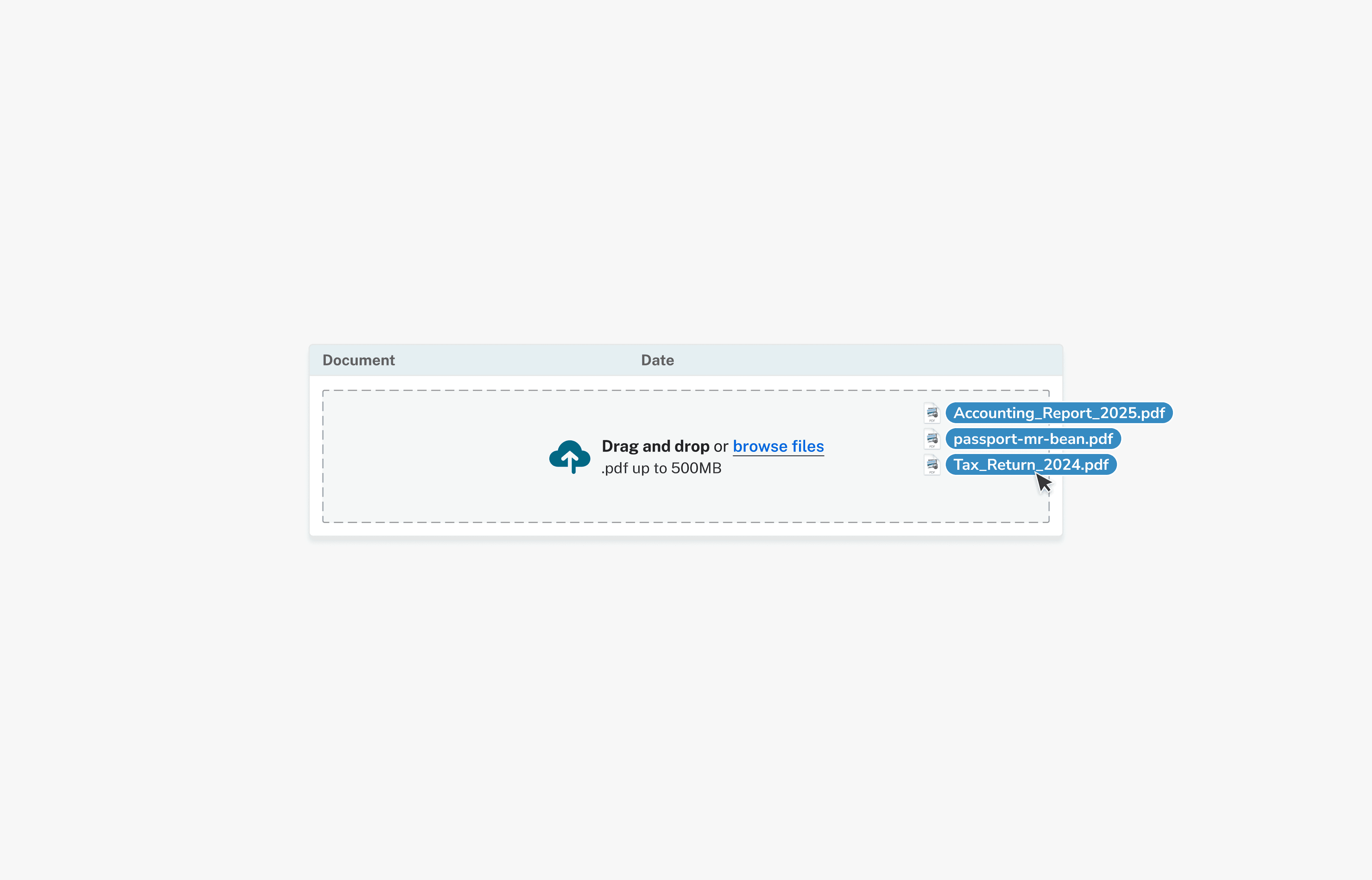
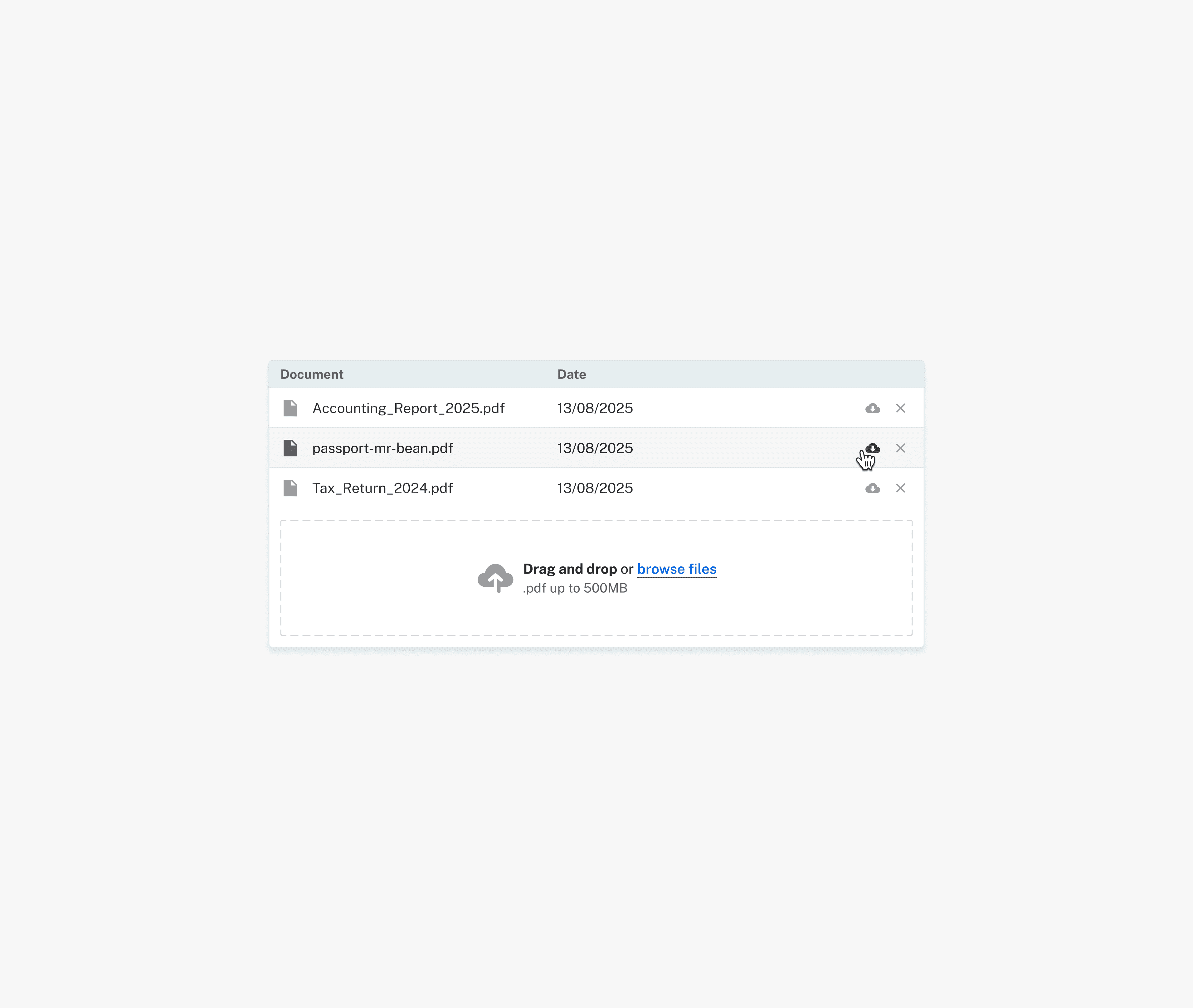
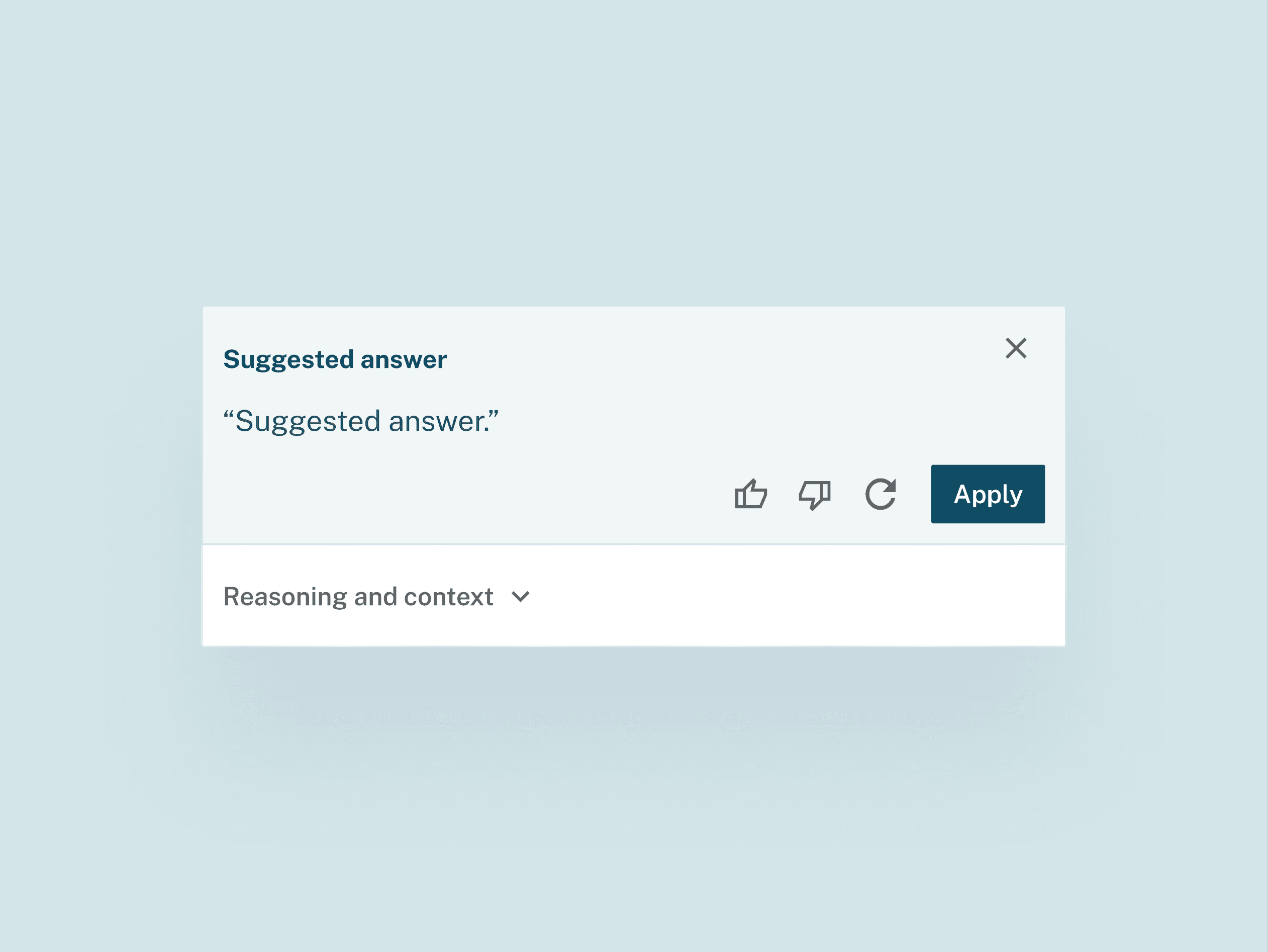
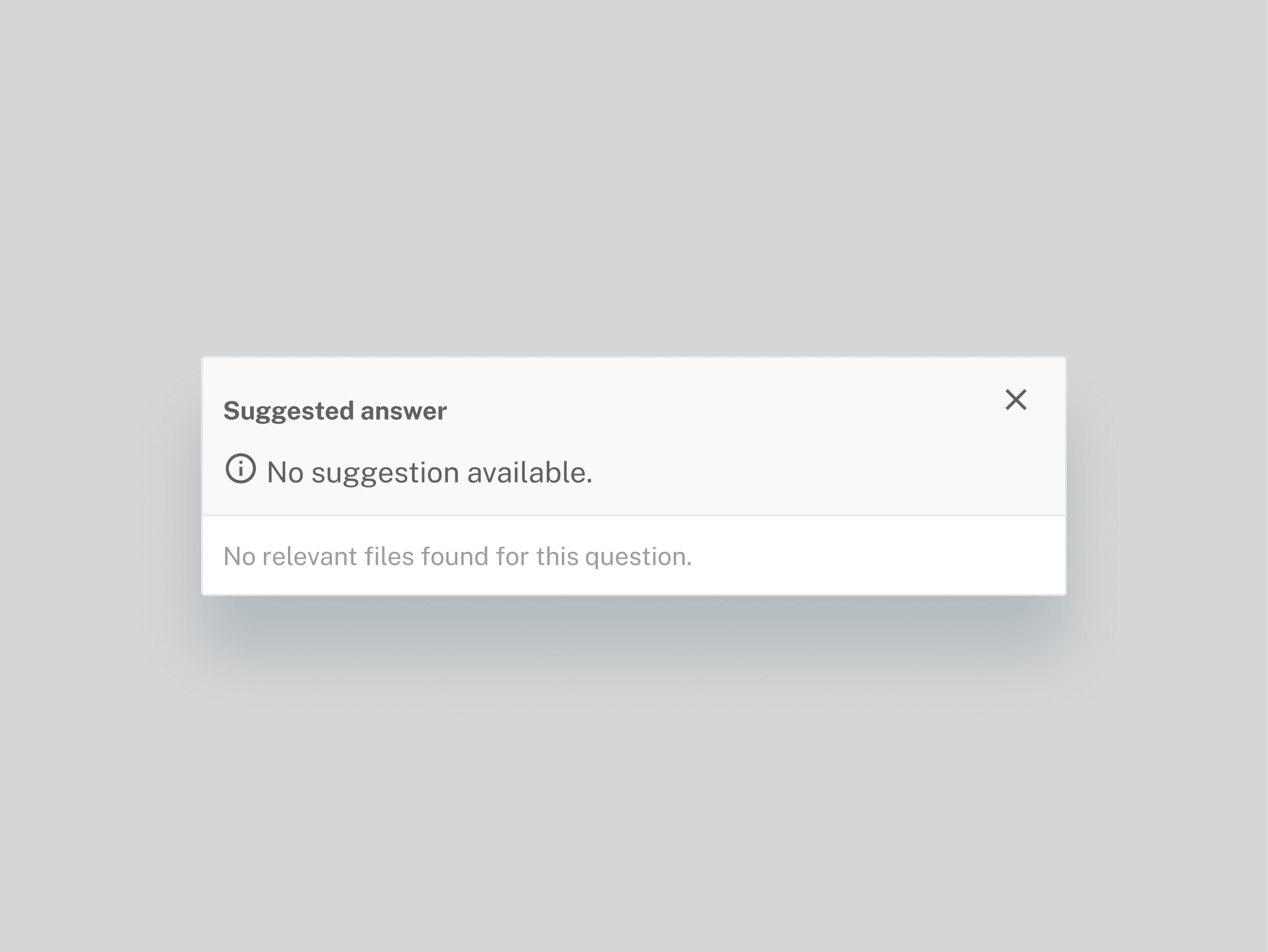
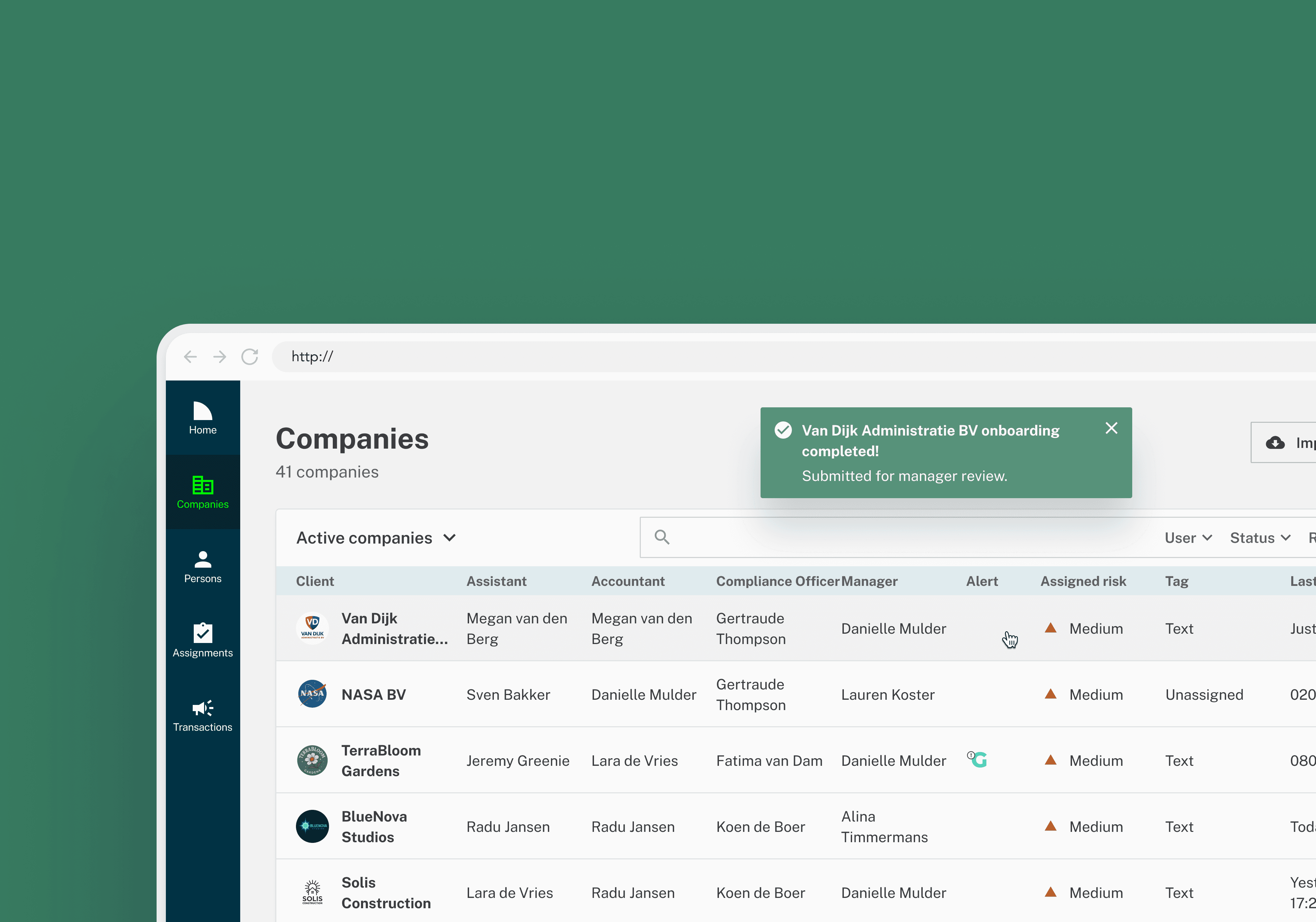
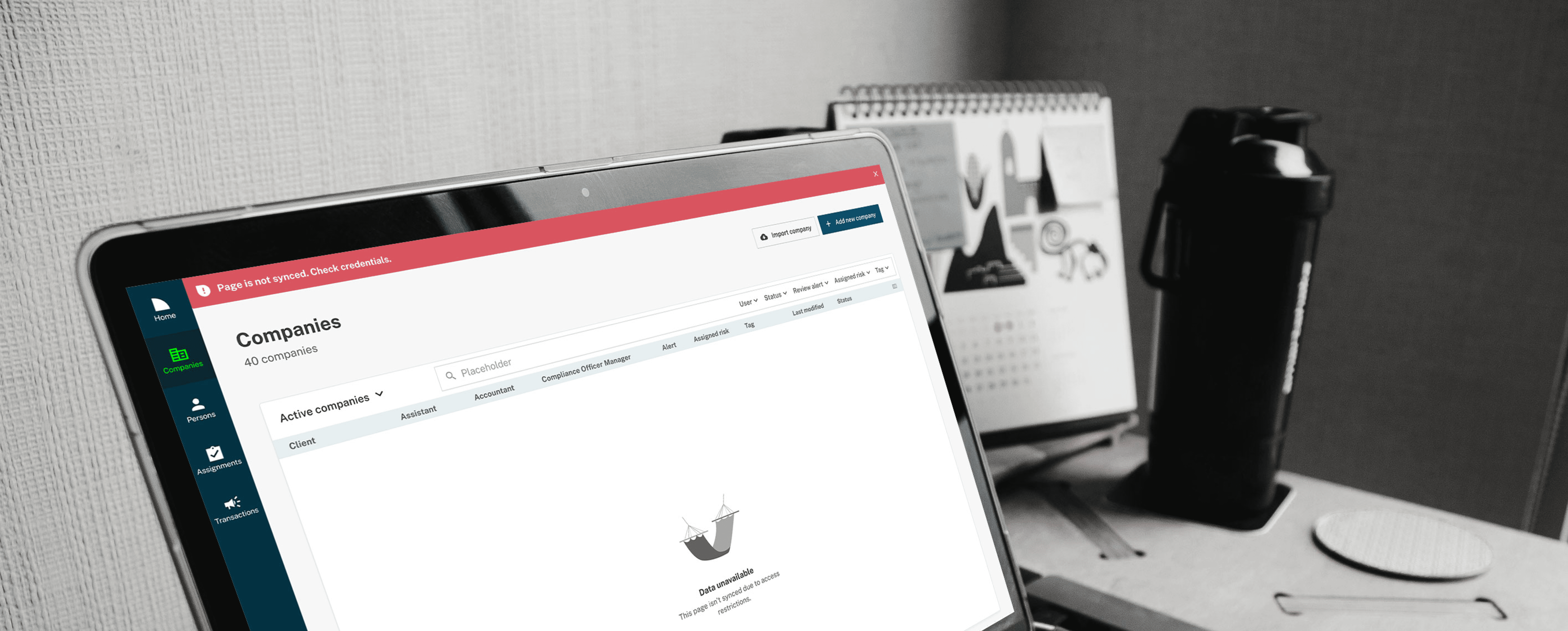
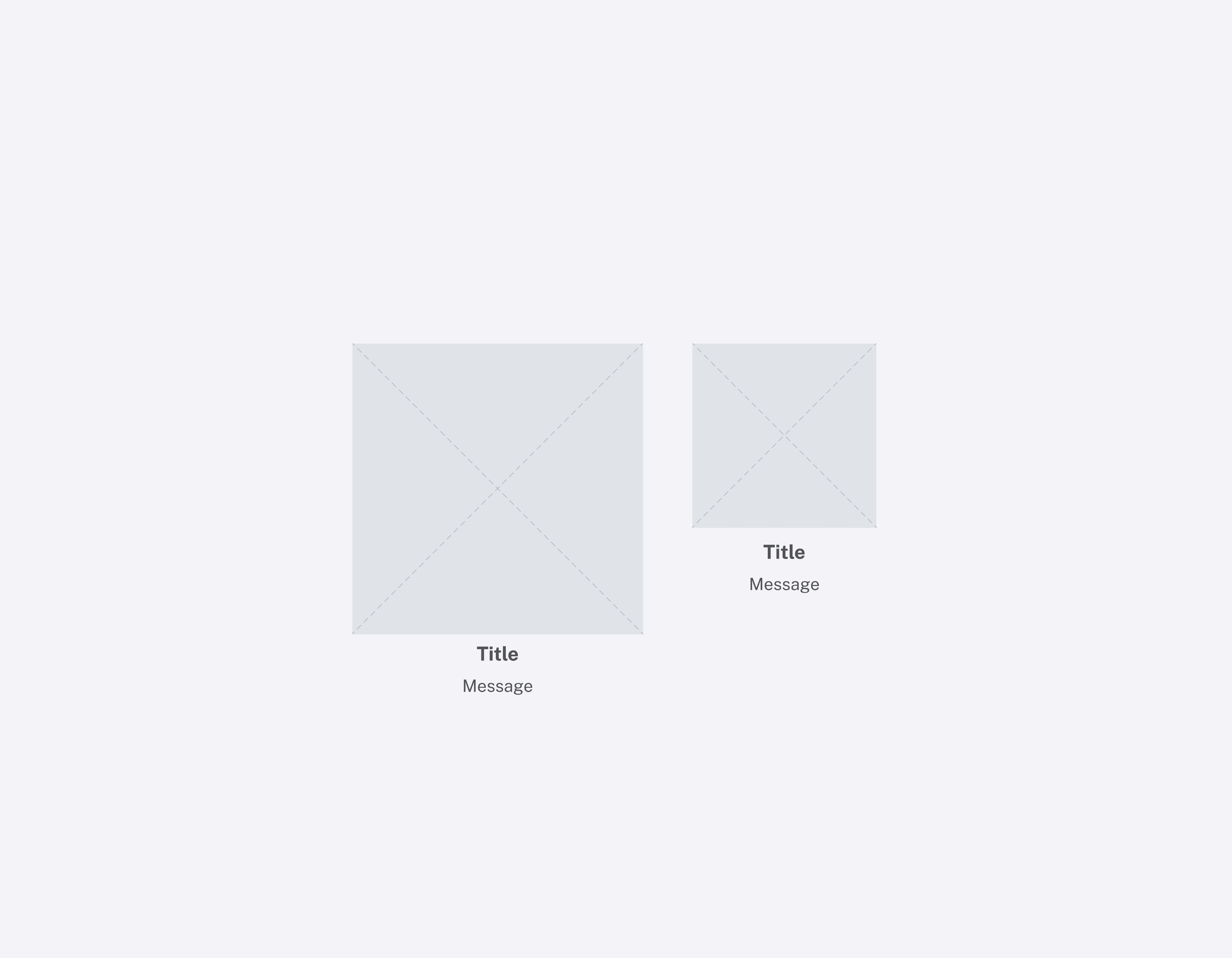
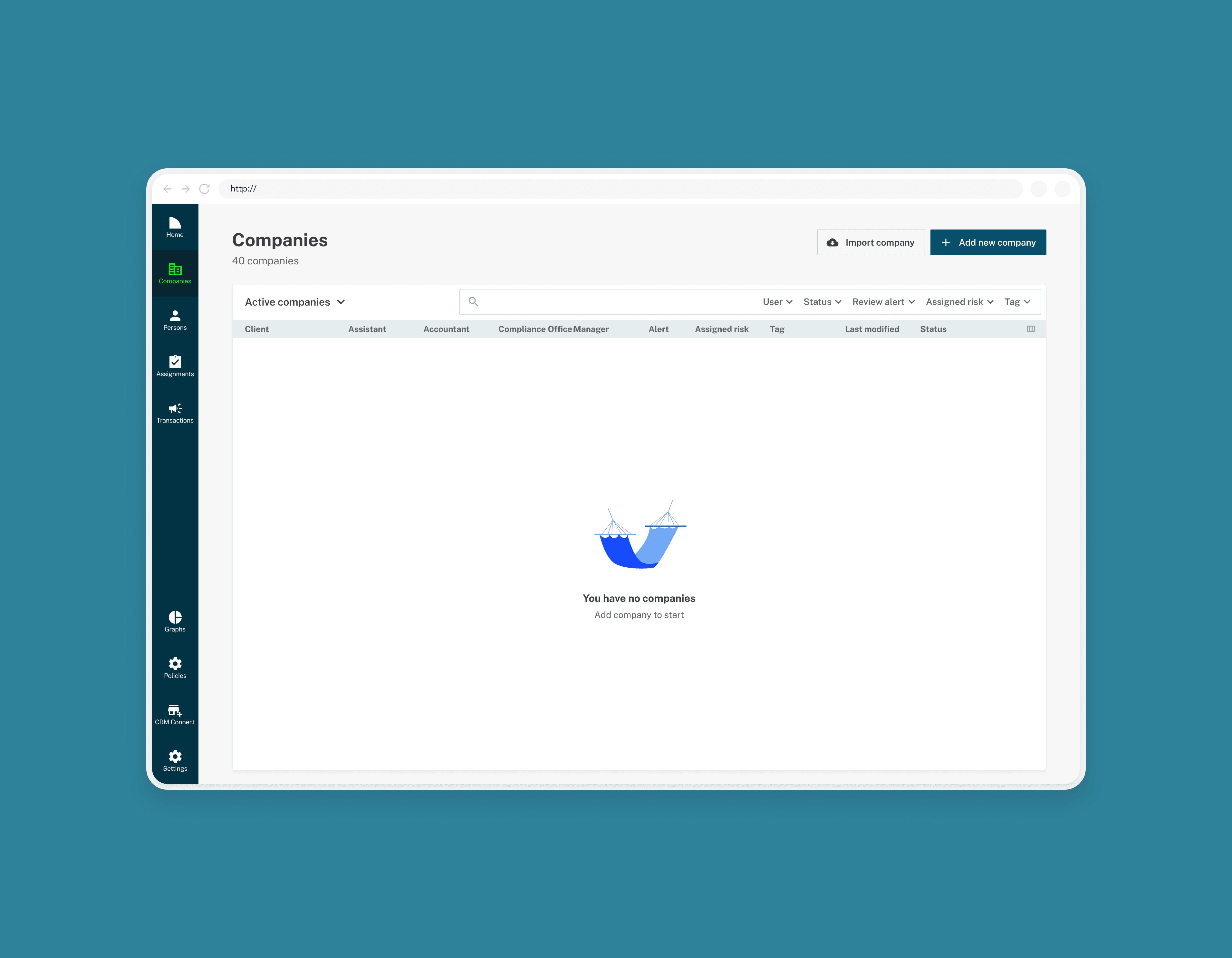
Components designed to handle feedback and edge cases
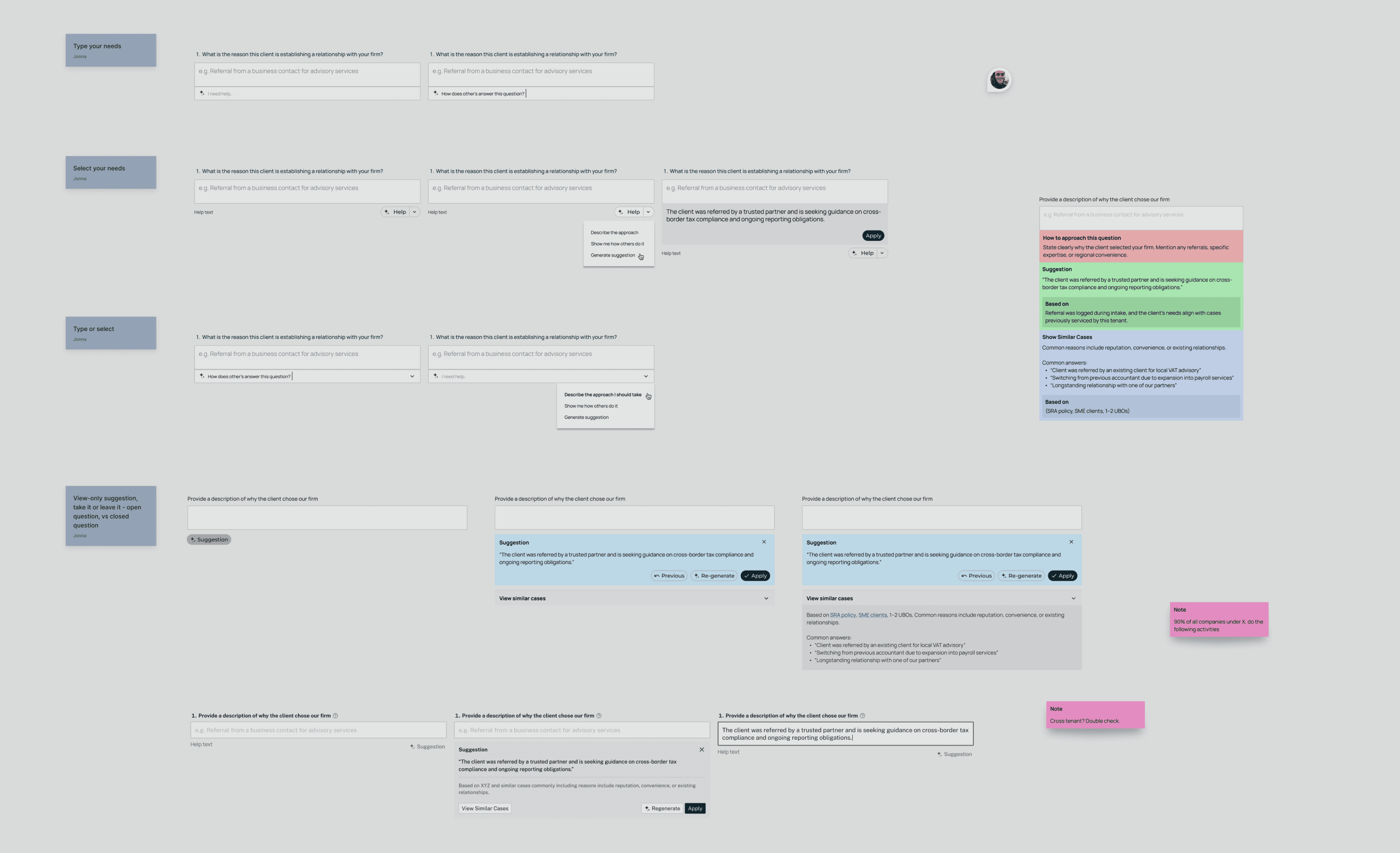
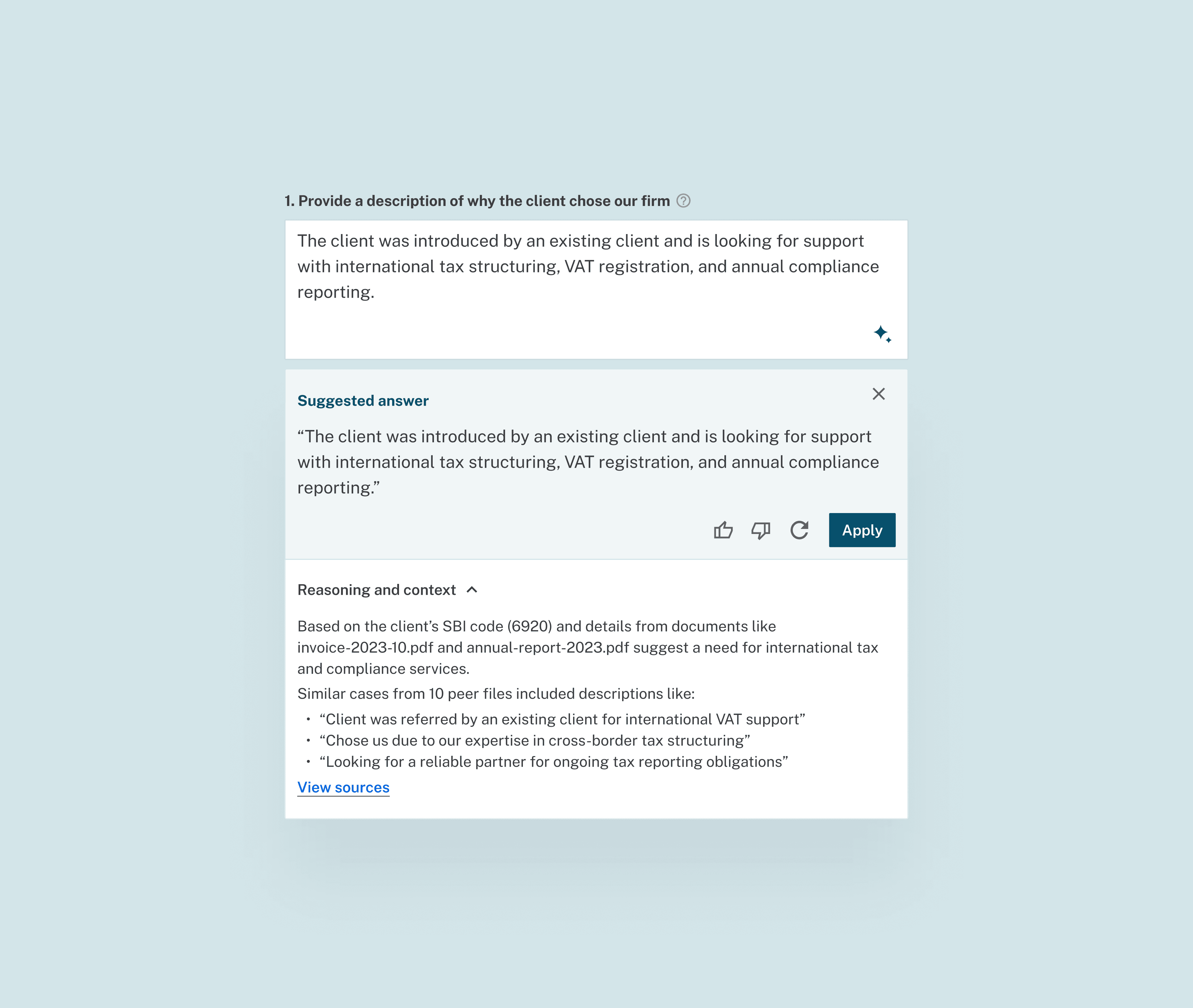
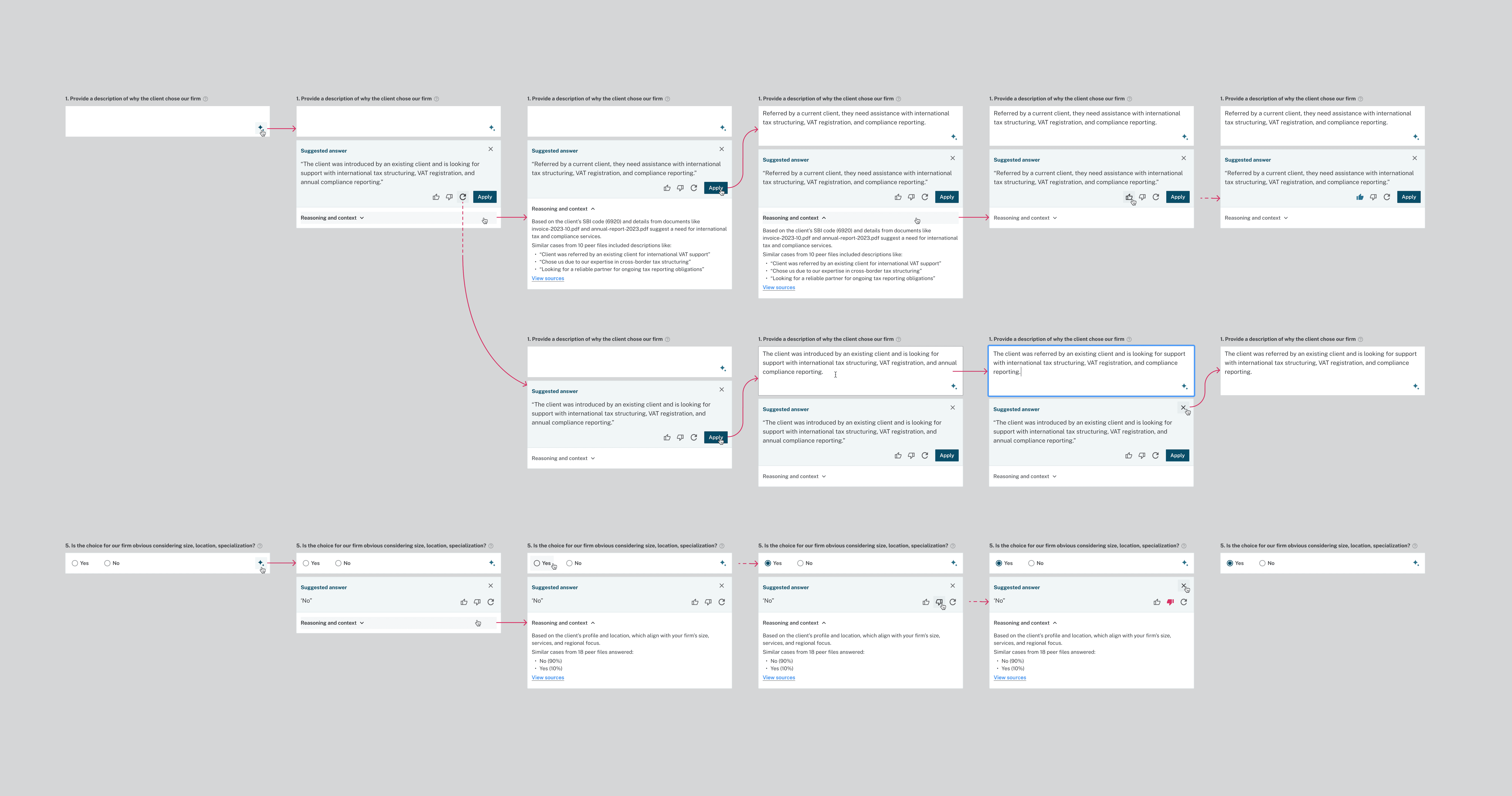
Core flows built around Grub AI and repetitive tasks
Documentation that explains how the system works
The end result was a product that stopped demanding attention. Users could get their work done, trust what they were seeing, and move on.






Reflection
When I joined Grub, there was already a lot there. Features, components, ideas. What was missing was something that tied it all together. In a compliance product, that gap becomes obvious fast. Small UI choices affect how sure people feel about what they are doing and whether they trust the system while doing it. I love diving into this kind of work.
Using design to rethink how Grub looks and feels motivated me. It connected to a question I keep returning to in my work: what good design actually is. Working on Grub reinforced my belief that good design steps out of the way. It helps someone do what they came for, finish the task, close the tab, and move on with their day.
I’m deeply grateful to the team of developers and PMs I worked with, and especially as my manager, Youssef. His trust, collaboration, and support helped me grow, learn when to back my own judgment, and become more confident in how I show up as a designer.